
Automate Invoice Ninja with n8n, Pabbly and Integrately
If Zapier or Make is not the tool you already use, Invoice Ninja also connects to n8n, Pabbly Connect and Integrately. Each one can move data between Invoice Ninja and the other apps in your stack: a new client, invoice or payment can start a workflow, or another app can create a record in Invoice Ninja.
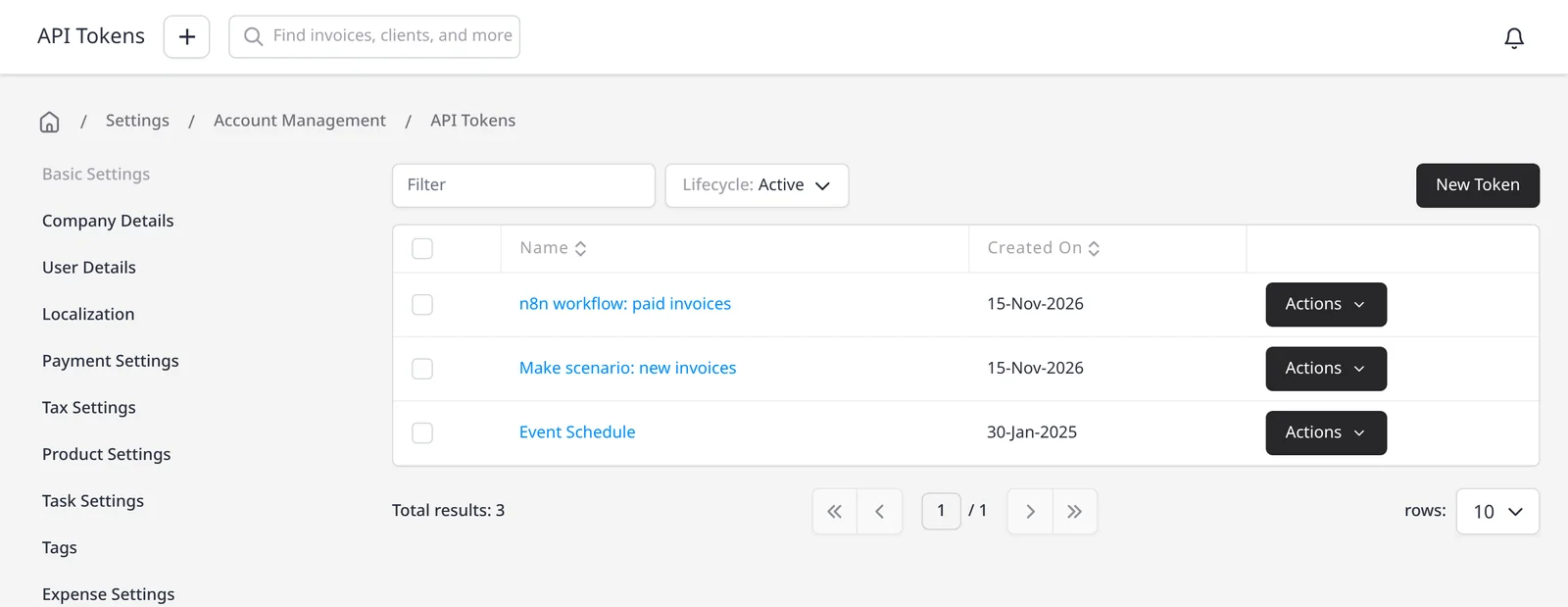
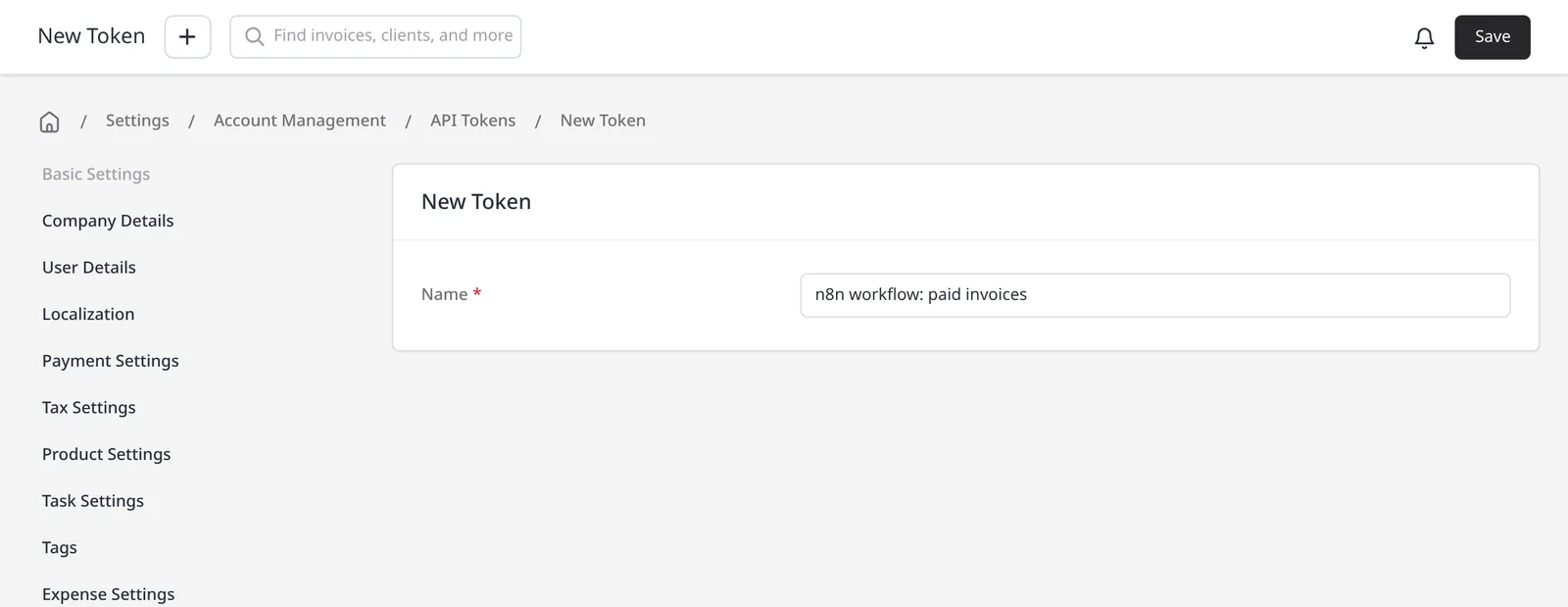
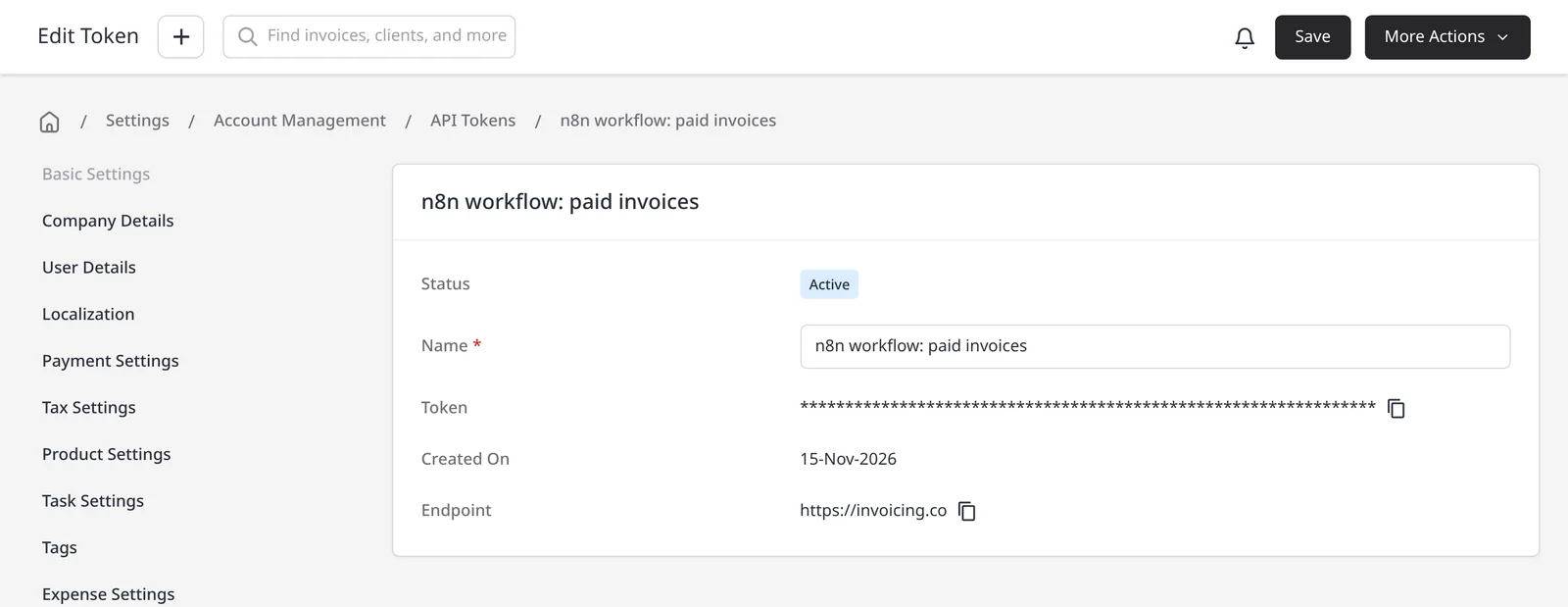
These integrations are included on Pro ($14/mo) and Enterprise (from $18/mo). You connect with an API token from Settings → Account Management → Integrations → API Tokens. See also Zapier, Make, the automations page, and the REST API if you want to build a direct integration.
n8n has an official Invoice Ninja node and trigger. On n8n’s docs (checked 15 November 2026) you can create, delete, get or get many clients, expenses, invoices, payments, quotes and tasks, and email an invoice or quote. Triggers listed include Client Created, Invoice Created, Payment Created, Quote Created and Vendor Created. In n8n, add the Invoice Ninja credential, enter your hosted account URL, and paste the API token. The current list is always on n8n’s Invoice Ninja node page.
Pabbly Connect and Integrately also have official Invoice Ninja apps. Integrately offers 1,000+ ready automations you can turn on in one click. Pabbly Connect connects Invoice Ninja with 750+ other apps. See each vendor’s official Invoice Ninja directory for the current triggers and actions.
What you can do
- Connect Invoice Ninja to n8n, Pabbly Connect or Integrately, on Pro and Enterprise
- Start a workflow when a client, invoice, payment, quote or vendor is created (n8n’s official triggers, checked 15 November 2026)
- Create or look up invoices, clients, payments, quotes, expenses and tasks in n8n, and email an invoice or quote
- Use Integrately’s ready automations, or build a workflow in Pabbly Connect
- Use Zapier, Make or the REST API when one of those is a better fit
Who it’s for
Teams that already automate in n8n, Pabbly Connect or Integrately, and want Invoice Ninja in the same workflows without retyping each client or invoice.