
How It Works
Set up Invoice Ninja in minutes and immediately gain a complete view of your invoices, clients, payments, and business.
4 steps to get paid online
How it works
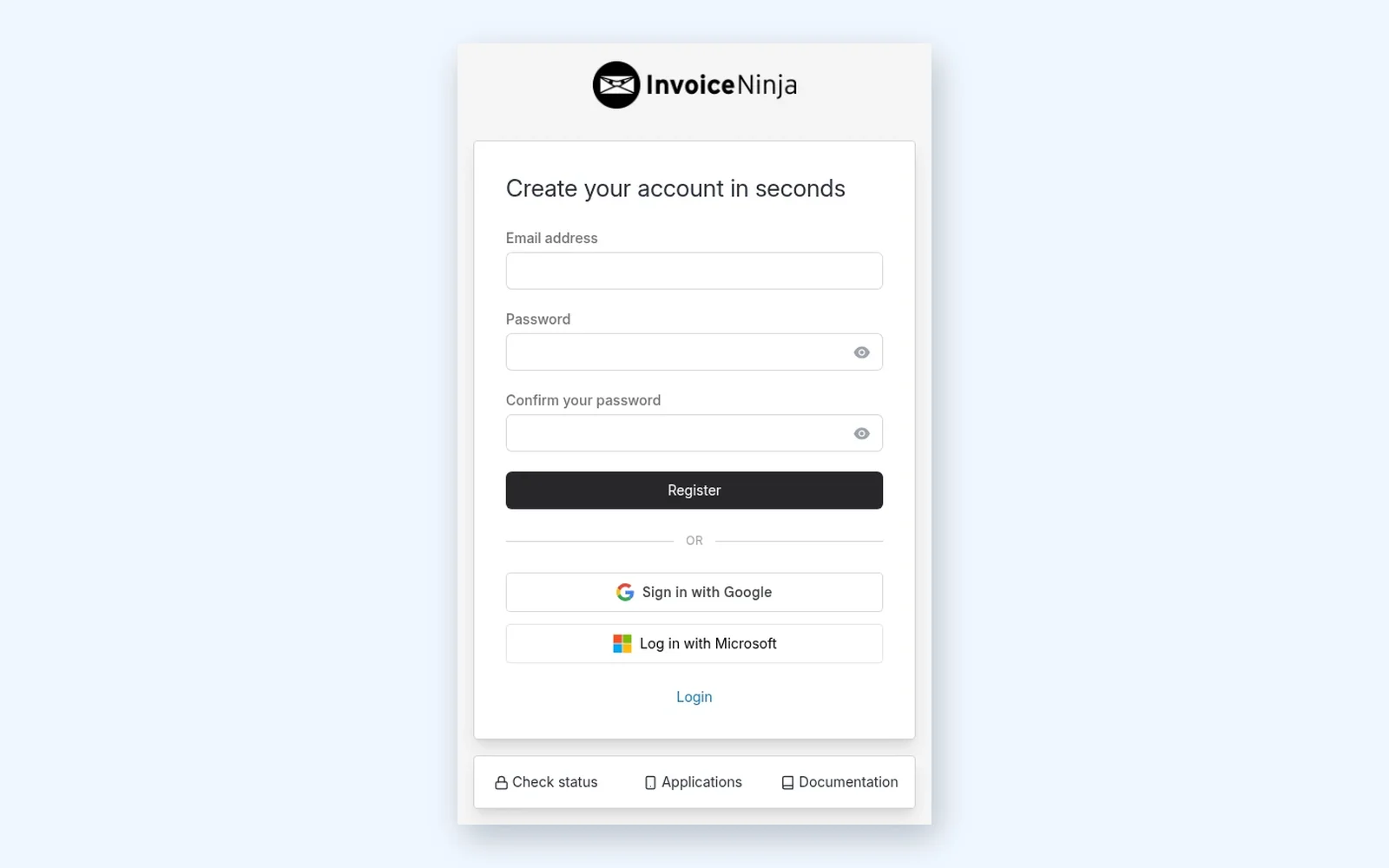
Create a Free Account
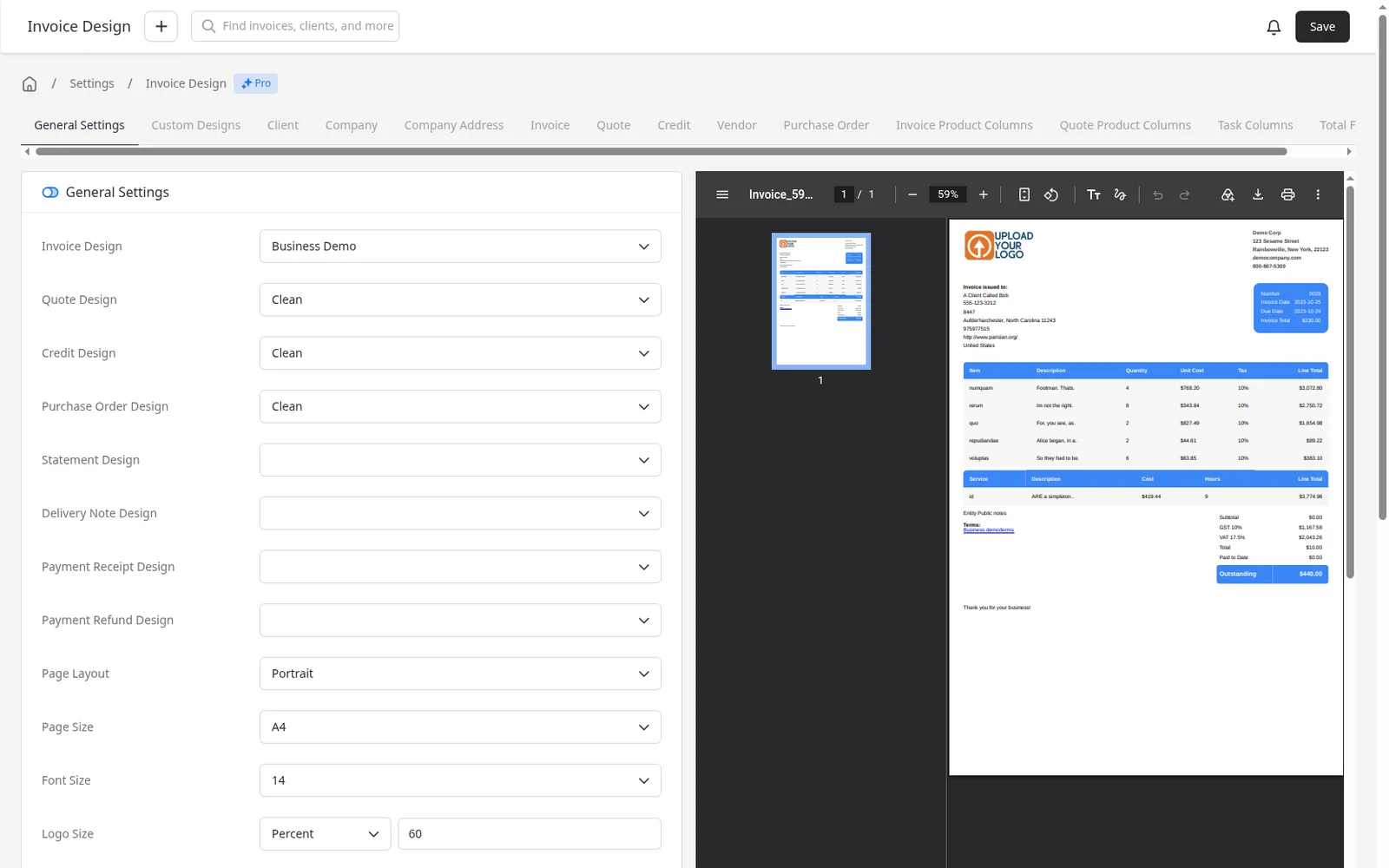
Upload Your Logo
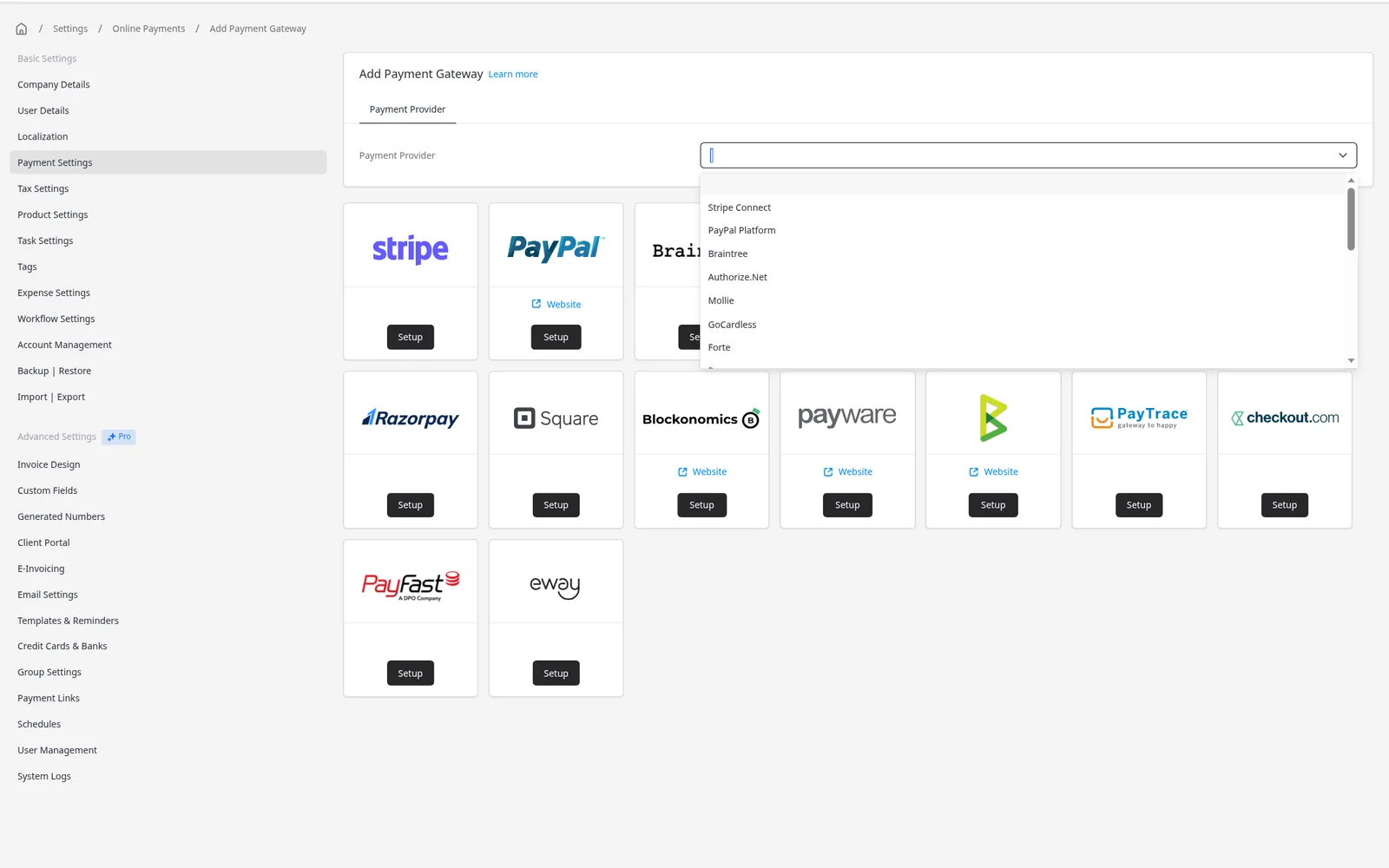
Choose a Payment Gateway
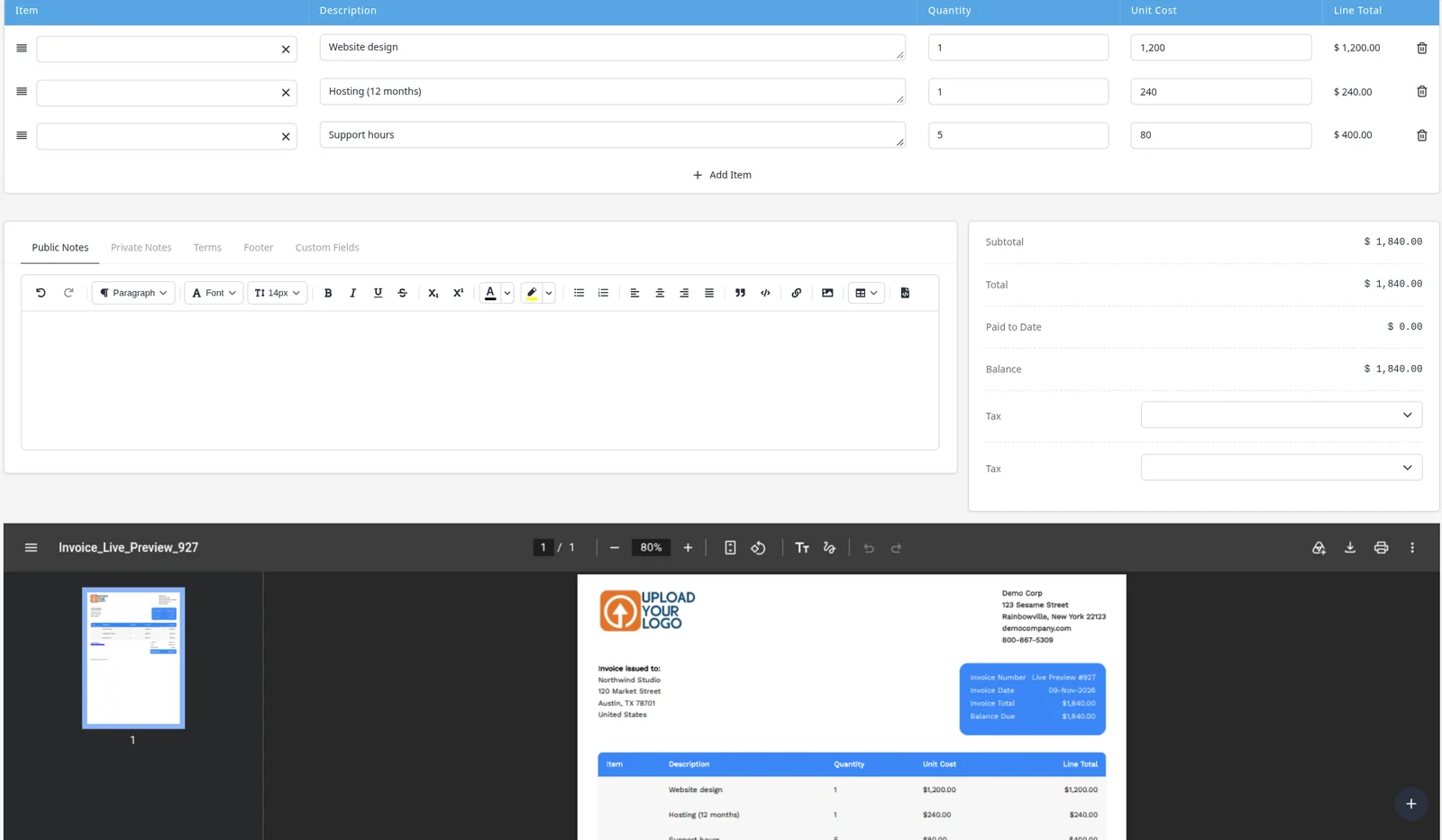
Create Invoices, Get Paid!
Create & email invoices in seconds
Invoice Ninja was built to serve freelancers and business owners with a complete suite of invoicing tools. Every feature is geared towards accurate, secure invoicing and getting you paid fast.
INV-0042 · Acme Corp
Paid
Web design services
$3,500.00
SEO consultation (10 hrs)
$1,200.00
Hosting setup
$250.00
Total
$4,950.00
Pay Now →
INV-0043 · Bright Studio
Draft
Monthly retainer
$2,000.00
Total
$2,000.00
Recurring invoicing & auto-billing
Do you charge clients monthly or annually? Set up recurring invoices and auto-bill clients. Invoice Ninja handles the entire cycle automatically so you never have to chase a payment again.
Recurring Invoices
Acme Corp · Monthly
Next: Jan 1, 2025
$2,000
Bright Studio · Monthly
Next: Jan 5, 2025
$1,500
Nova Design · Annual
Next: Mar 1, 2025
$9,600
Send billable tasks to invoice with 1 click
The task time-tracking feature allows you to accurately record every second spent on each individual task. When you're done with a task, simply click and send all work time to an invoice instantly.
Website Redesign Project
UI mockup — Home page
2:34:08
Today
6h 12m
This week
28h 45m
Track expenses & manage vendors
With Invoice Ninja, all your earnings, expenses, clients and vendors are stored and managed in one system. Categorize vendors, re-invoice expenses to clients, or run expense reports.
Recent Expenses
Adobe Creative Cloud
Software · Dec 1
$54.99
Office supplies
Supplies · Nov 28
$32.50
Client lunch — Acme Corp
Meals · Nov 25 · Billable
$87.00
Join 200,000+ businesses. Up and running in under 5 minutes.
Free forever · No credit card required
Four steps to get paid online
Invoice Ninja is free invoicing software. Create a free account, add your logo and company details, connect a payment gateway, then send invoices clients can pay online.
Step 1: Create a free account
Sign up at app.invoicing.co with your email. The Free plan is free forever and needs no credit card, so you can set everything up before you decide whether you need more.
- Free forever for up to 5 clients, with unlimited invoices
- Works in any modern browser, with apps for Mac, Windows, Linux, iPhone and Android
Step 2: Upload your logo
Add your company name, address and logo so every invoice looks like yours. Pick one of 11 invoice designs — all included on every plan, including Free — and set your currency, language and tax rates.
- Upload your logo once for PDFs, emails and the client portal
- All 11 invoice templates on every plan
- Live PDF preview as you customize
Step 3: Choose a payment gateway
Connect a payment gateway and every invoice email gets a Pay Now button. Clients open the link, view the invoice in your client portal and pay online.
- Stripe, PayPal (with Venmo), GoCardless, Square, Authorize.net, PayFast and more
- Connect more than one gateway if you need to
- Record cash, check and bank payments manually
Step 4: Create invoices, get paid
Build an invoice or quote, email it, and get notified when the client views or pays. Track time, expenses and projects when you need them — the same account covers the rest as you grow.
- Email invoices and quotes with a Pay Now link
- Real-time PDF preview as you build
- Quotes convert to invoices in one click
Start free, upgrade when you need to
Free forever for up to 5 clients
Unlimited invoices, all 11 templates, your logo and online payments — no credit card required. When you need more clients or team features, upgrade to Pro or Enterprise.
See every feature by plan → Paid plans come with a 30-day money-back guarantee.
How Invoice Ninja works: FAQs
Is Invoice Ninja really free?
Yes. The Free plan is free forever and needs no credit card. It covers up to 5 clients with unlimited invoices, and includes all 11 invoice templates, your logo and online payments. See the pricing page for everything each plan includes.
How long does setup take?
You can send your first invoice in the same session you sign up. Adding your logo and company details takes a few minutes. Connecting a payment gateway can take longer if the provider needs to verify your business, but you can send invoices while that happens.
Do my clients need an account to pay?
No. Clients open the Pay Now link in your invoice email, view the invoice in your client portal and pay with the methods your gateway supports.
Can I use Invoice Ninja on desktop or mobile?
Yes. Use the web app in any browser, or the native apps for macOS, Windows, Linux, iOS and Android. See all apps.
What happens when I need more than 5 clients?
Upgrade to Pro for unlimited clients at $14 a month (or $140 billed yearly), or Enterprise from $18 a month. Your clients, invoices and settings stay as they are. Paid plans come with a 30-day money-back guarantee.
Send your first invoice today.
Create a free account, add your logo and get paid online. Free forever for up to 5 clients, no credit card required.
Paid plans come with a 30-day money-back guarantee.