
Invoice the hours you already tracked
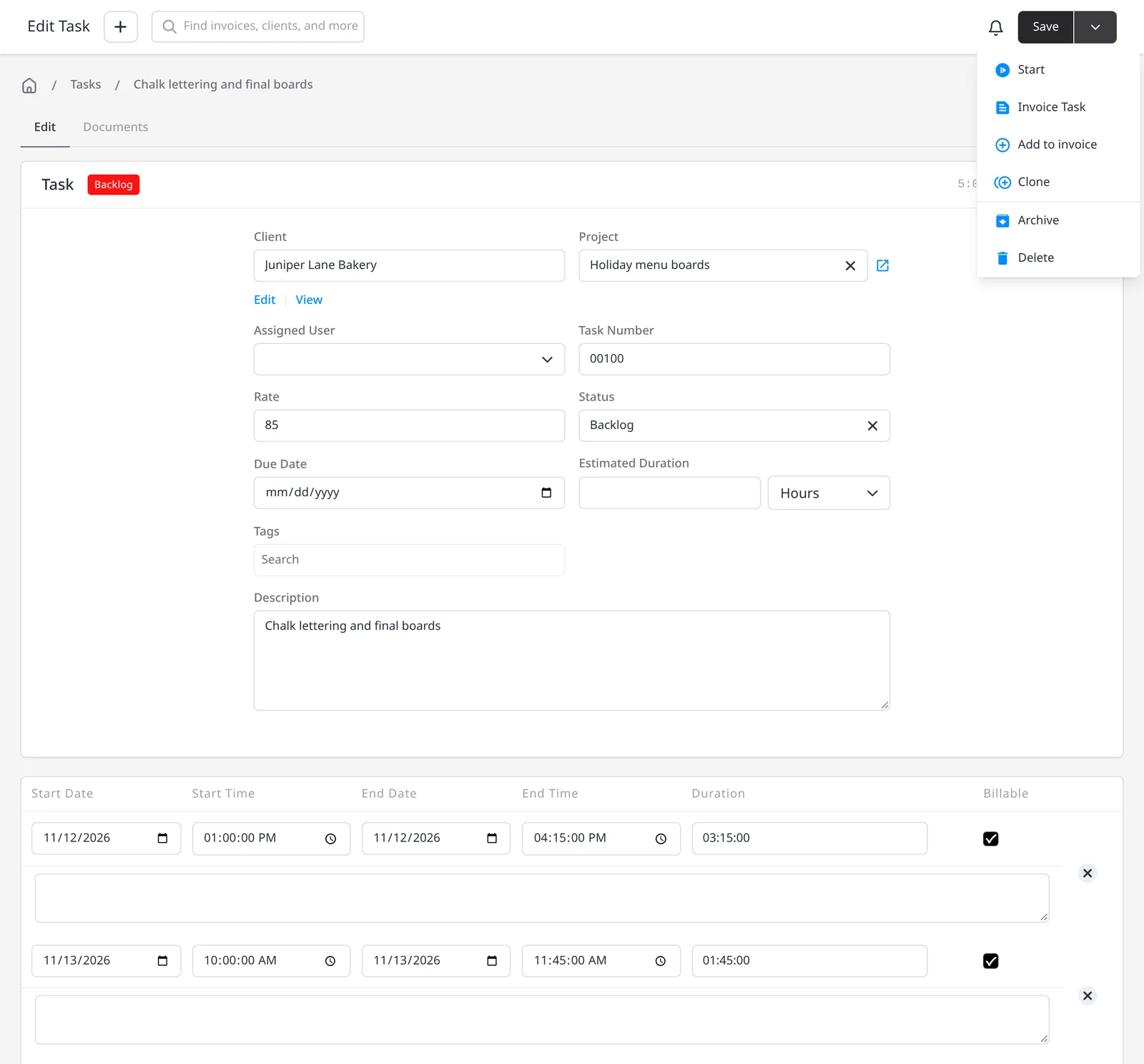
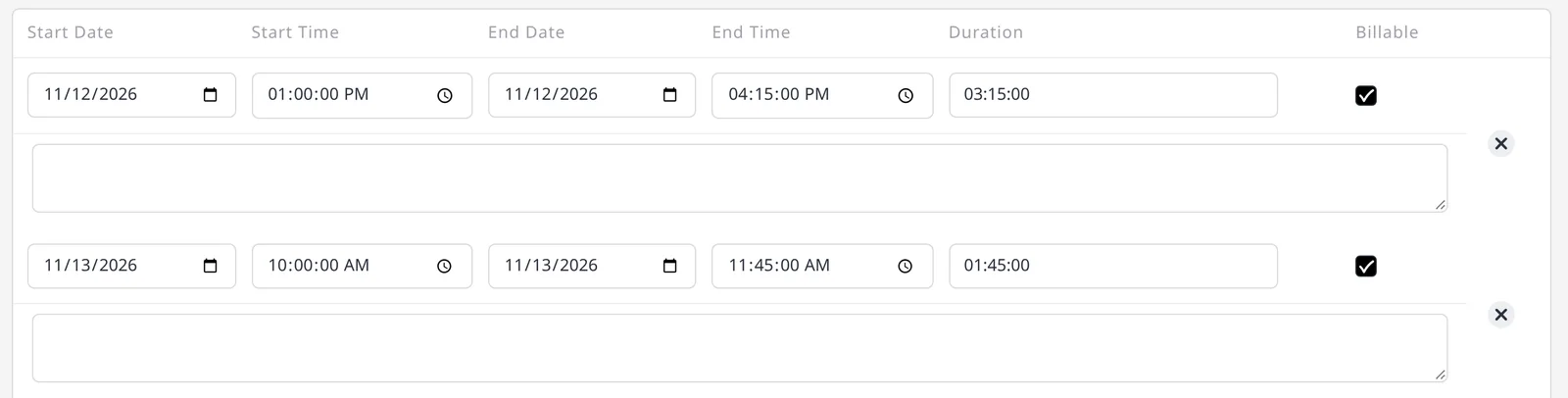
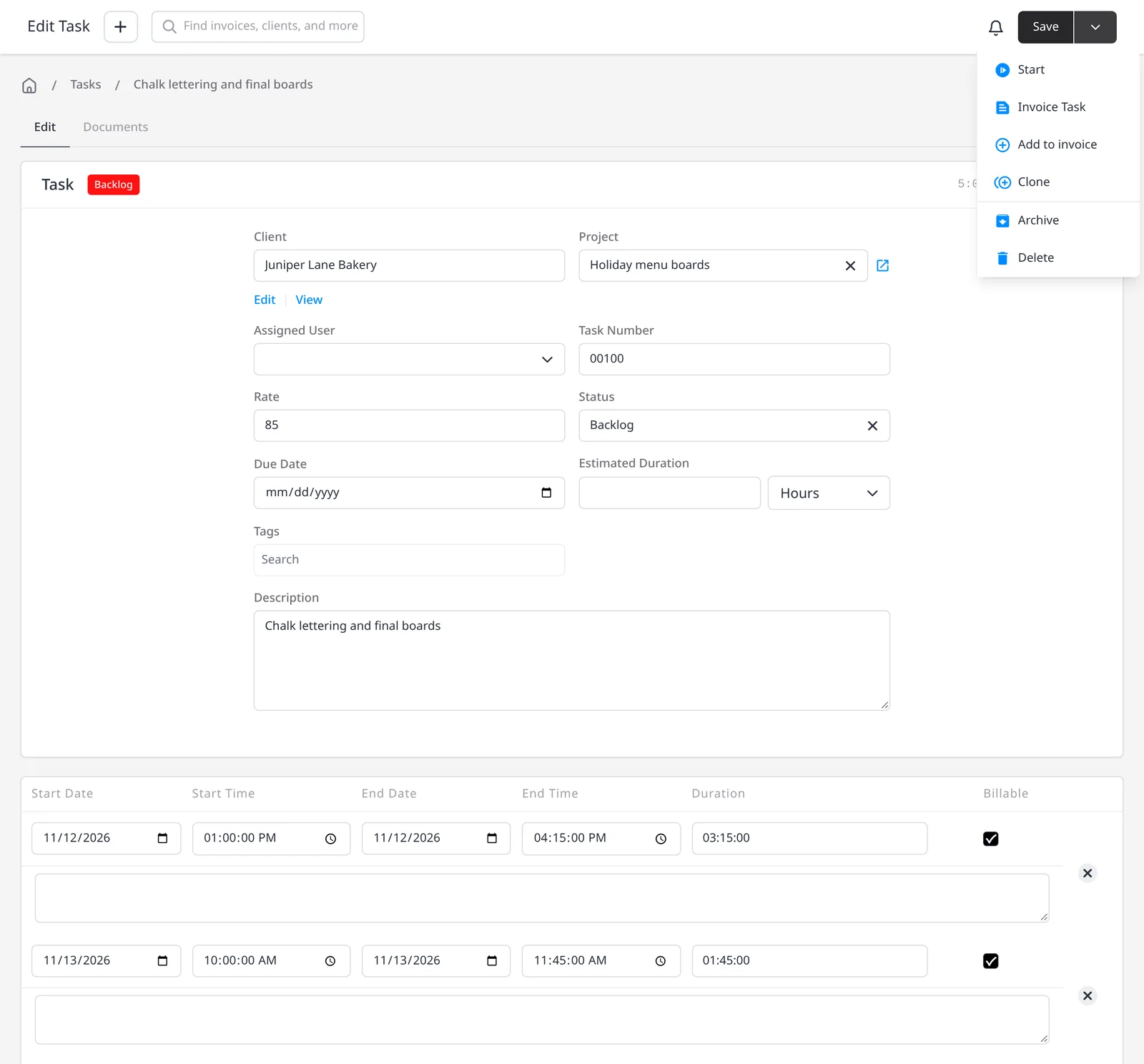
Once time is on a task, you should not have to retype those hours on an invoice. Invoice Task creates a new invoice from the task. Add to Invoice places the time on an invoice you already started. Both are included on every plan, including Free, along with billable time tracking and projects.
If the work lives in a project, Invoice Project rolls every unbilled task on that project onto one invoice. That is the fastest way to bill a week or a sprint at once. Expenses linked to the same project are not added automatically; add those separately if they should go on the invoice too (see re-invoice expenses). For a wider look at organizing work, see projects.
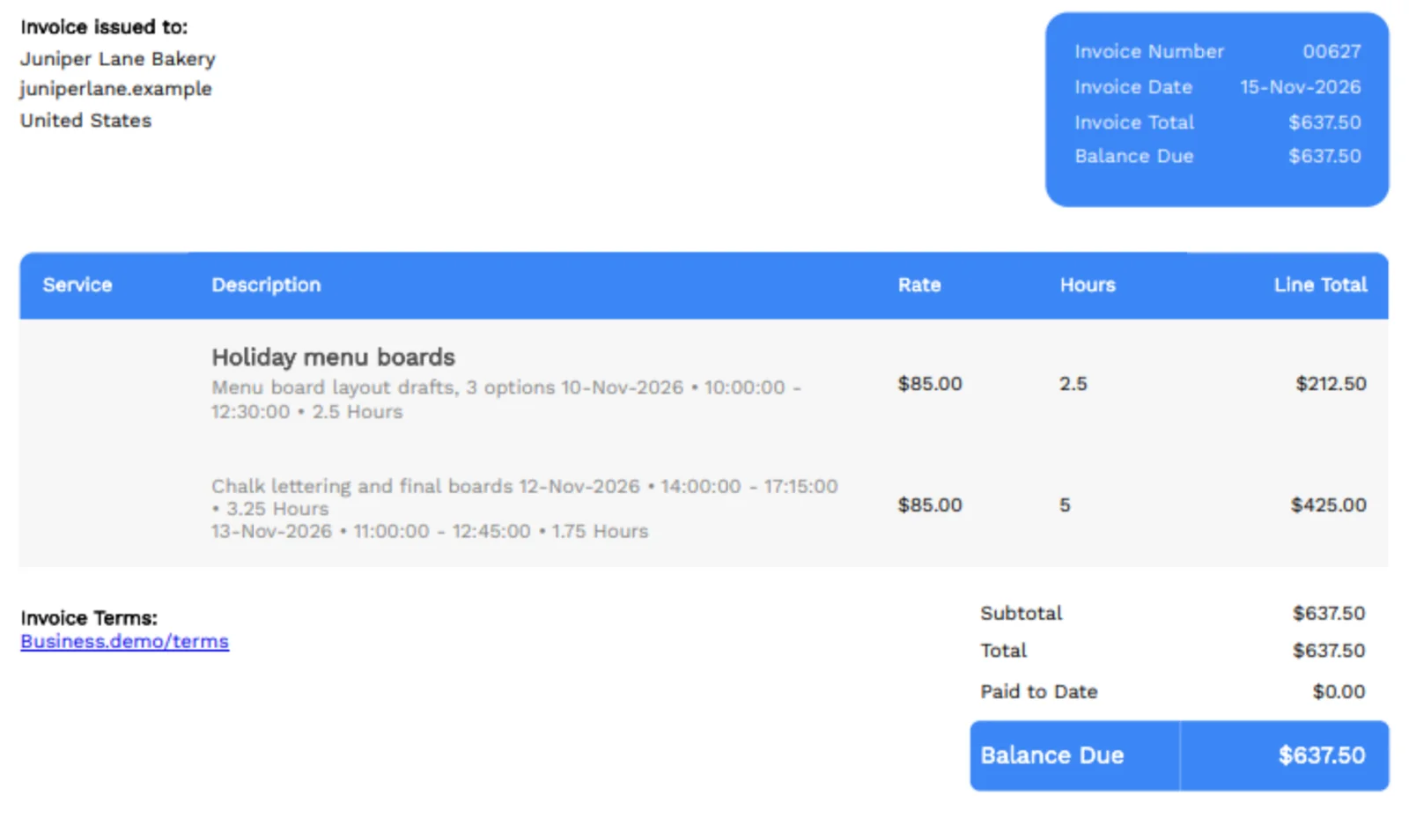
The invoice uses the task’s time, rate and description, so the client sees what the hours were for. You can still edit the invoice before you send it.
What you can do
- Turn a tracked task into a new invoice, on every plan including Free
- Add a task’s hours to an invoice you already started
- Invoice a whole project to bill every unbilled task at once
- Skip retyping hours, rates and descriptions
- Add project expenses in a separate step, when those should be billed too
Who it’s for
Freelancers, studios and agencies who already track time in Invoice Ninja and want those hours on the invoice in one click.