
Time tracking and project invoicing, in the same place
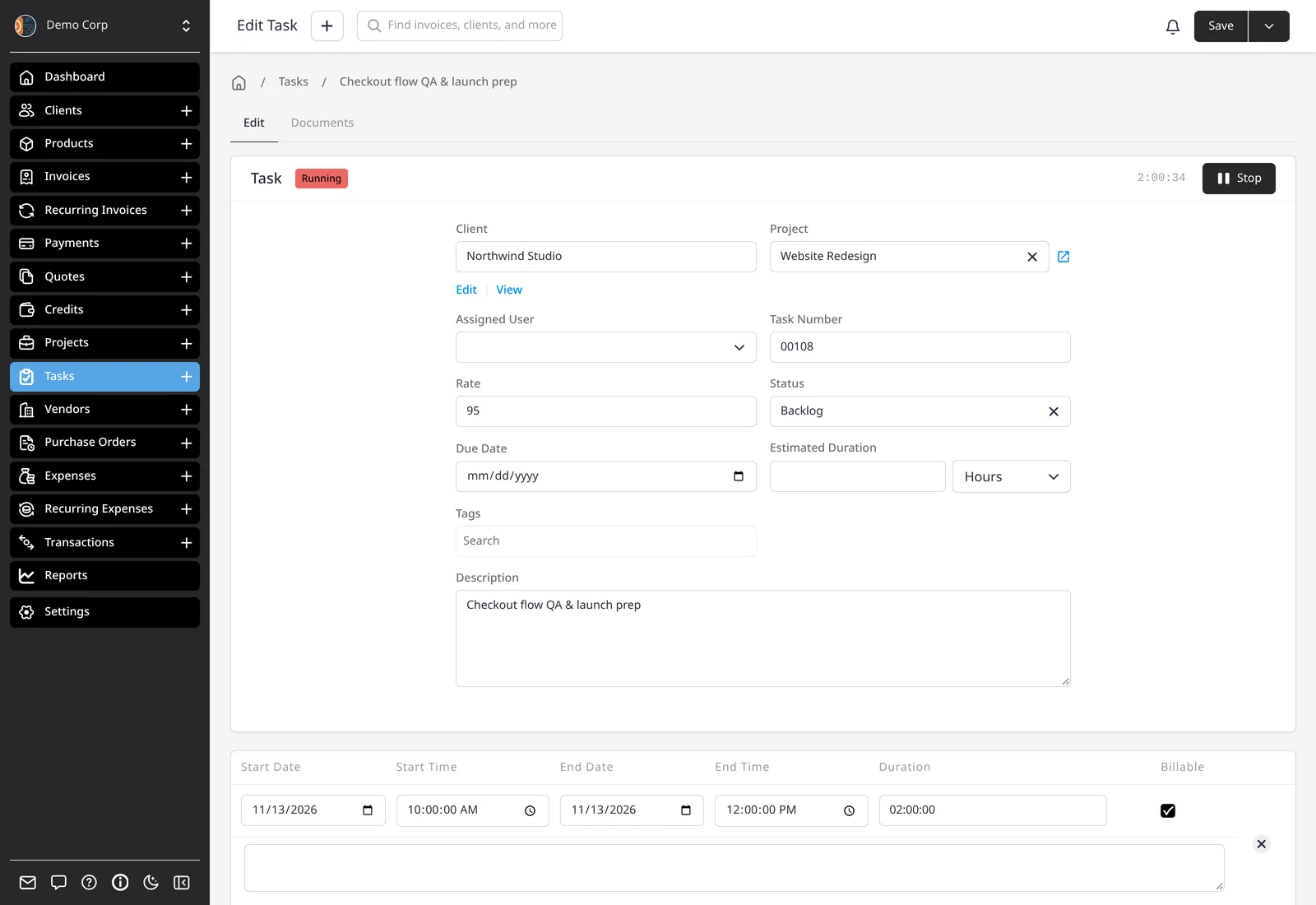
Tasks and projects go together in Invoice Ninja. A task is a record of time you’ve spent for a client, usually at an hourly rate. Press Start and the timer runs in the app; press Stop and the session is saved. Prefer to fill in a timesheet at the end of the day? Enter the start and end times, or just the duration, by hand.
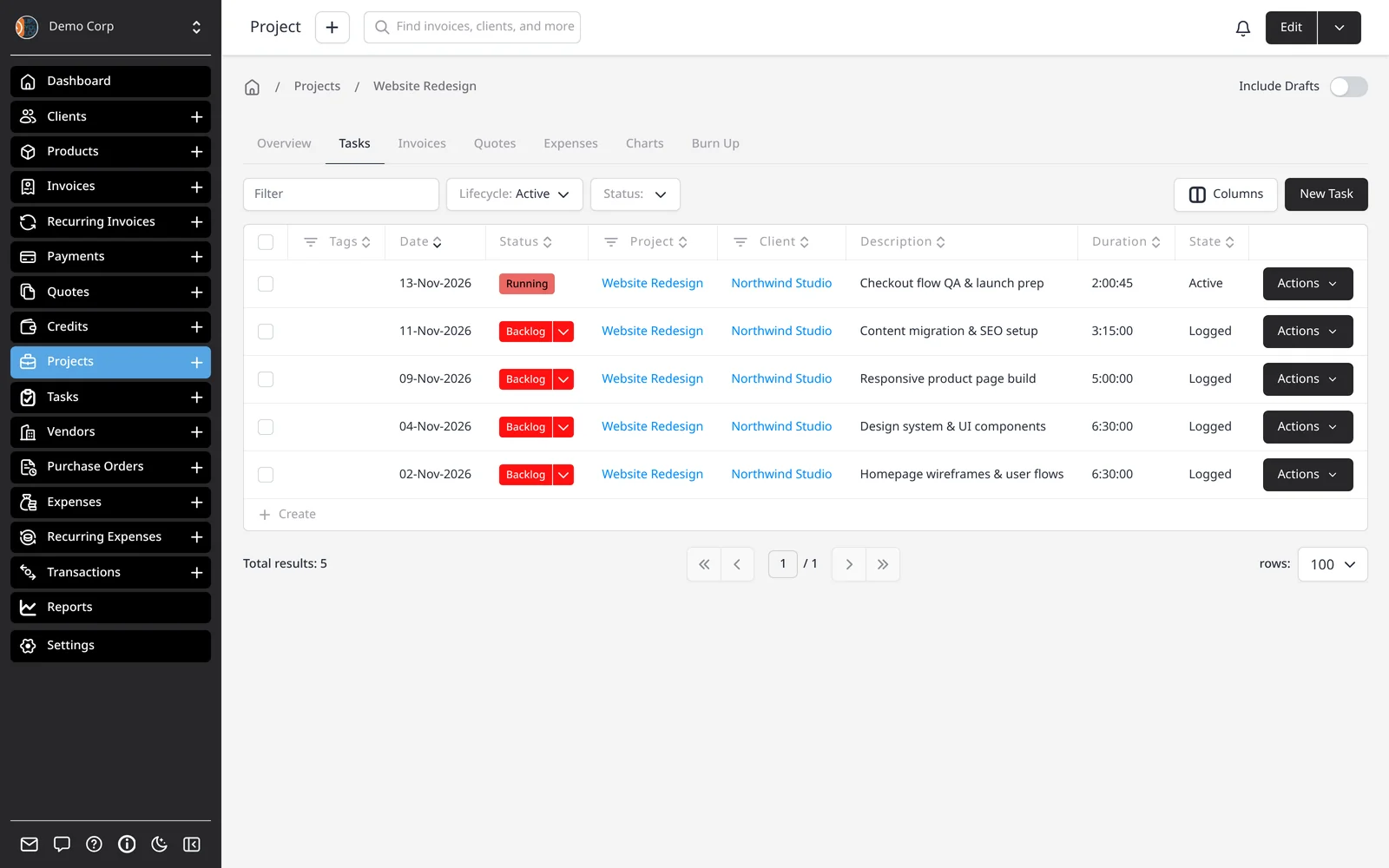
Group several tasks into a project when the work belongs together. The project can carry the client and a default rate, so you don’t re-enter them on every task.
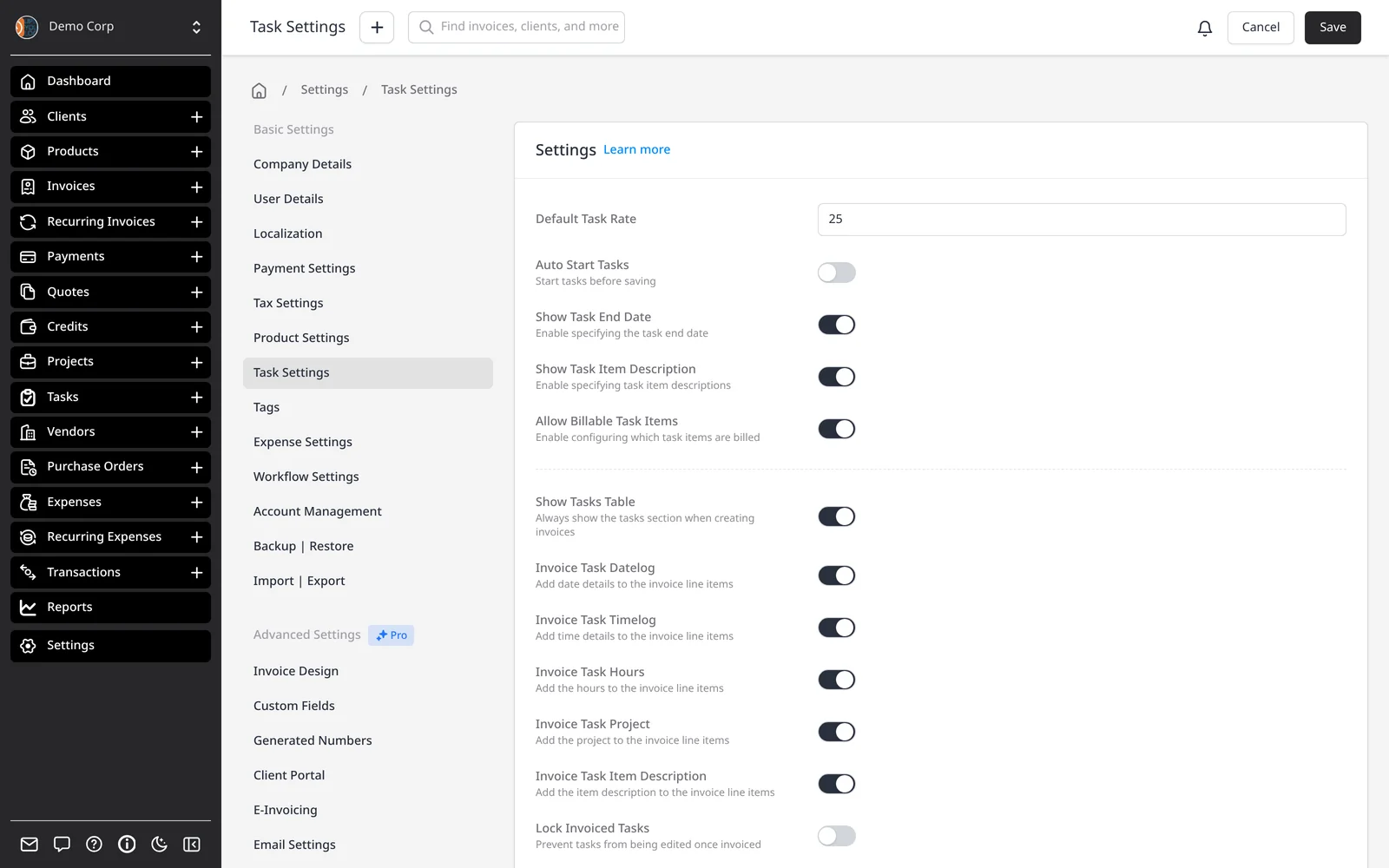
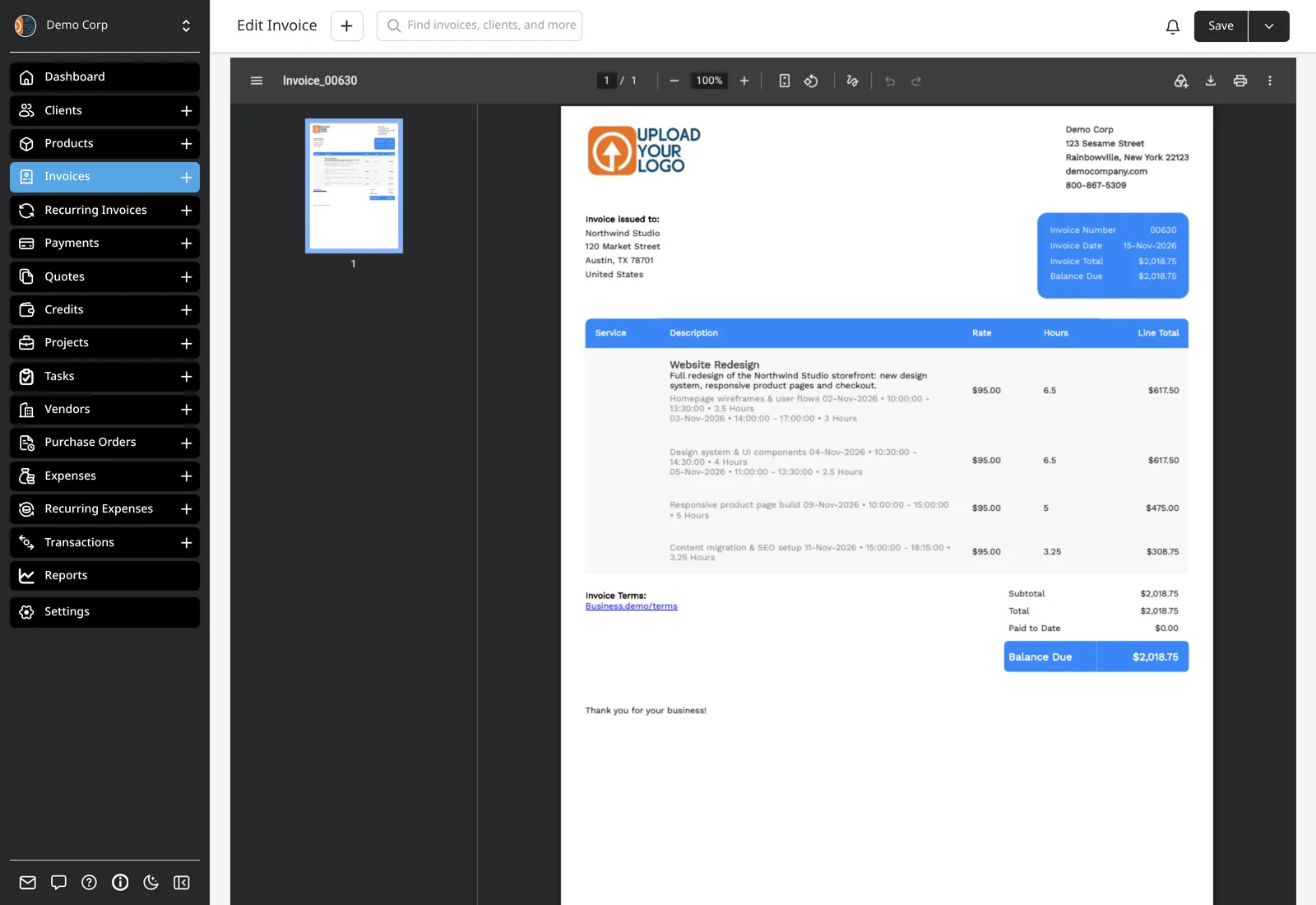
The rate can come from the project, the client’s default task rate, or a company default — or you can set it on the task itself. When the work is ready to bill, invoice a single task or the whole project. Invoice Task creates a new invoice with the time already filled in, or Add to Invoice drops a task onto an existing one. Invoice Project adds every unbilled task on that project. How that time appears on the invoice is configurable under Settings → Task Settings. Linked project expenses are not added automatically.
Time tracking and projects are included on every plan, including Free.
What you can do
- Start and stop a live timer as you work
- Log time by hand with a start, end or duration
- Group multiple tasks into one project
- Turn a finished task into a new invoice, or add it to an existing one
- Invoice an entire project’s unbilled tasks at once
Who it’s for
Freelancers, agencies and consultants who bill by the hour and want the timer, the project and the invoice in the same place.