
Get paid from the invoice, through the gateway you already use
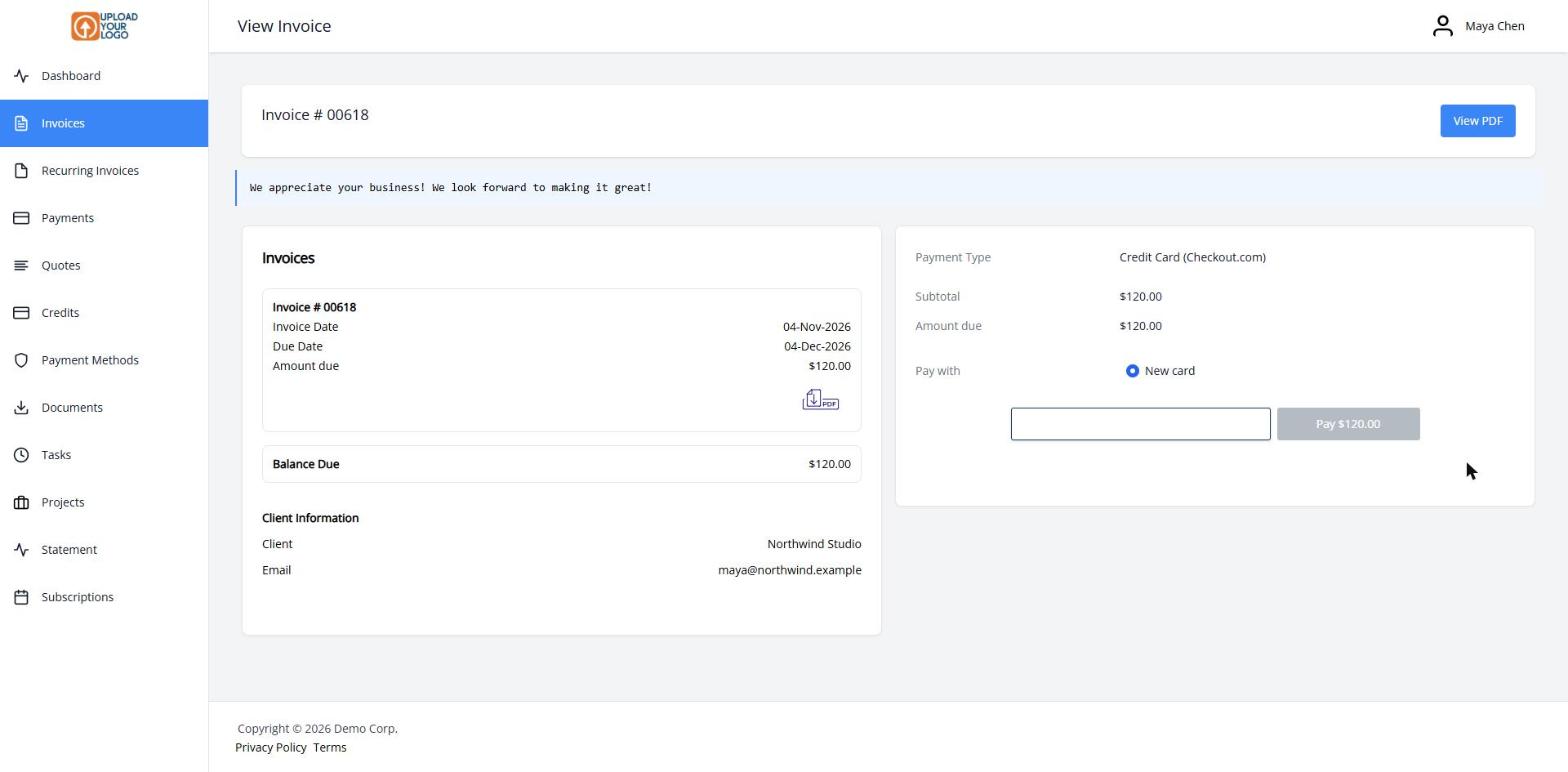
Invoice Ninja doesn’t process the card itself. You connect the payment provider you already have — or set one up — and every invoice can carry a Pay Now button. Your client opens the invoice, chooses a method and pays. The gateway moves the money; Invoice Ninja records the payment and can email you both a receipt.
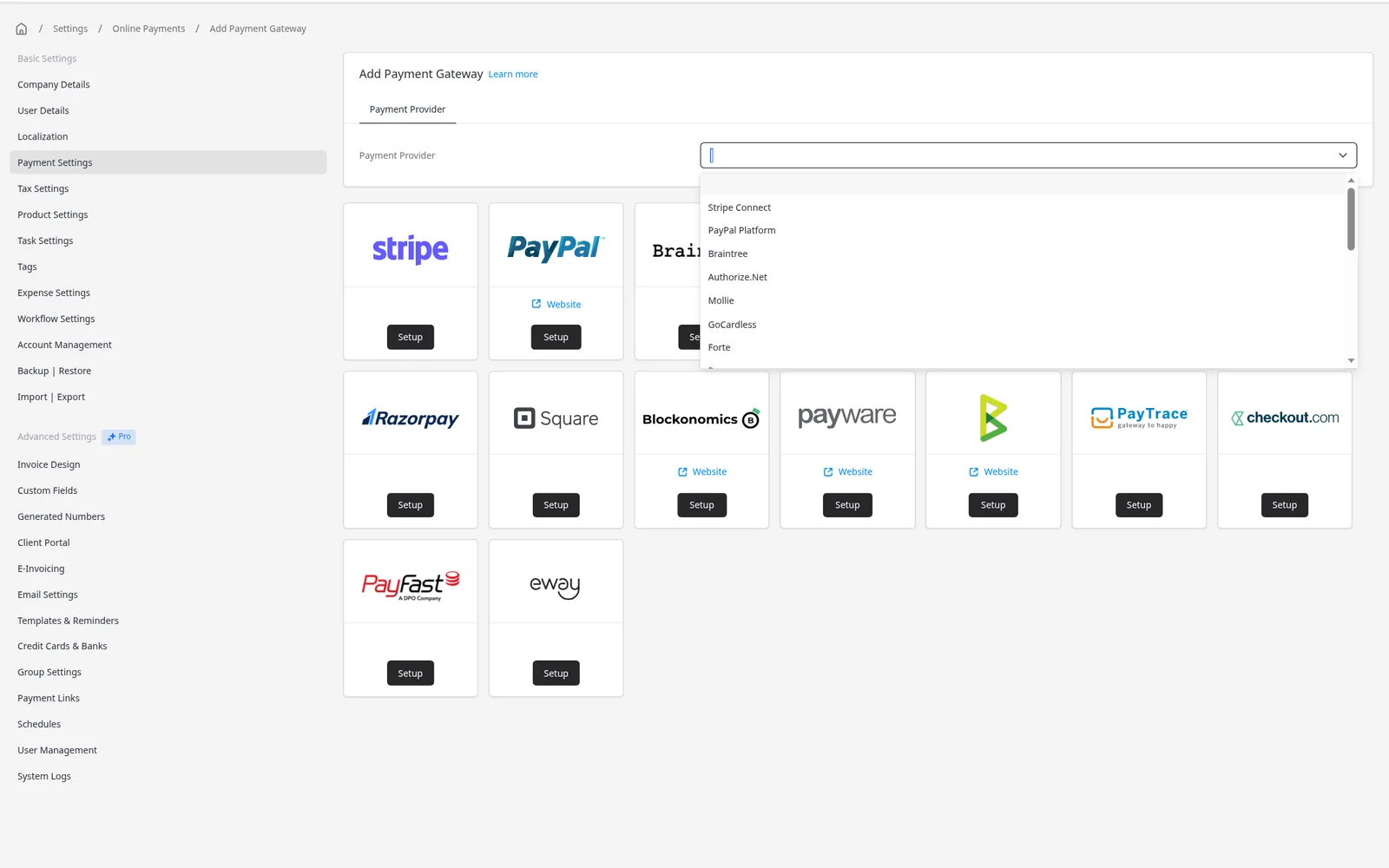
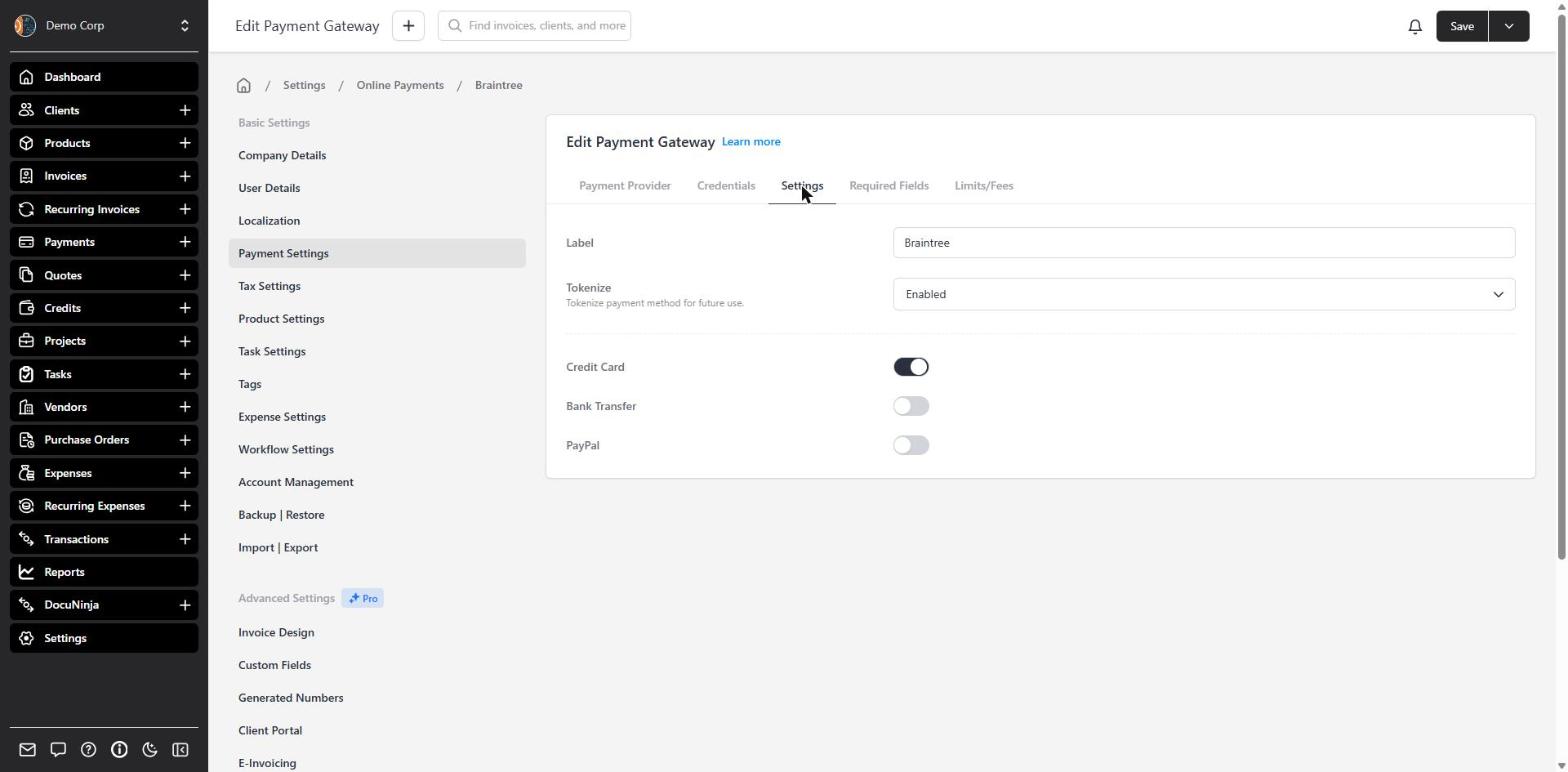
Start with Stripe, or add PayPal and Venmo, Square, GoCardless, Authorize.net, Mollie and others. You can connect more than one and offer the methods your clients prefer. Many gateways also support saved payment methods, which is what makes auto-billing possible, and refunds from the Payments screen.
If you don’t need a gateway, add your bank-transfer instructions. Clients see them when they click Pay Now, and you record the payment when it arrives.
What you can do
- Connect Stripe, PayPal, Square, GoCardless, Authorize.net, Mollie and more
- Let clients pay with a click from the invoice or the client portal
- Use more than one gateway when you need different methods
- Save payment methods for faster checkout and auto-billing
- Add bank-transfer instructions when a gateway isn’t the right fit
Who it’s for
Any business that wants to get paid online without sending a separate payment request. Freelancers and firms can start with one gateway and add more later.