
Bill retainers and subscriptions without starting over
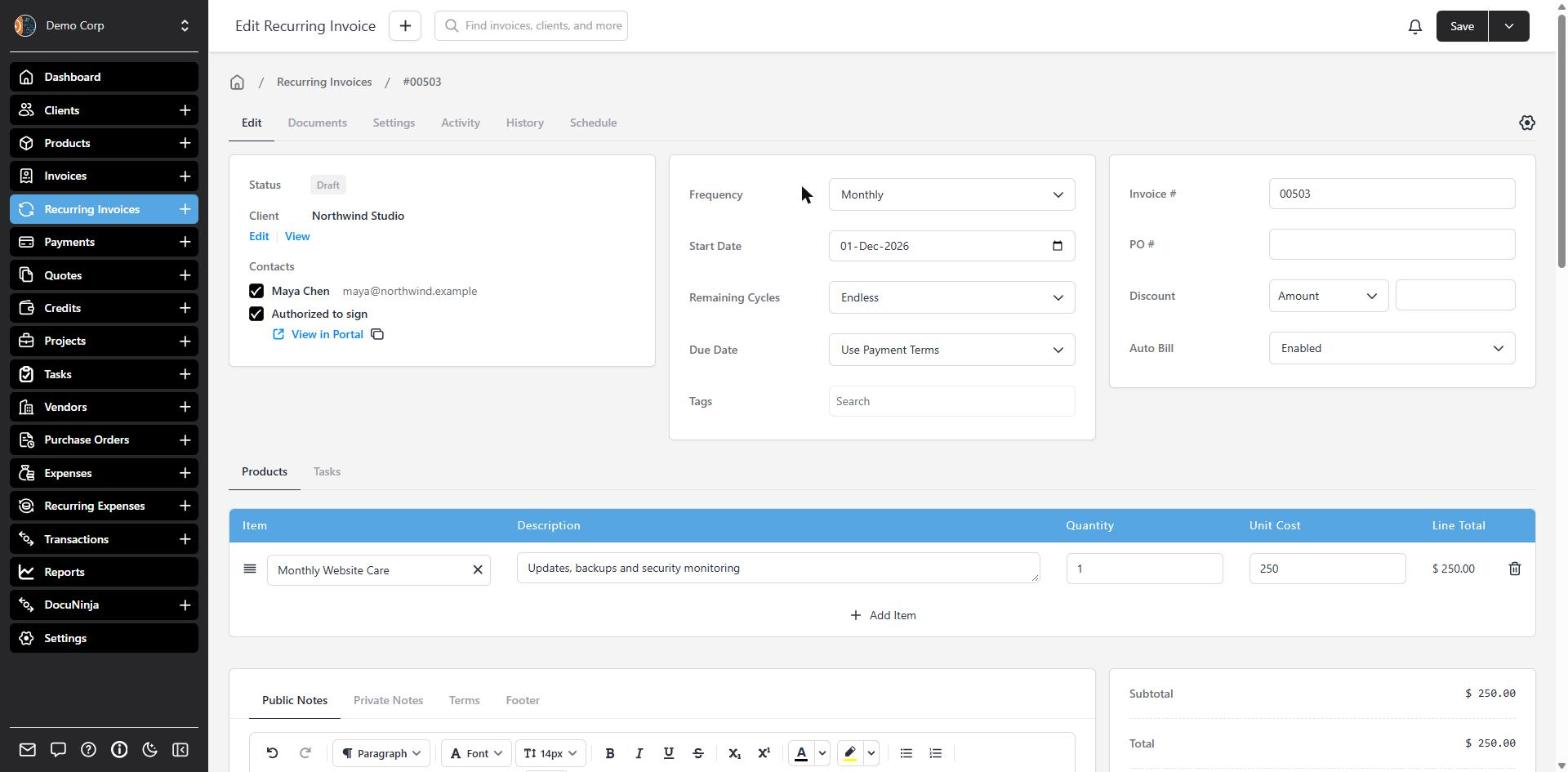
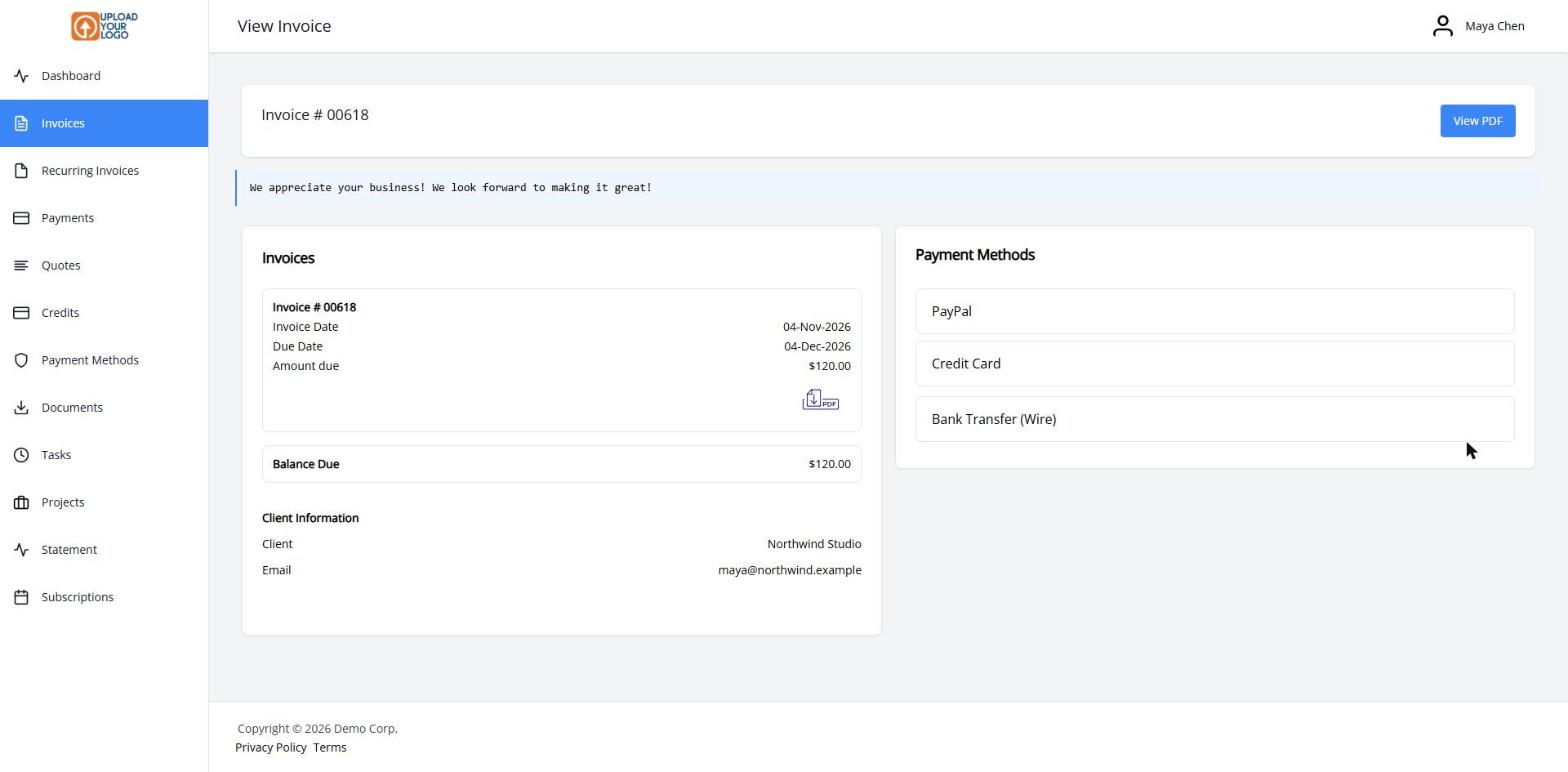
A recurring invoice in Invoice Ninja is the blueprint — your client never receives that record itself. On each cycle, a normal invoice is created with its own number, PDF, payment link and due date.
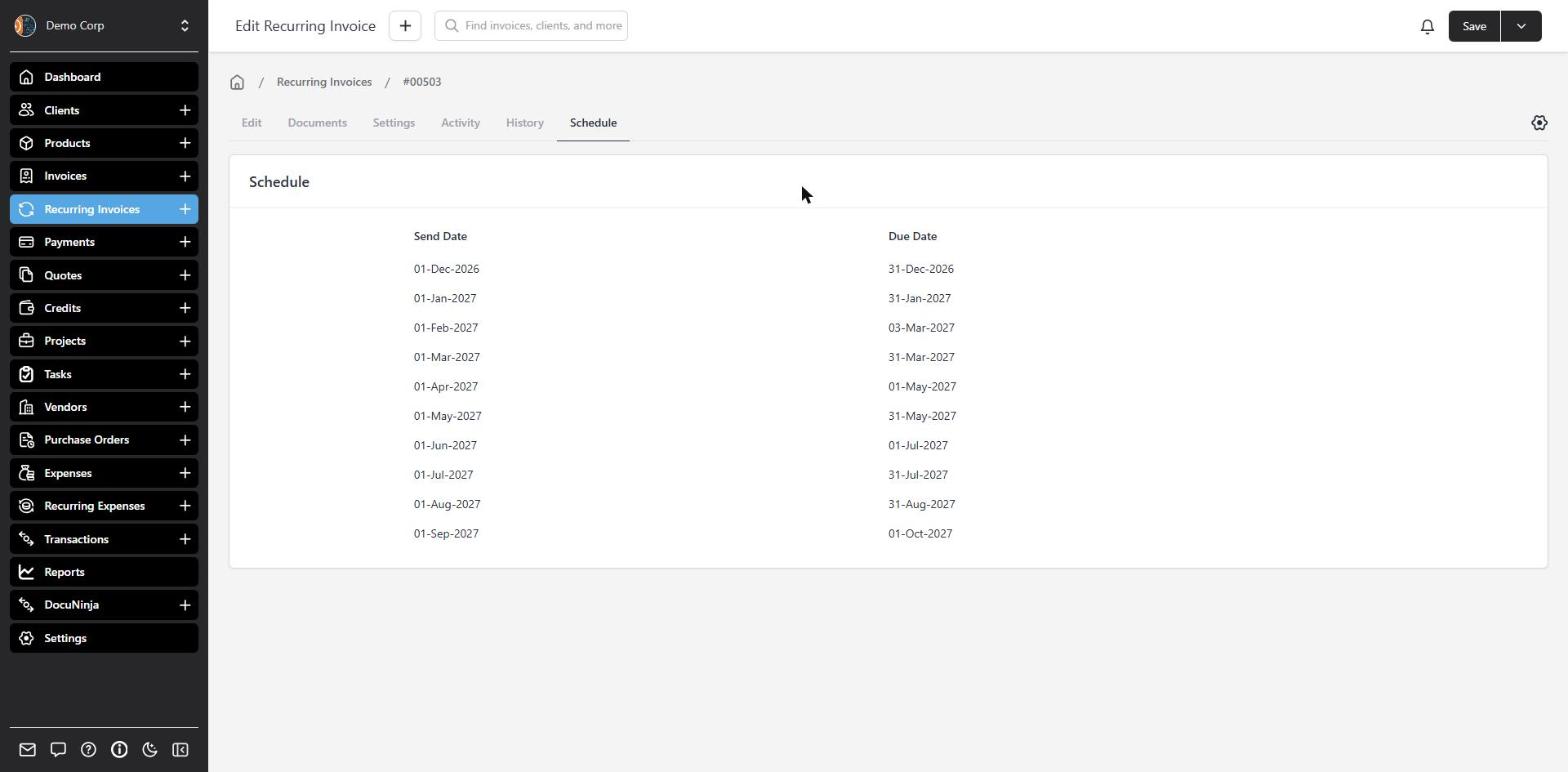
Choose how often it should run — weekly, monthly, quarterly, annually, or other intervals — plus a start date and how many cycles, or Endless for an open-ended retainer. Save the template, then start it to put it on the calendar.
If the client has a saved payment method, Auto Bill can charge it when the invoice is sent or when it falls due. You can always charge, never charge, or let the client opt in or out at checkout. If a charge doesn’t go through, Invoice Ninja retries it, up to three attempts in total. The invoice stays unpaid so the client can pay from the portal, and you can be notified of the failed payment.
Need a break? Stop the schedule and start it again later. Invoices already sent are left as they are.
What you can do
- Bill on a weekly, monthly, quarterly, annual or other cycle
- Run a fixed number of cycles, or keep going until you stop
- Auto-bill a saved card or bank account, with opt-in or opt-out
- Use date keywords so line descriptions stay current each cycle
- Pause, resume, or update prices on future invoices only
Who it’s for
Anyone who bills the same way more than once — retainers, memberships, maintenance plans and subscriptions.