
Invoice numbers that match the way you already work
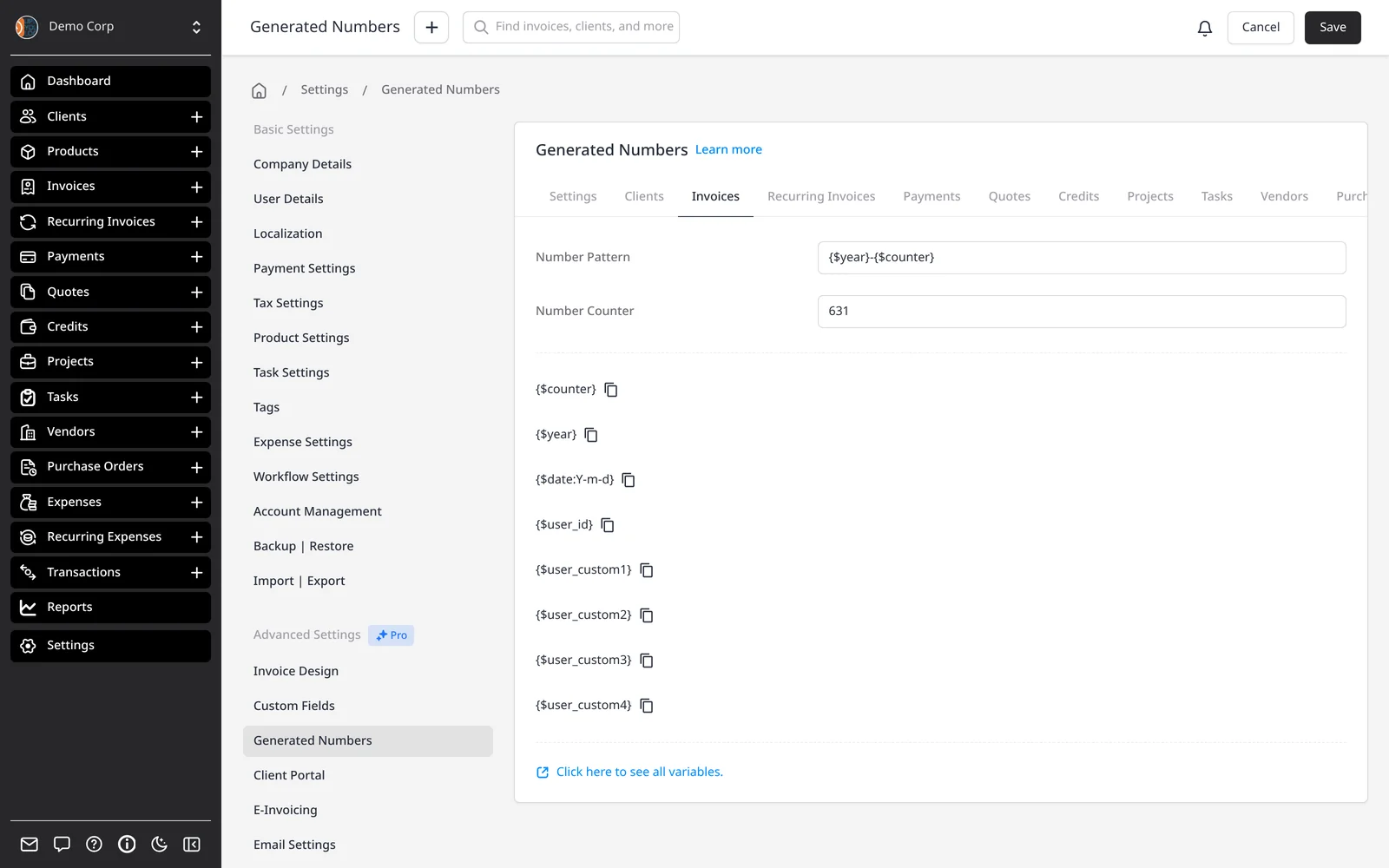
Invoice numbers are generated from the pattern you set under Settings → Generated Numbers. The default is a padded counter (0001, 0002, 0003). If your accountant wants a year in the number, a prefix, or a sequence that continues from another system, you change the pattern once and every new invoice follows it.
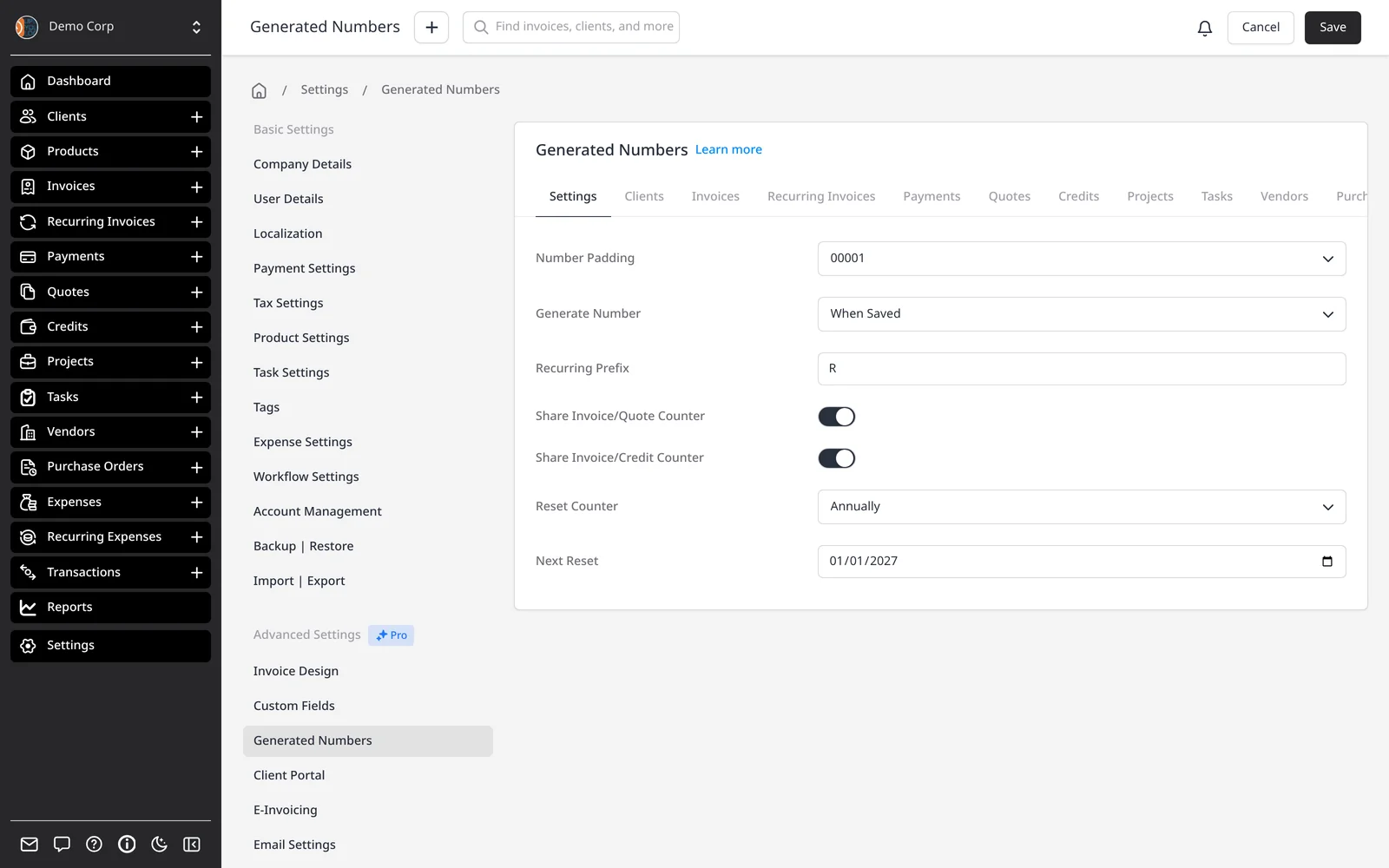
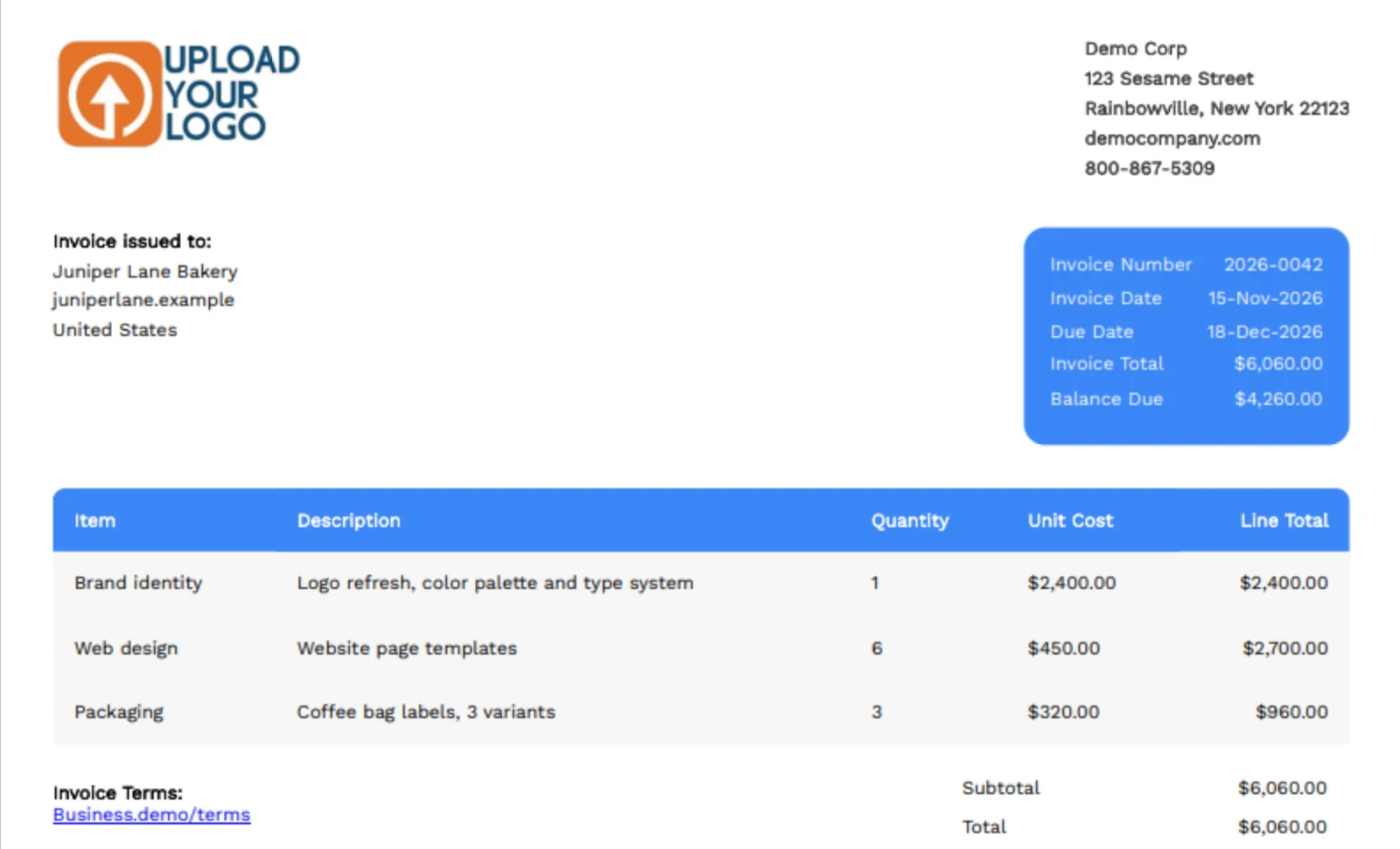
Patterns can include a counter, a client-specific counter, the year or a full date, and other variables. For example, {$year}-{$counter} produces numbers such as 2026-0009. You choose the padding (how many leading zeros) and whether the number is assigned when the invoice is saved, or only when it’s sent.
You can reset the counter yearly or monthly — if you do, include something unique such as $year in the pattern so numbers don’t collide. Recurring invoices can get a prefix so they’re easy to spot. Optionally, quotes or credits can share the invoice counter, so all three stay on one sequence.
Each record type — invoices, quotes, credits, clients, payments and more — has its own tab, pattern and counter. If you’re migrating, you can set the Number Counter to continue where you left off. Numbers have to be unique; the pattern won’t apply a duplicate.
What you can do
- Build a number pattern with counters, dates, years and prefixes
- Choose padding, and assign the number when saved or when sent
- Reset the counter yearly or monthly, with a unique year in the pattern
- Use a separate sequence per client, or share counters across invoices, quotes and credits
- Continue an existing sequence when you migrate
Who it’s for
Businesses that need invoice numbers to follow an accountant’s rules, a tax format, or the sequence they already use.