
Professional Invoice Templates

Pick one of 11 professional designs, add your logo, and โ€” on Pro โ€” match your colors and fonts. Every invoice, quote and purchase order can use the same look.

  • 11 designs on every plan
  • Logo on every plan
  • Colors & fonts on Pro
Professional Invoice Templates in Invoice Ninja

How it works

From a built-in design to a branded invoice

  1. Add your logo

    Add your logo

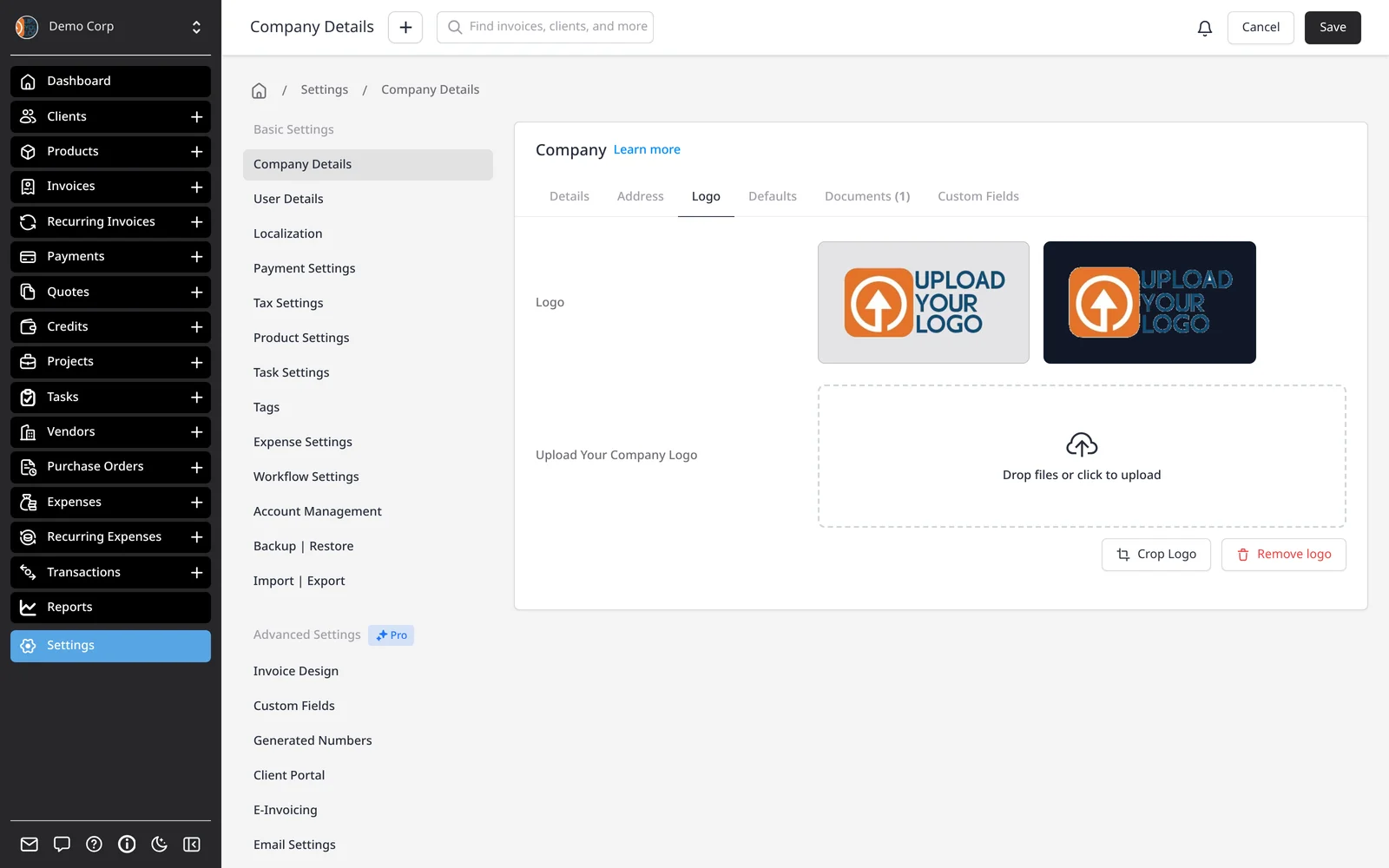
    In Settings โ†’ Company Details, upload your logo. It appears on invoice PDFs, emails and the client portal โ€” on every plan, including Free.

  2. Choose a design

    Choose a design

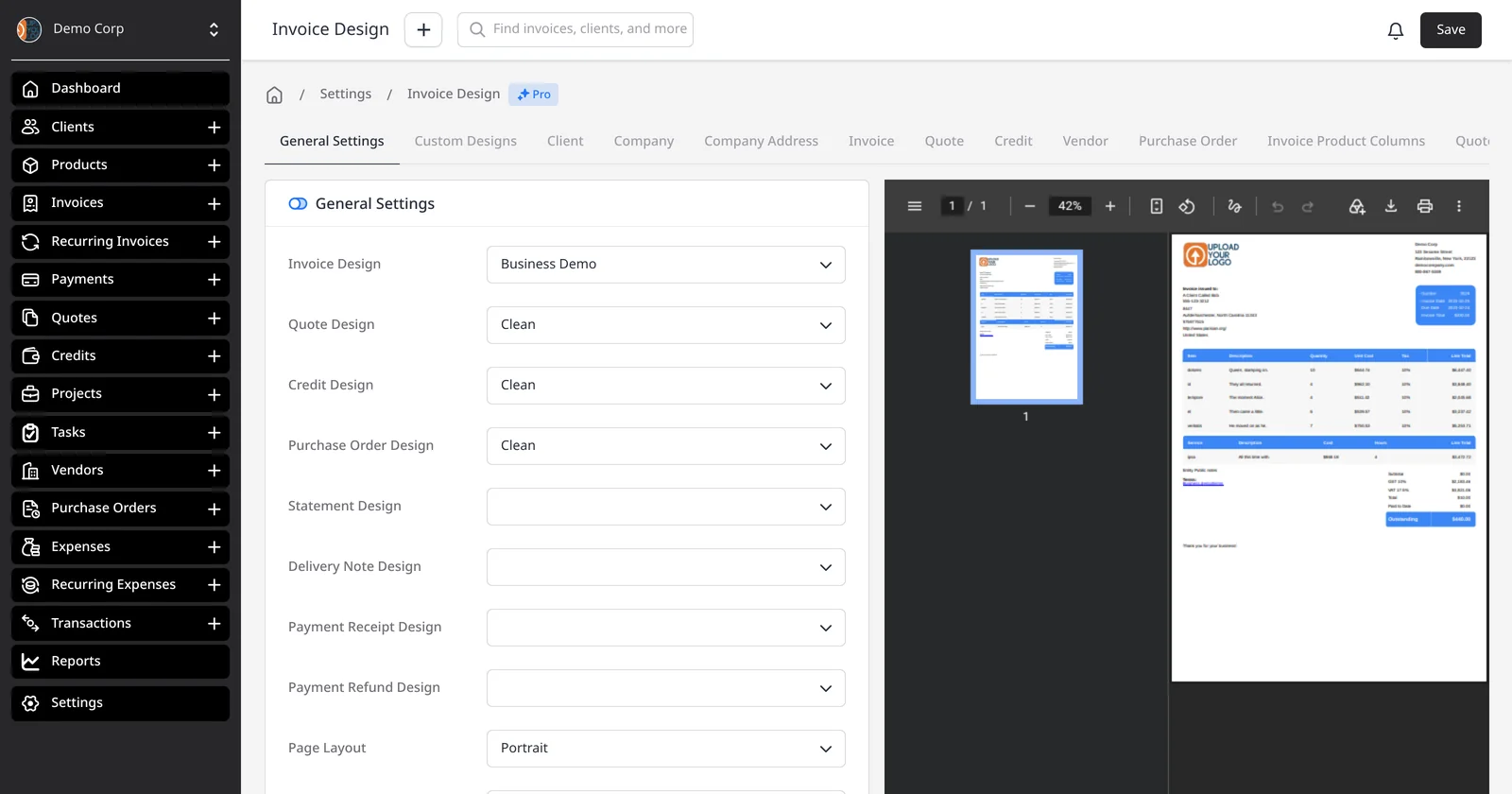
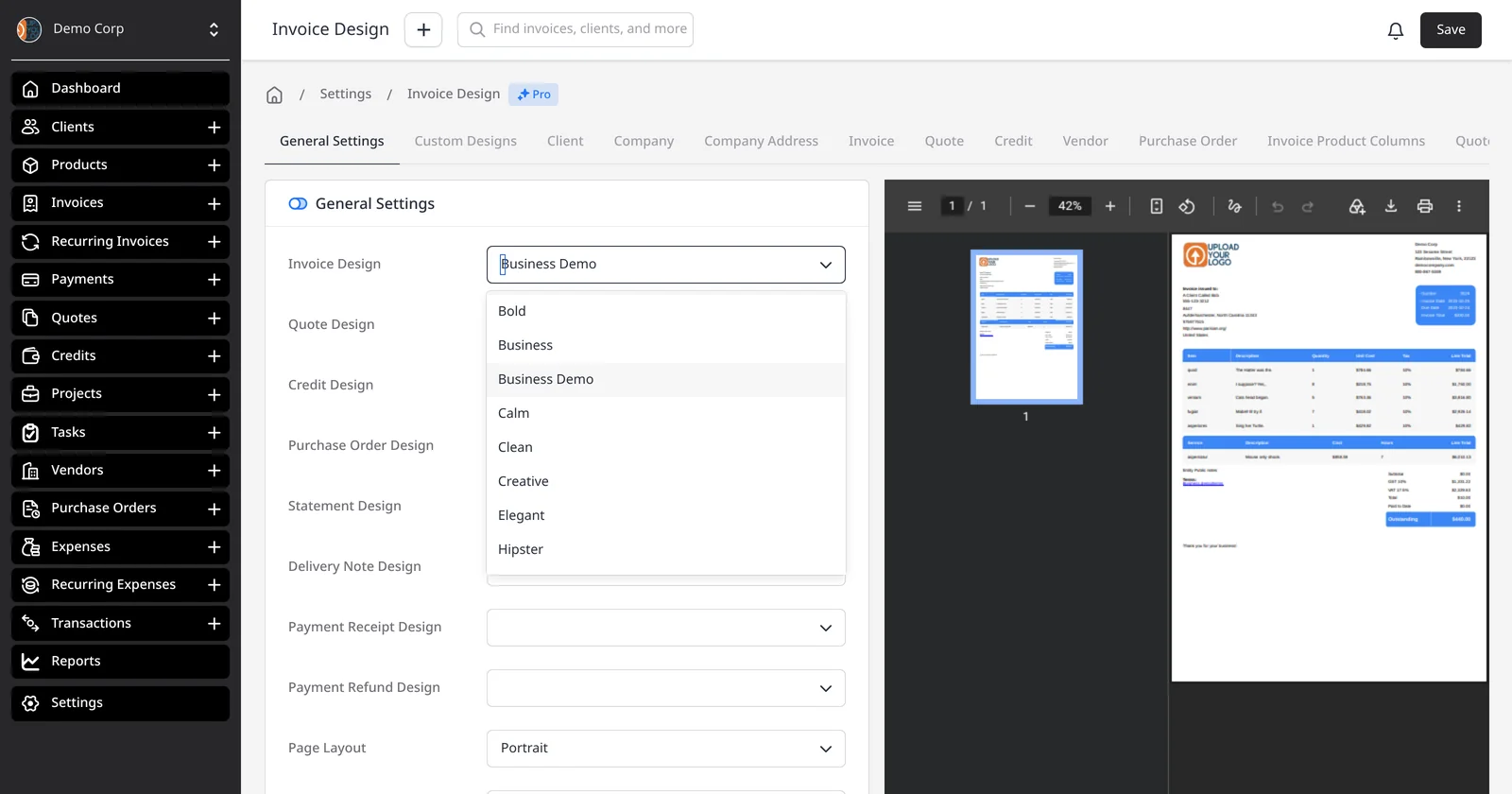
    In Settings โ†’ Invoice Design, pick one of the 11 built-in designs as your default โ€” on every plan, including Free. A live preview of the design appears on the right, using sample invoice data. Quotes, credits and purchase orders can use a different default if you want.

  3. Preview, then send

    Preview, then send

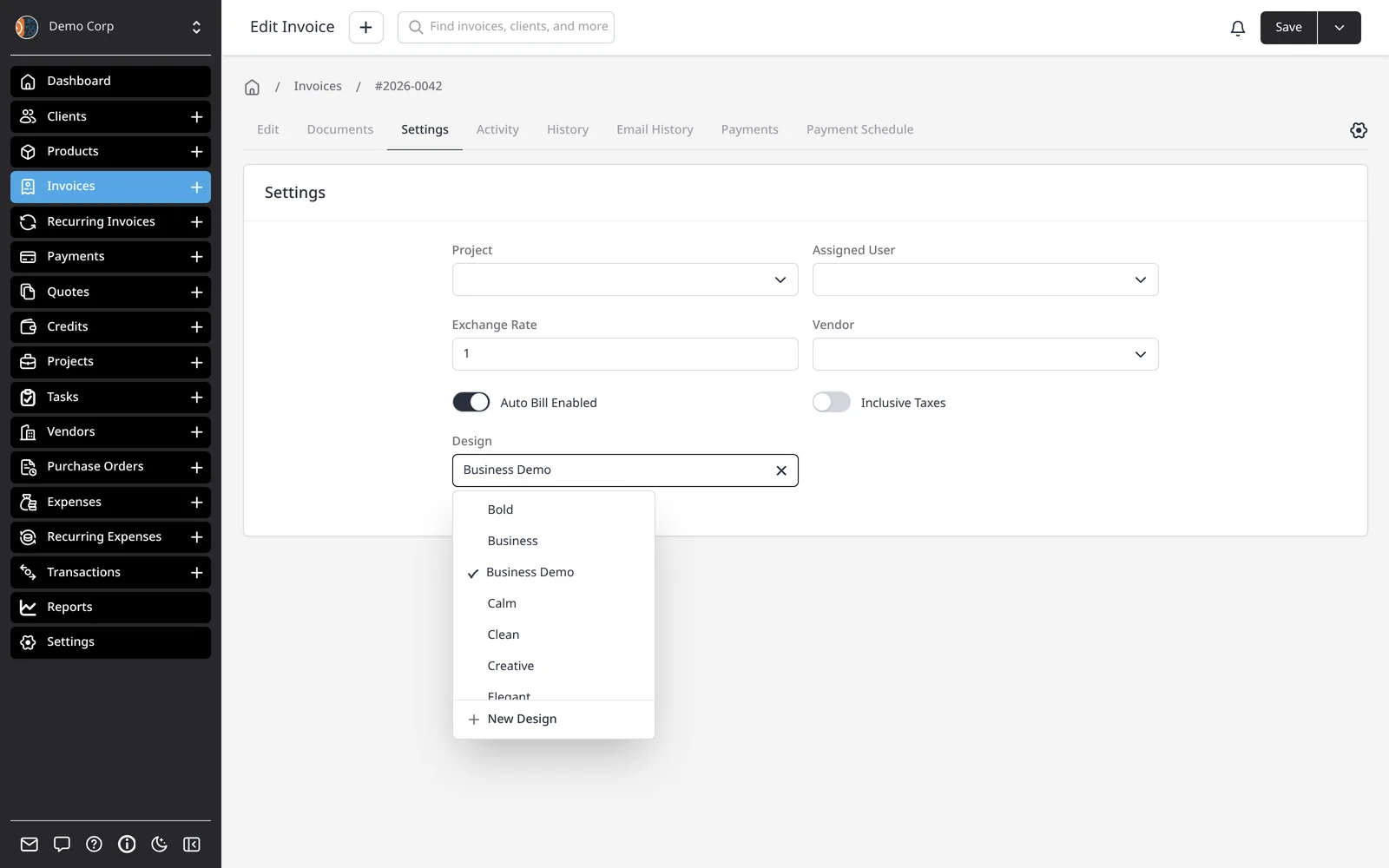
    The invoice editor shows a live PDF preview as you work. Switch the design on one invoice if you need to, then email it from app.invoicing.co.

A professional invoice that looks like your business

Every Invoice Ninja account includes the same 11 designs โ€” Plain, Clean, Bold, Modern, Business, Calm, Creative, Elegant, Hipster, Playful and Tech. They’re on every plan, including Free. Pick a default in Settings โ†’ Invoice Design, and use a different default for quotes or credits if you like.

Upload your logo once in Company Details and it appears on invoice PDFs, emails and the client portal. Logo branding is included on every plan, including Free. On Pro ($14/mo) and above you can set primary and secondary colors, choose fonts and page size, show or hide fields in each section, and remove the “Created by Invoice Ninja” line.

On Pro you can also open the HTML/CSS design editor, clone one of the 11 designs, and build a custom layout with a live preview. Company defaults apply first; a client (or, on Pro, a client group) can use a different design, and you can still override the design on a single invoice.

This page is about the in-app settings. To browse what each of the 11 designs looks like, see the invoice templates gallery.

What you can do

  • Use all 11 built-in designs on every plan, including Free
  • Add your logo on invoices, emails and the client portal
  • Customize colors, fonts, fields and layout on Pro and above
  • Set different default designs for invoices, quotes and credits
  • Override the design on a client, a group, or a single invoice

Who it’s for

Anyone who wants invoices, quotes and purchase orders to look like their brand โ€” pick a design and add your logo on the Free plan, and take full color and typography control on Pro or Enterprise.

What you can do

  • 11 designs on every plan

    The same 11 professional designs are included on Free, Pro and Enterprise.

  • Your logo, everywhere

    Upload it once. It appears on PDFs, emails and the client portal.

  • Colors, fonts and fields Pro

    Match your brand colors and typography, and show only the fields you need.

  • Remove our branding Pro

    Pro and above drop the "Created by Invoice Ninja" line from your invoices.

  • Custom HTML/CSS designs Pro

    Clone a built-in design and edit it in the design editor, with a live preview.

Tip: Upload your logo under Settings โ†’ Company Details, and pick a default design under Settings โ†’ Invoice Design โ€” both are on every plan. Customize colors, fonts and fields on Pro and Enterprise.

Common questions

Are the 11 invoice designs free?

Yes. All 11 designs are included on every plan, including Free. Free covers unlimited invoicing for up to 5 clients, with your logo on every invoice.

Can I customize colors and fonts on the free plan?

You can pick any of the 11 designs and add your logo on every plan, including Free. Customizing colors, fonts, page layout, field visibility and other design settings is on Pro ($14/mo) and above. Browse the 11 designs on the invoice templates page.

Do quotes and purchase orders use the same designs?

Yes. Quotes, credits and purchase orders use the same 11 designs. You can set a separate default design for invoices, quotes and credits under Settings โ†’ Invoice Design.

Can different clients get different designs?

Yes. You can change the design on a single invoice, set a design on the client, or โ€” on Pro โ€” use client group settings so a group of clients shares a design.

Can I build a completely custom invoice design?

Yes, on Pro and above. Open the design editor under Settings โ†’ Invoice Design, clone one of the 11 designs, and edit the HTML and CSS with a live preview.

Will clients see "Invoice Ninja" on my invoices?

On the Free plan, invoices include a small “Created by Invoice Ninja” line. Pro ($14/mo) and above remove it. Every plan includes a portal address at YourSite.invoicing.co, set when you create your account. Enterprise (from $18/mo) can also use your own domain.

Ready to send your first invoice?

Join 200,000+ businesses invoicing with Invoice Ninja. Free to start, no credit card required.