
A profit and loss built from the invoices you already send
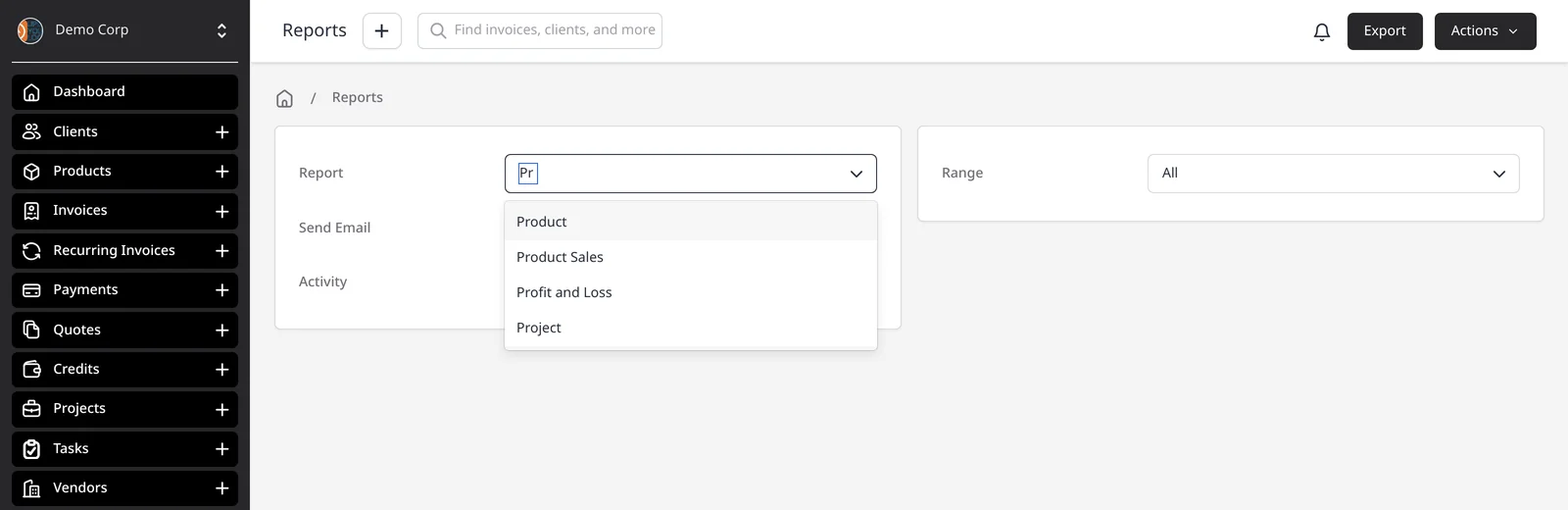
The Profit and Loss report adds up your revenue, your expenses, the profit or loss that falls out of the difference, and the tax you collected and paid. It’s built from the invoices, payments and expenses already in Invoice Ninja — not a separate set of books. It isn’t a full accounting suite, and it doesn’t file a tax return for you. It is the year-end (or month-end) picture most accountants ask for first.
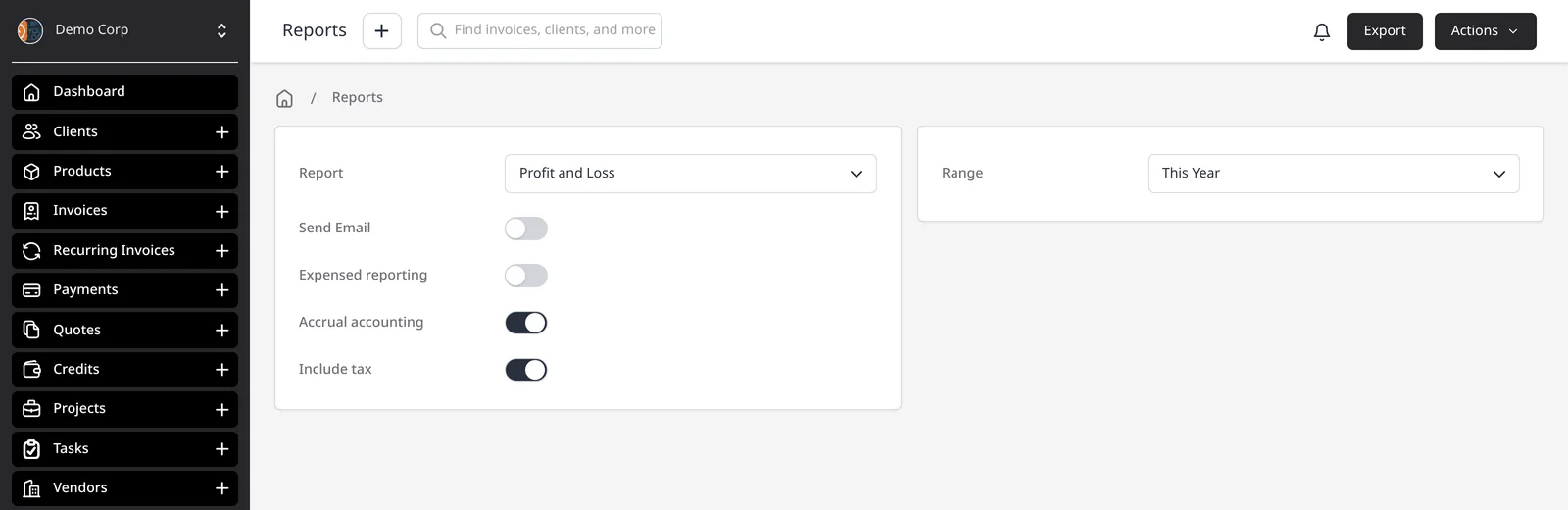
Two toggles change how the numbers are tallied, without changing your underlying data. With Accrual accounting on, invoiced totals in the period count whether or not the client has paid; with it off, only payments received count. With Expensed reporting on, every expense in the period counts; with it off, only expenses you’ve marked paid count. Include tax adds tax collected on revenue and tax paid on expenses into those totals.
The report groups expenses by category, and amounts are converted to your company currency (Settings → Localization). There is no on-screen preview of the totals — Export downloads a CSV, and you can email that file or schedule the report to send itself.
Reports — including Invoices, Expenses and Profit & Loss — are on Pro ($14/mo) and Enterprise (from $18/mo). Track expenses on every plan; the P&L is how you line them up next to revenue.
What you can do
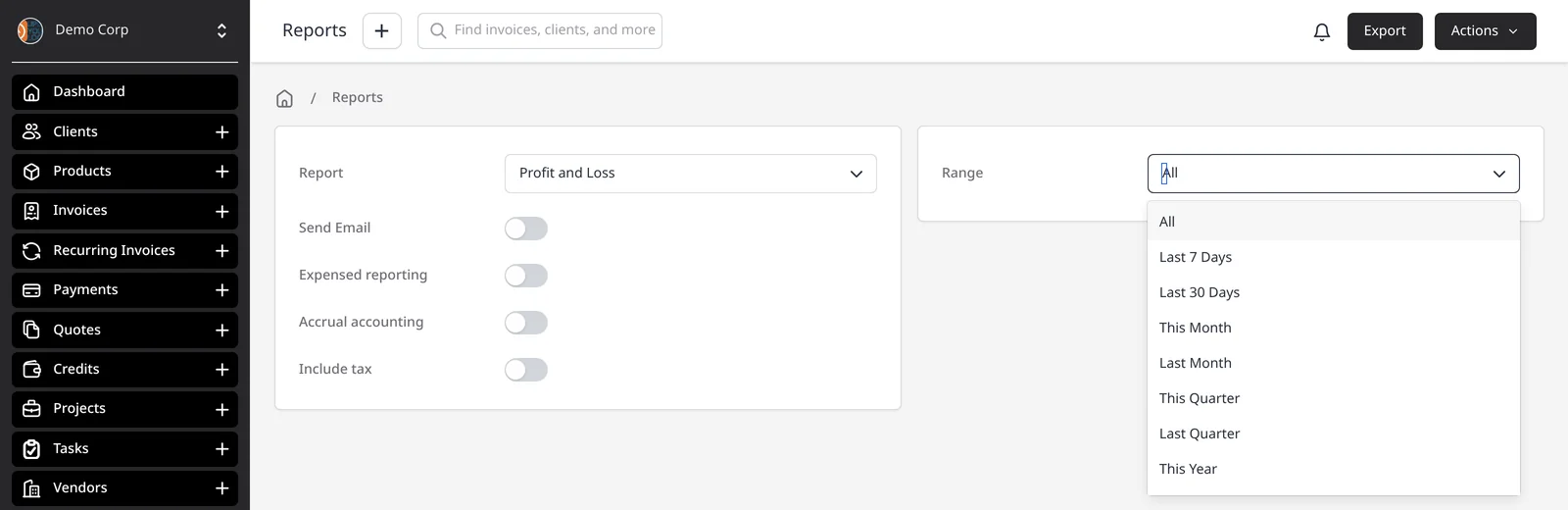
- Run a profit and loss for a date range such as This Year or This Quarter
- Switch between cash and accrual views without changing your data
- Get expenses broken down by category in the exported report
- Export a CSV, email it to yourself, or schedule the report
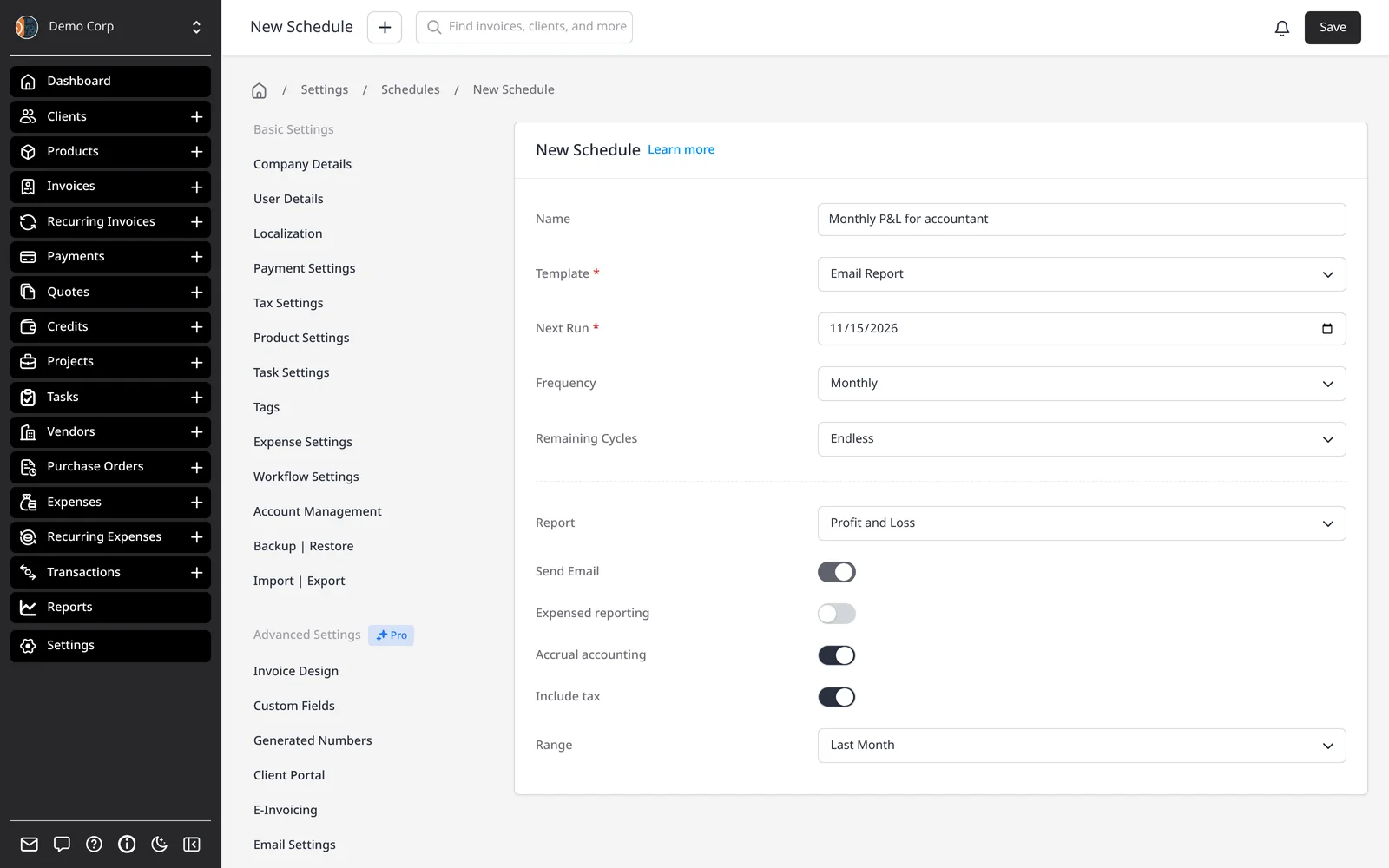
- Schedule the report to run on a repeating basis, such as monthly
Who it’s for
Freelancers and small businesses who already invoice and track expenses in Invoice Ninja and need a clear profit figure for themselves or their accountant.