
Connect Invoice Ninja to the other apps you already use
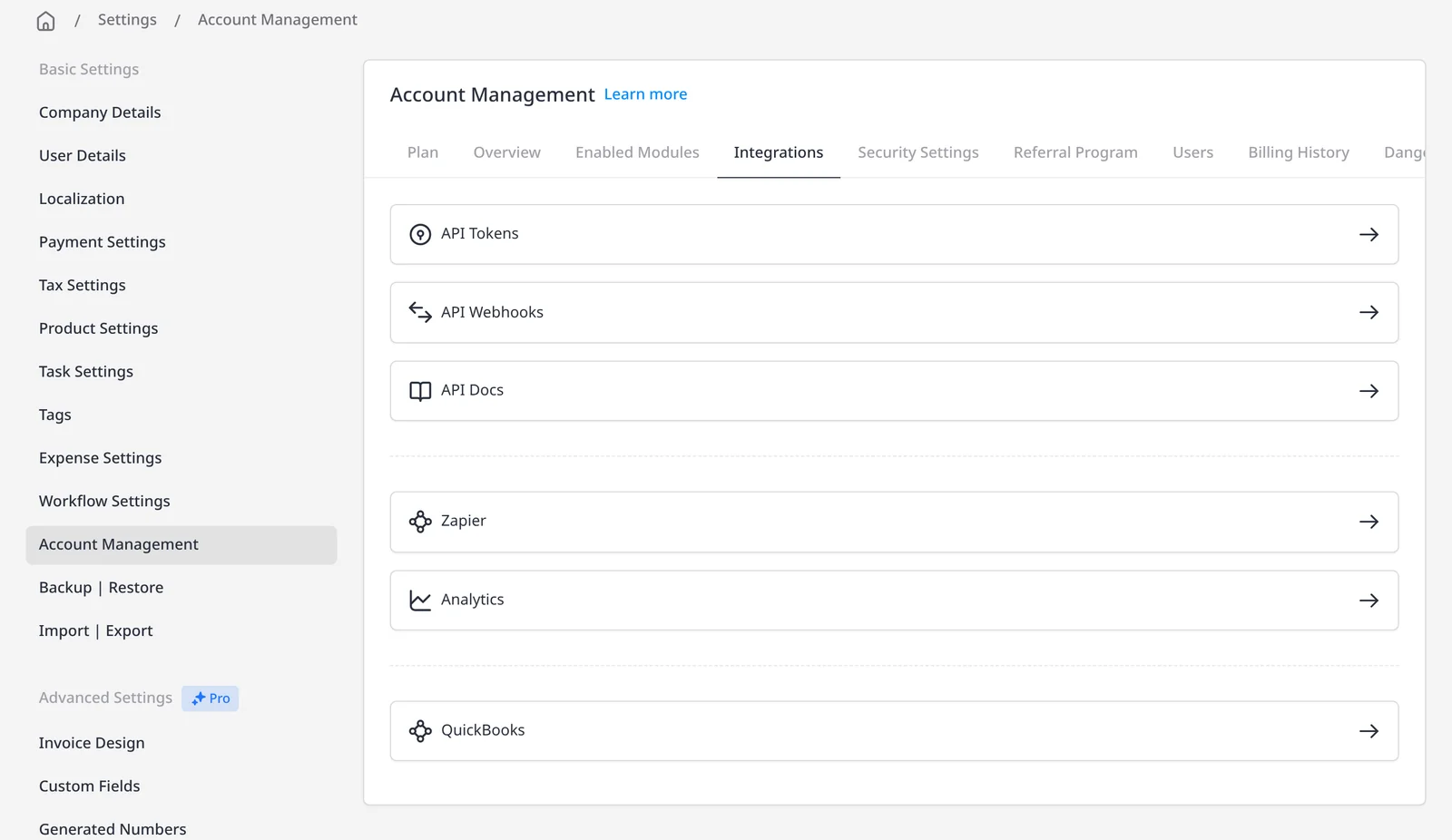
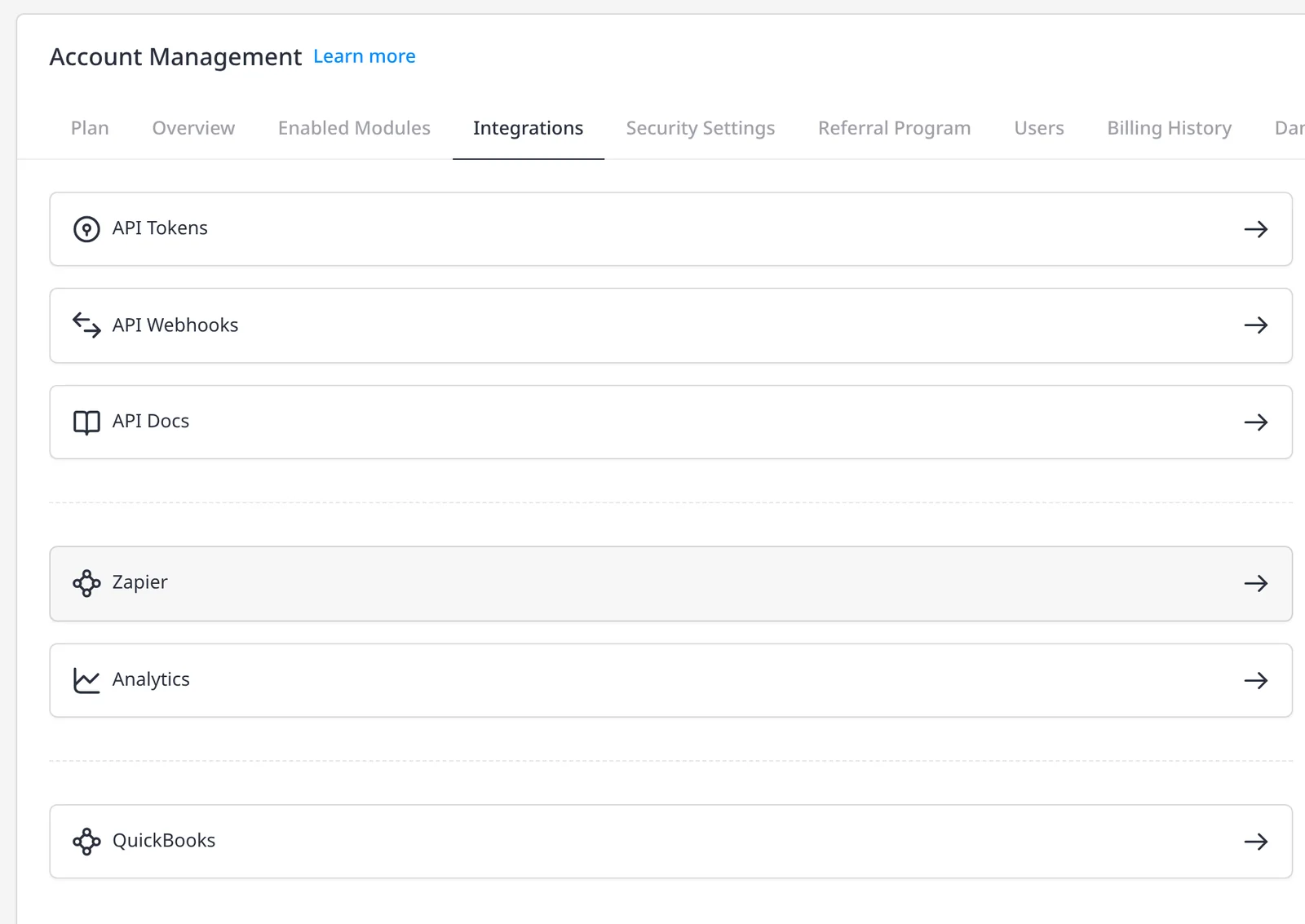
Zapier is a no-code way to move data between Invoice Ninja and thousands of other apps. A Zap is a short workflow: when something happens in one app, Zapier can create or update a record in another. That might be a new customer in your CRM becoming a client in Invoice Ninja, or a payment in Invoice Ninja notifying your team in Slack.
Zapier integration is included on Pro ($14/mo) and Enterprise (from $18/mo). The official Invoice Ninja app on Zapier is the source for the triggers and actions below, checked 15 November 2026. For Make, n8n, Pabbly and Integrately, see the Make integration page, the Pabbly, n8n and Integrately page, and the automations page. A REST API is also included on Pro and Enterprise if you want to build a direct integration.
Triggers listed on Zapier (they start a Zap) include New and Update Client, Invoice, Payment and Quote; New Credit and New Project; and Sent Invoice and Sent Quote. Actions listed on Zapier (they change something in Invoice Ninja) include Create Client, Invoice, Recurring Invoice, Quote, Credit, Payment, Product, Project and Task, plus Email Invoice and Email Quote. You can also find an existing client, invoice, quote, credit, product or project, or find-or-create one if it is not there yet.
What you can do
- Connect Invoice Ninja to thousands of apps through Zapier, on Pro and Enterprise
- Start a Zap when a client, invoice, quote or payment is created, updated or sent
- Create a client, invoice, recurring invoice, quote, payment or task from another app
- Email an invoice or quote, or find an existing record before creating a new one
- Use Make, n8n or the REST API when Zapier is not the right fit
Who it’s for
Teams that already run work in a CRM, form tool, spreadsheet or chat app, and want Invoice Ninja to keep up without retyping each client or invoice.