
Order from a vendor with the same care you use on invoices
A purchase order is the other side of an invoice: you send it to a vendor to request goods or services at an agreed price. Once it is accepted, you have a written record of what you ordered and what you expect to pay. You will need a vendor on file. You can add one first, or create one while you raise the PO. Purchase orders and expenses are included on every plan, including Free.
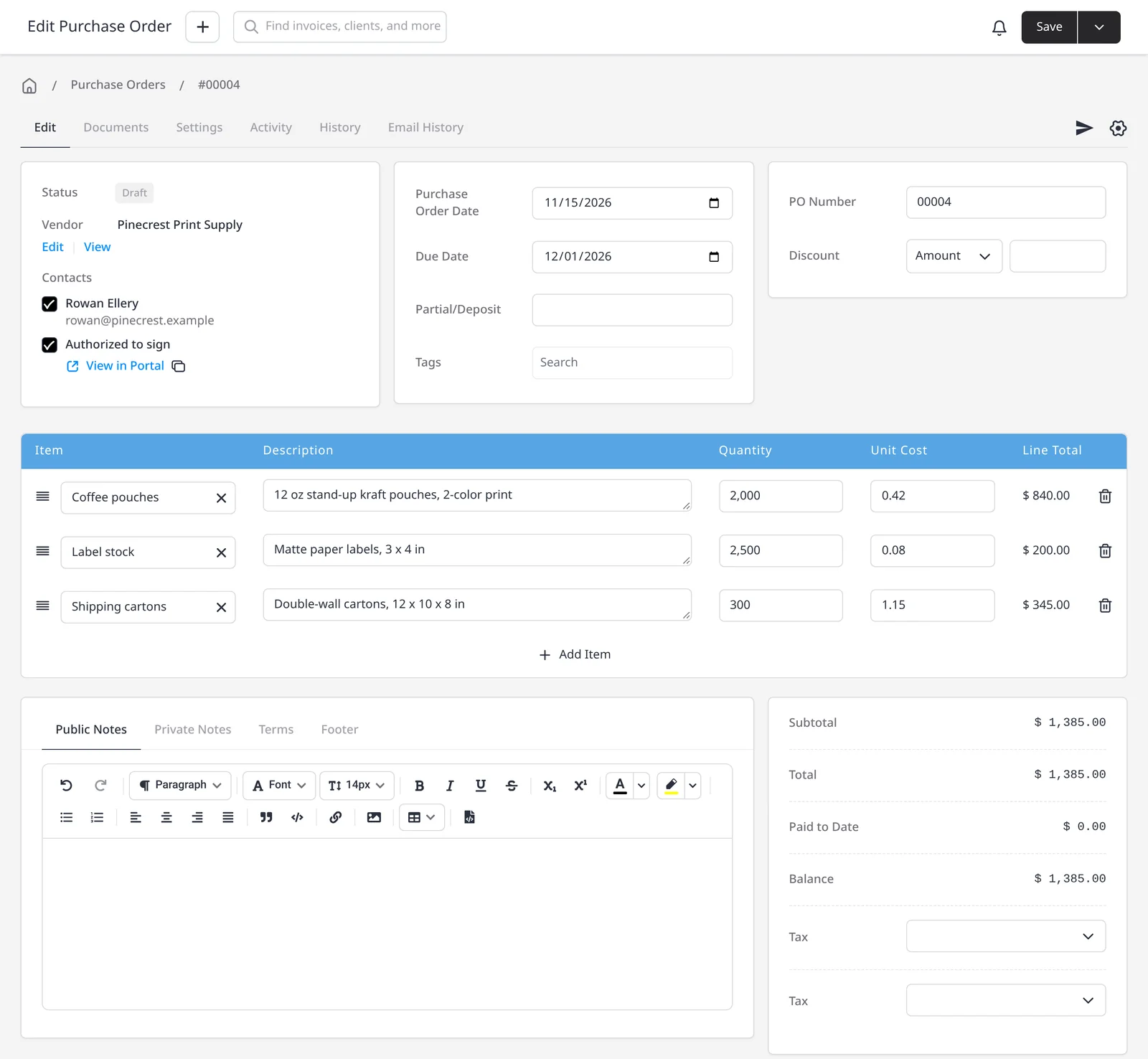
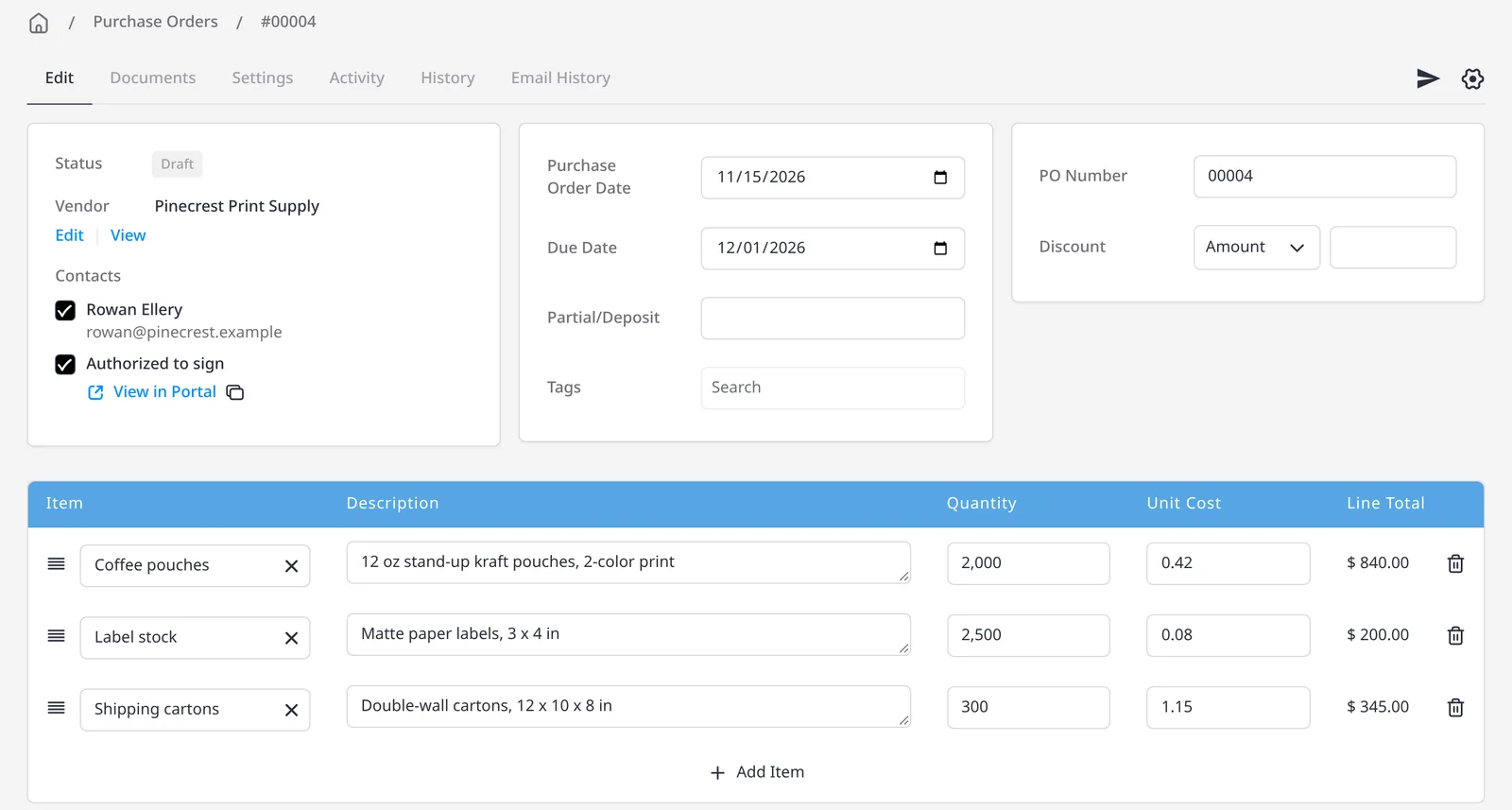
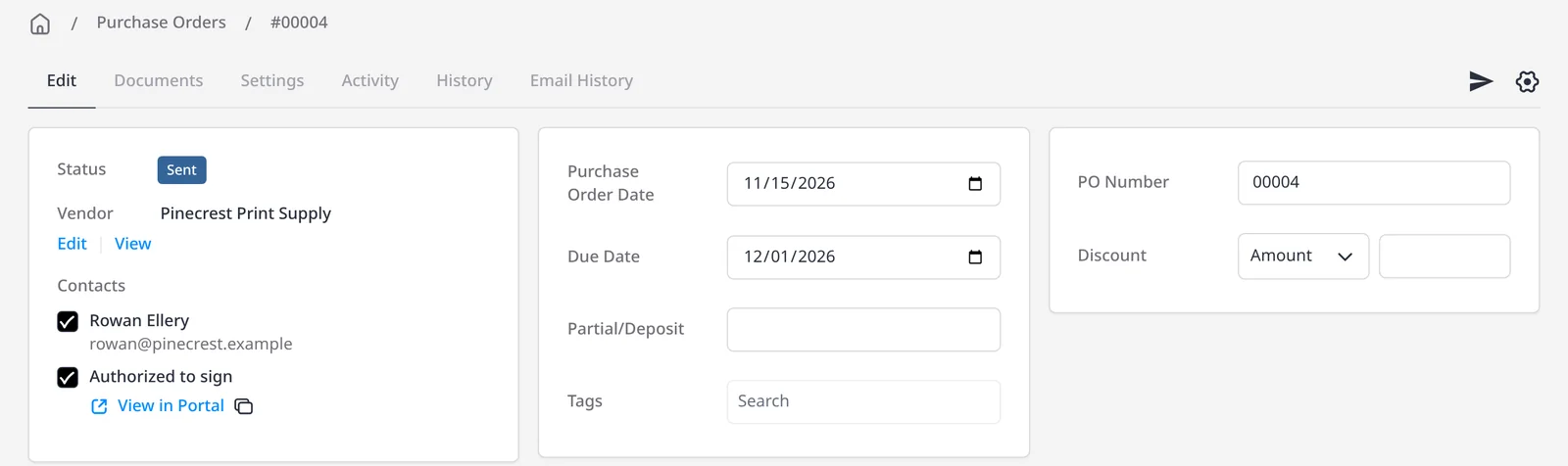
Fill in the vendor, date, optional due date, and line items from your product library or typed in. You can set terms, public notes the vendor will see, and private notes they will not. Optionally link a client or project when the purchase is on a client’s behalf and will later be billed back. Then email the PO, or mark it sent if you delivered it another way. After a PO has been emailed or marked sent, it cannot be moved back to draft.
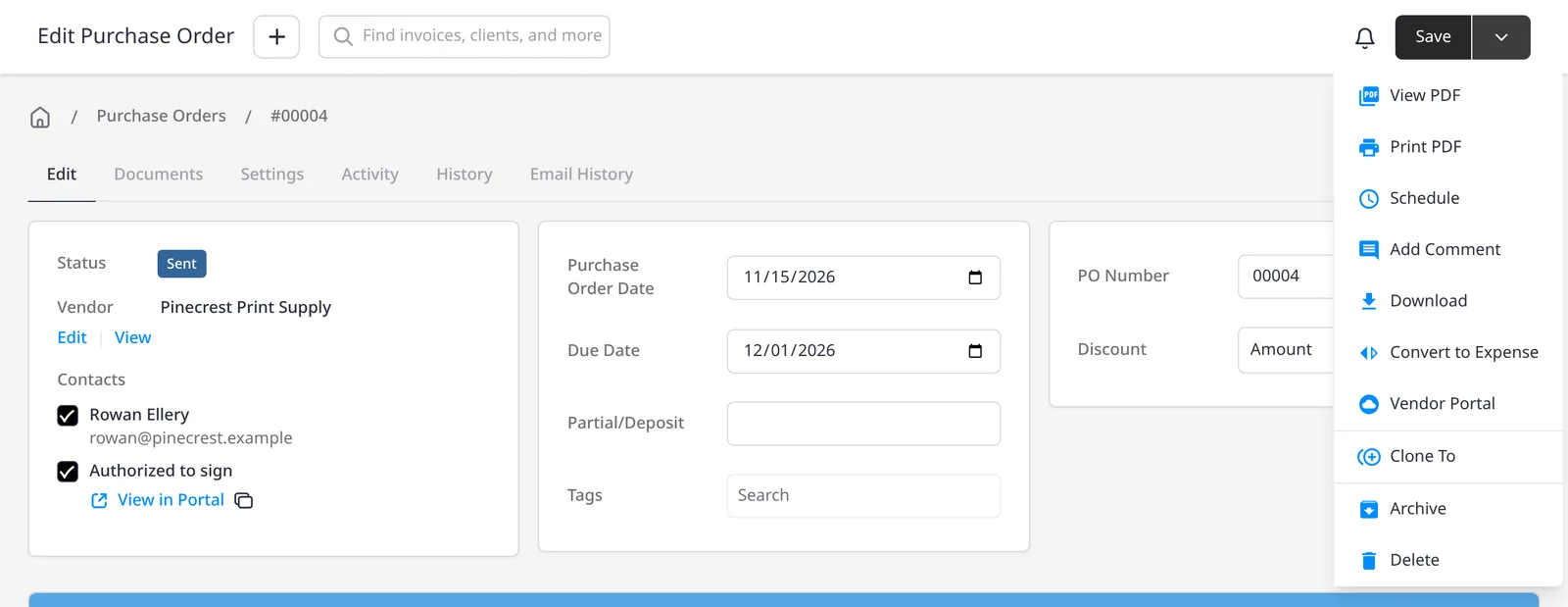
The vendor can accept the PO in the vendor portal, including optional terms and a signature. When the goods or services arrive, mark the PO as received, and if inventory tracking is on, stock for matching products is increased automatically. Approved purchase orders can auto-convert to expenses. The expense inherits the vendor, amount, line detail, and any client or project link, so you can mark it paid or flag it as billable without retyping. See also expense tracking and inventory management.
What you can do
- Create a purchase order for a vendor, with line items, terms and notes, on every plan including Free
- Email the PO, or mark it sent, and track draft, sent, accepted, received or cancelled
- Let the vendor accept the order in the vendor portal
- Mark a PO received and, if inventory tracking is on, restock matching products
- Auto-convert approved purchase orders to expenses, including any client or project link
Who it’s for
Businesses that buy stock, hire subcontractors, or place larger orders and want those purchases in the same system as expenses, inventory and client invoices.