
Make it easy for clients to pay you
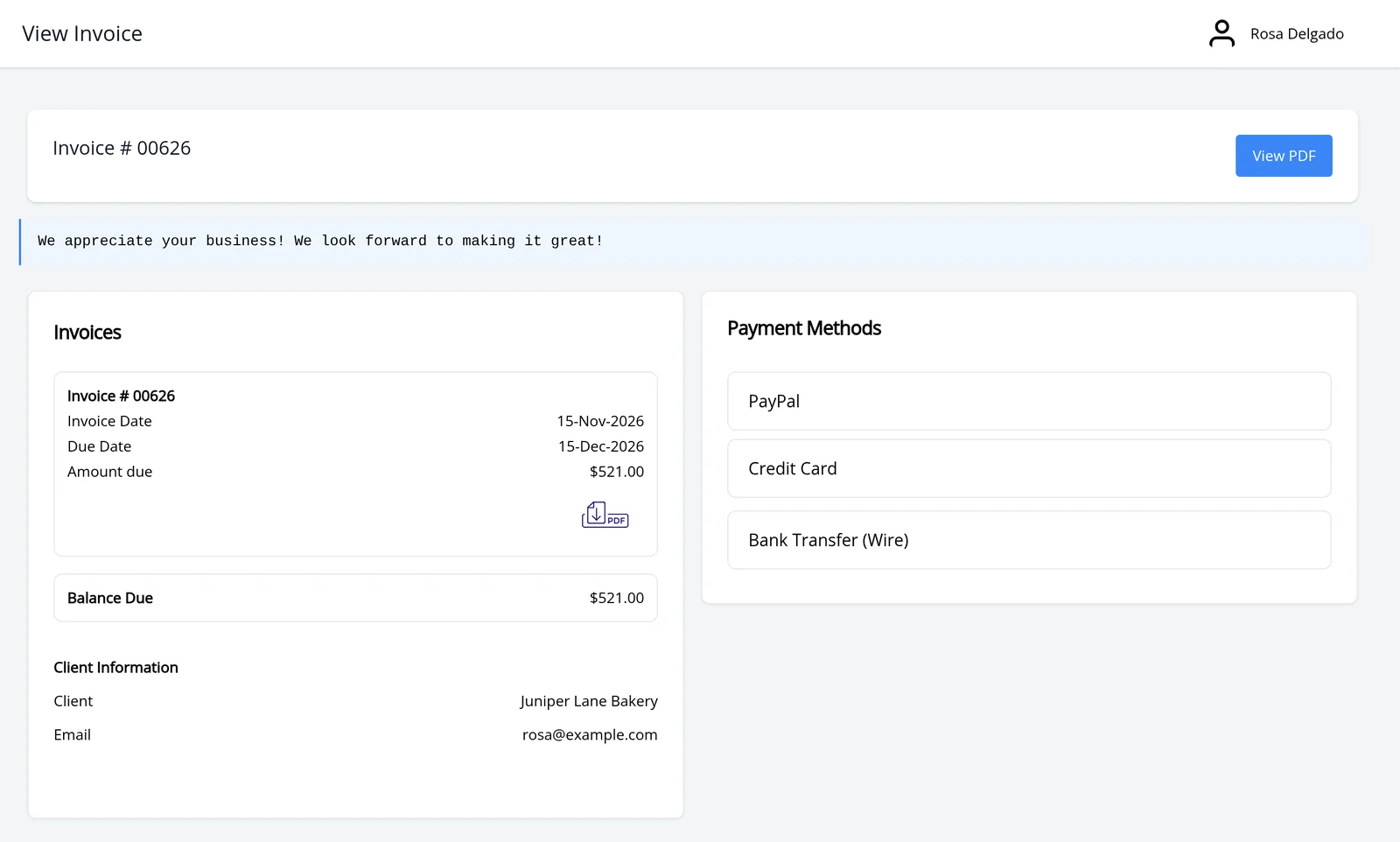
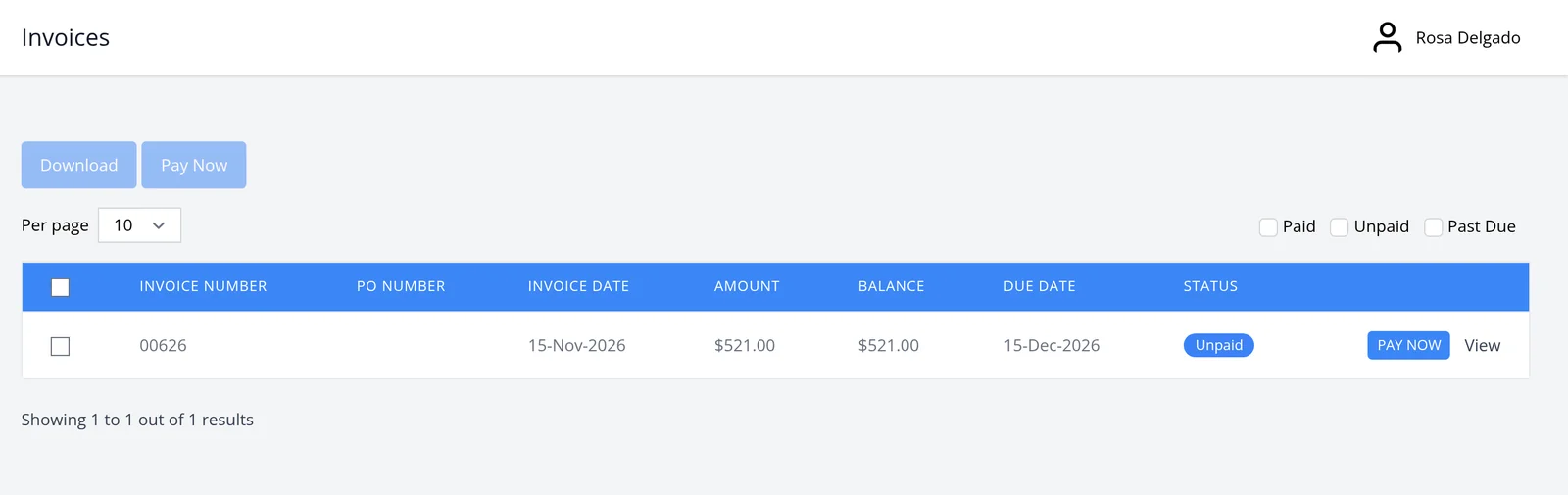
Once a payment gateway is connected, every invoice can carry a Pay Now button. Your client opens the invoice, chooses a method and pays. They do not leave to find a separate checkout page. Online payments are included on every plan, including Free.
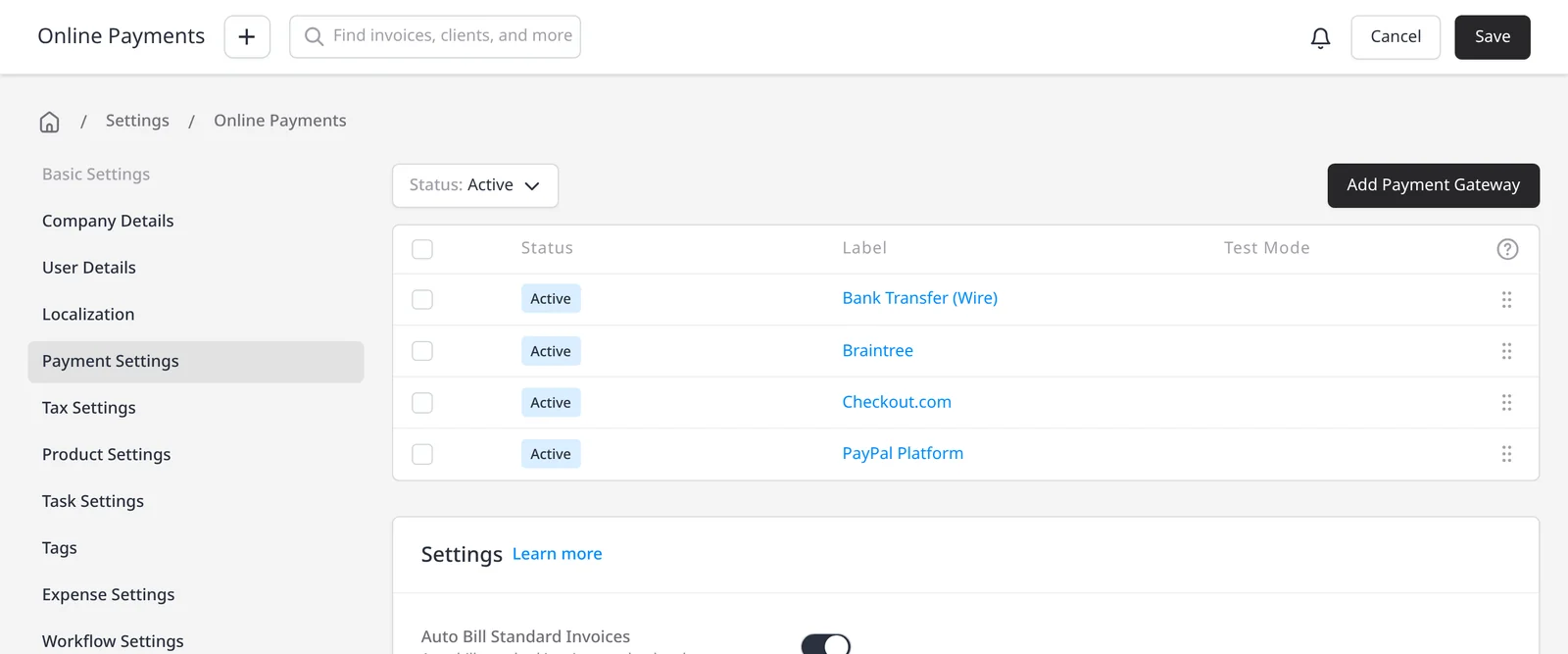
You connect your own gateway. Invoice Ninja takes 0% on every payment, on every plan. Only the gateway’s fees apply, at the rate in your agreement with them. See payment gateways and Invoice Ninja’s 0% processing fees. Many gateways also support ACH or bank debit.
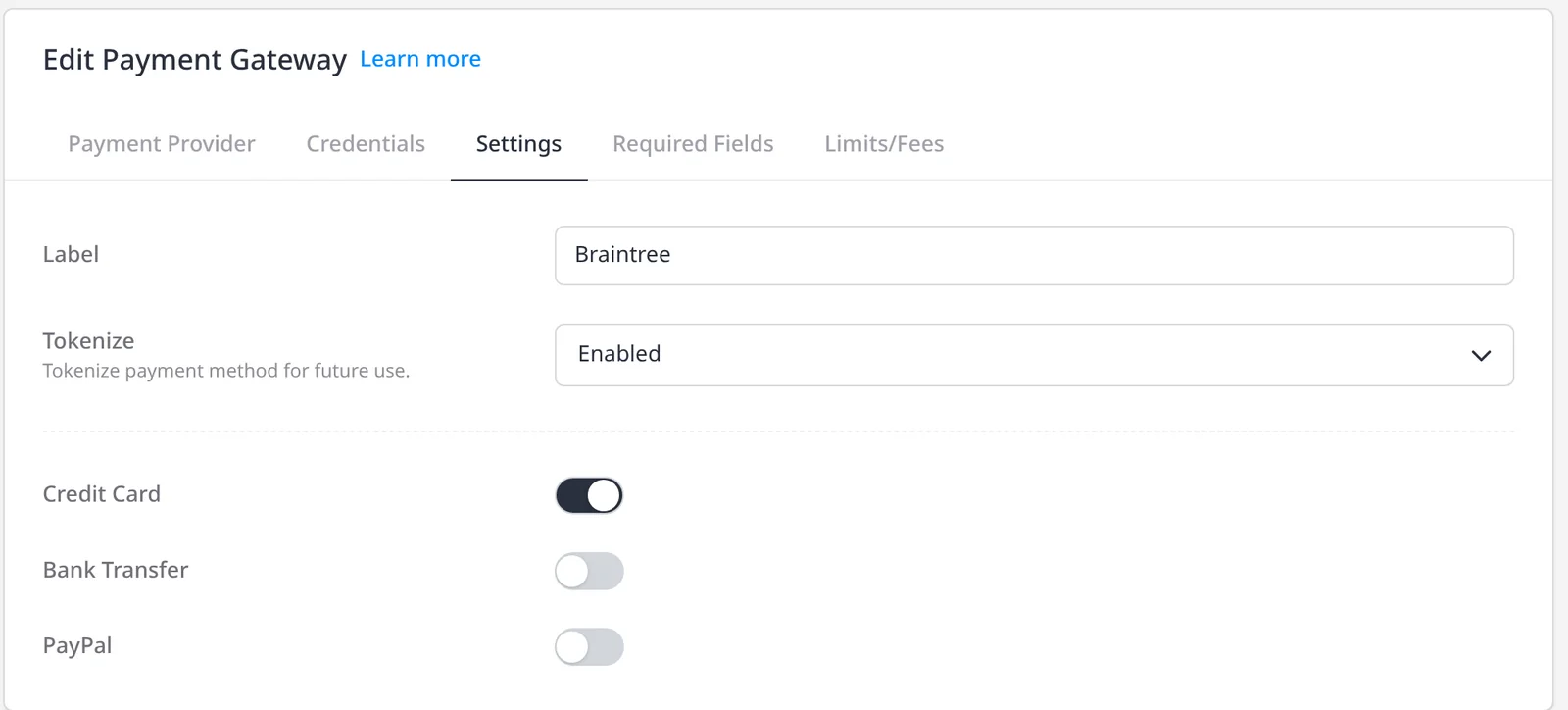
For an even faster next payment, your client can save a card on file. Invoice Ninja uses token billing: the card details are not stored in Invoice Ninja, only tokenized at the merchant processor. The client can add, remove or set a default method in the portal’s Payment Methods tab. The next invoice can then be paid in one click. The same saved method is also what recurring auto-billing uses when you want invoices to collect on a schedule. Payment Links are included on every plan as well, if you want a simple pay link without sending a full invoice first.
What you can do
- Let clients pay from the invoice or client portal with Pay Now, on every plan including Free
- Connect your own gateway, with 0% Invoice Ninja processing fees
- Save a card on file with the merchant processor (token billing); Invoice Ninja never stores the card details
- Let clients add, remove or set a default method in the portal, so later invoices can be paid in one click
- Use the same saved method for recurring auto-billing, when you want invoices to collect on a schedule
Who it’s for
Businesses that want clients to pay the moment they open the invoice, and to pay even faster the next time, without Invoice Ninja taking a cut of the payment.