
ACH and Bank Transfers

Let clients pay invoices by ACH or bank transfer through a supported gateway. Invoice Ninja takes 0% on every payment. Included on every plan, including Free.

  • 0% Invoice Ninja fees
  • ACH and bank debit
  • Included on every plan
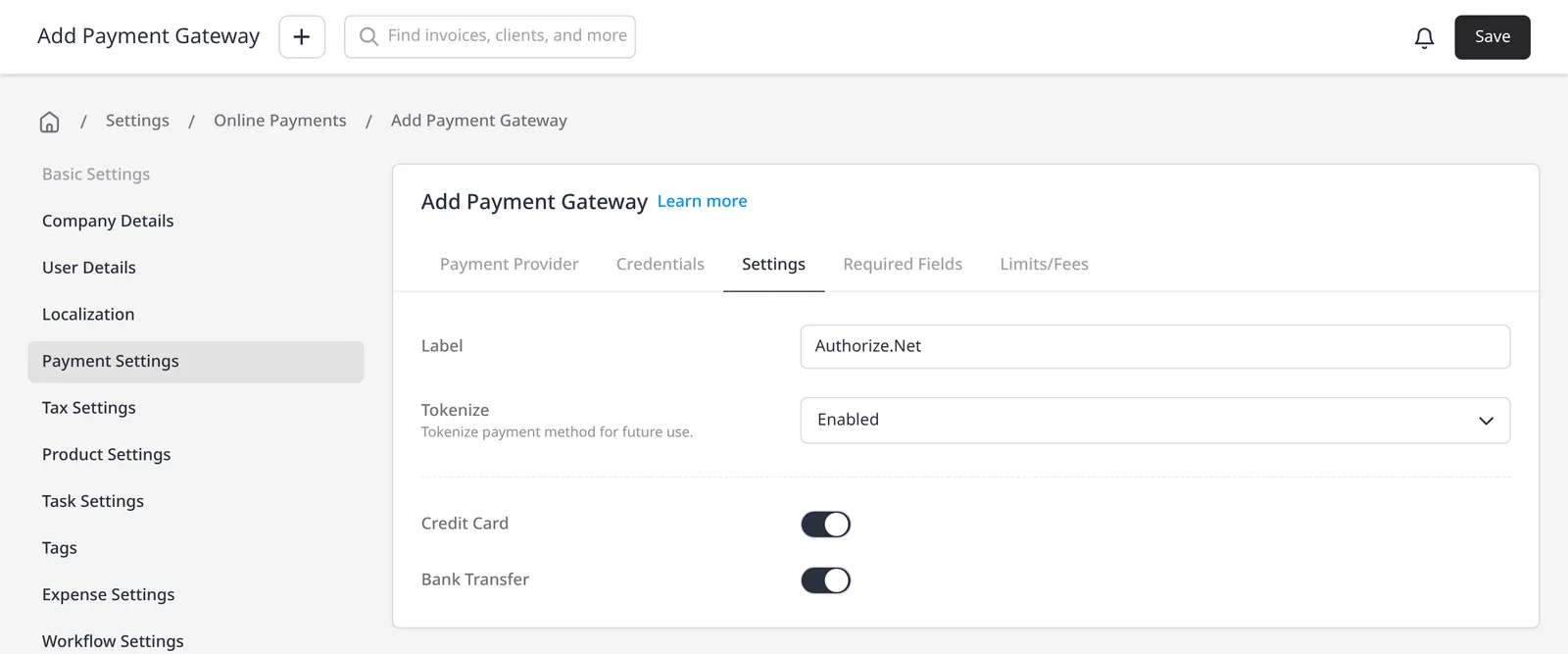
Add Payment Gateway screen in Invoice Ninja, labeled Authorize.Net, with the Bank Transfer toggle turned on

How it works

Offer bank payments alongside cards

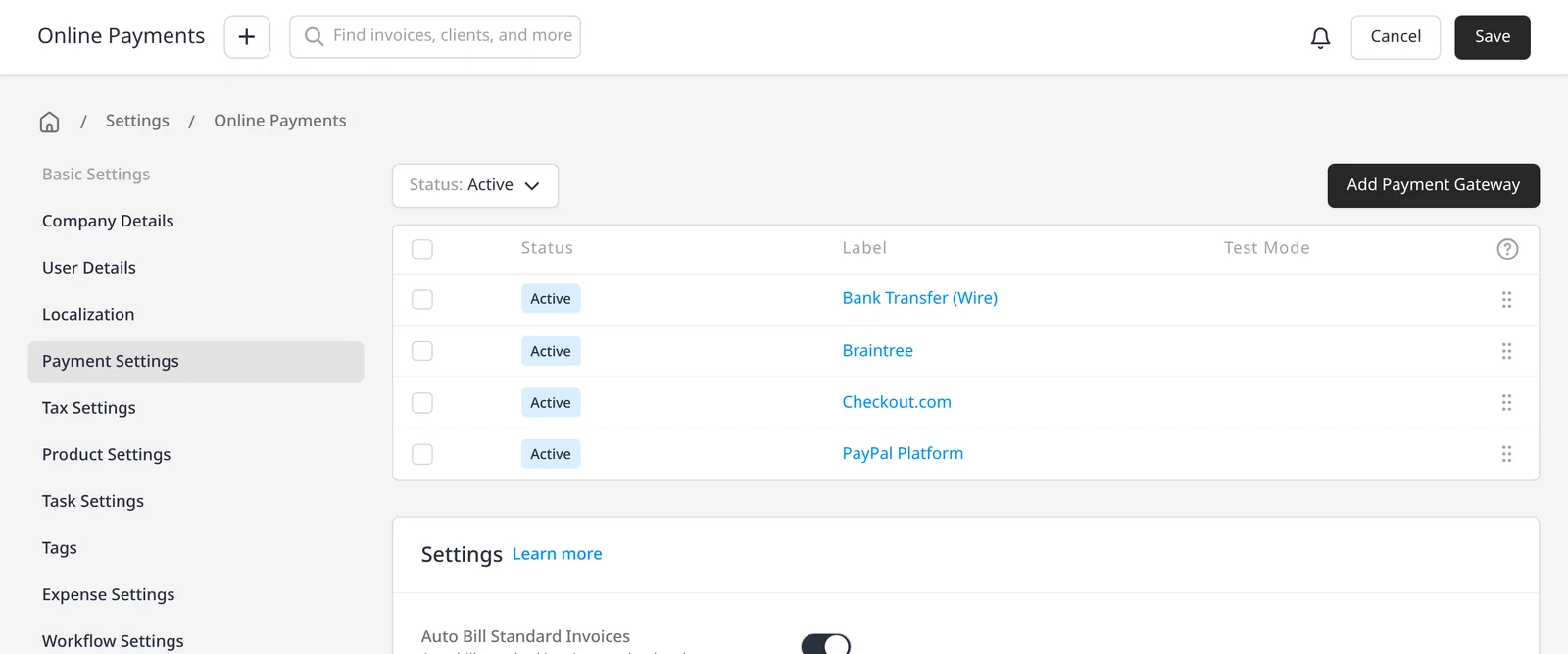
  1. Invoice Ninja Online Payments settings, with active gateways including Bank Transfer (Wire), Braintree, Checkout.com and PayPal Platform

    Connect a supported gateway

    Connect a gateway that can accept ACH, bank debit or bank transfers, such as Stripe, GoCardless, Authorize.net or Mollie.

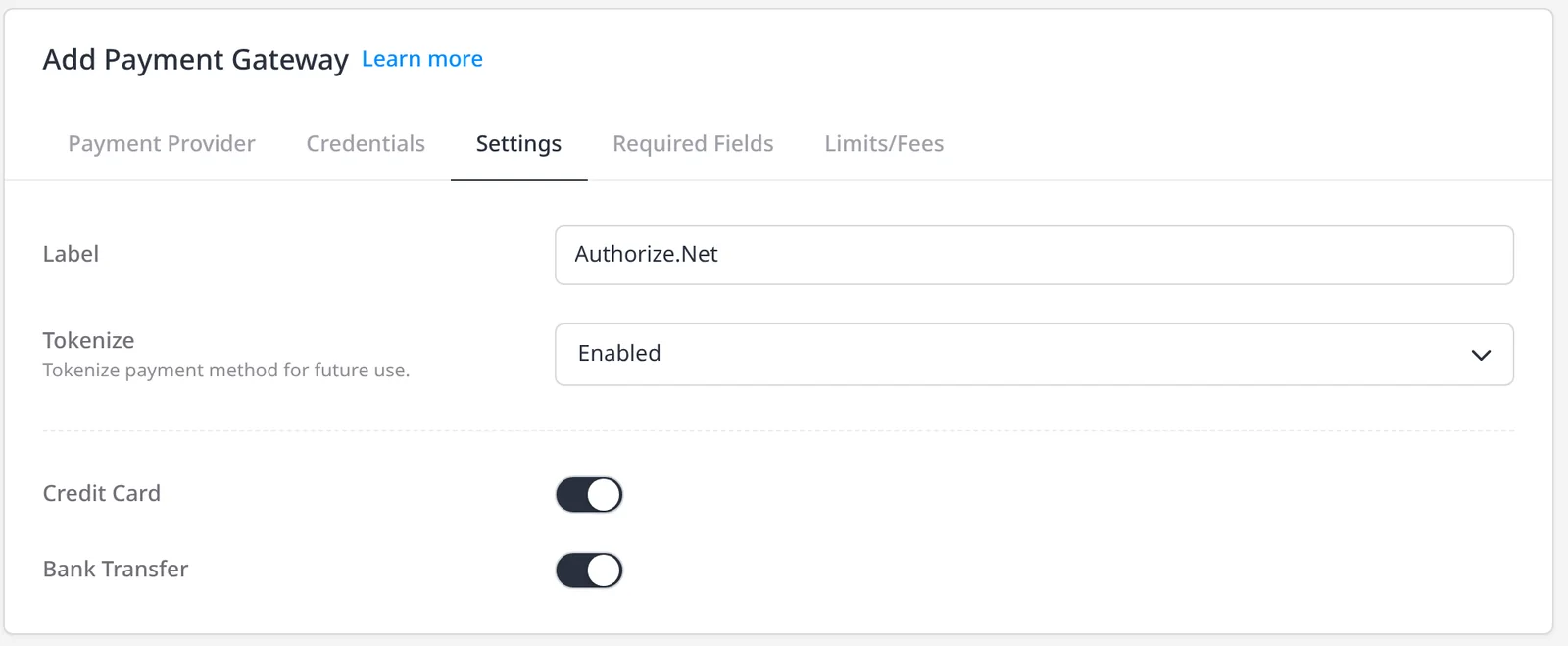
  2. Authorize.Net gateway settings, with the Bank Transfer toggle turned on

    Turn on the bank payment types you want

    In the gateway's Available Payment Types, enable ACH, bank debit or bank transfer methods that your account supports.

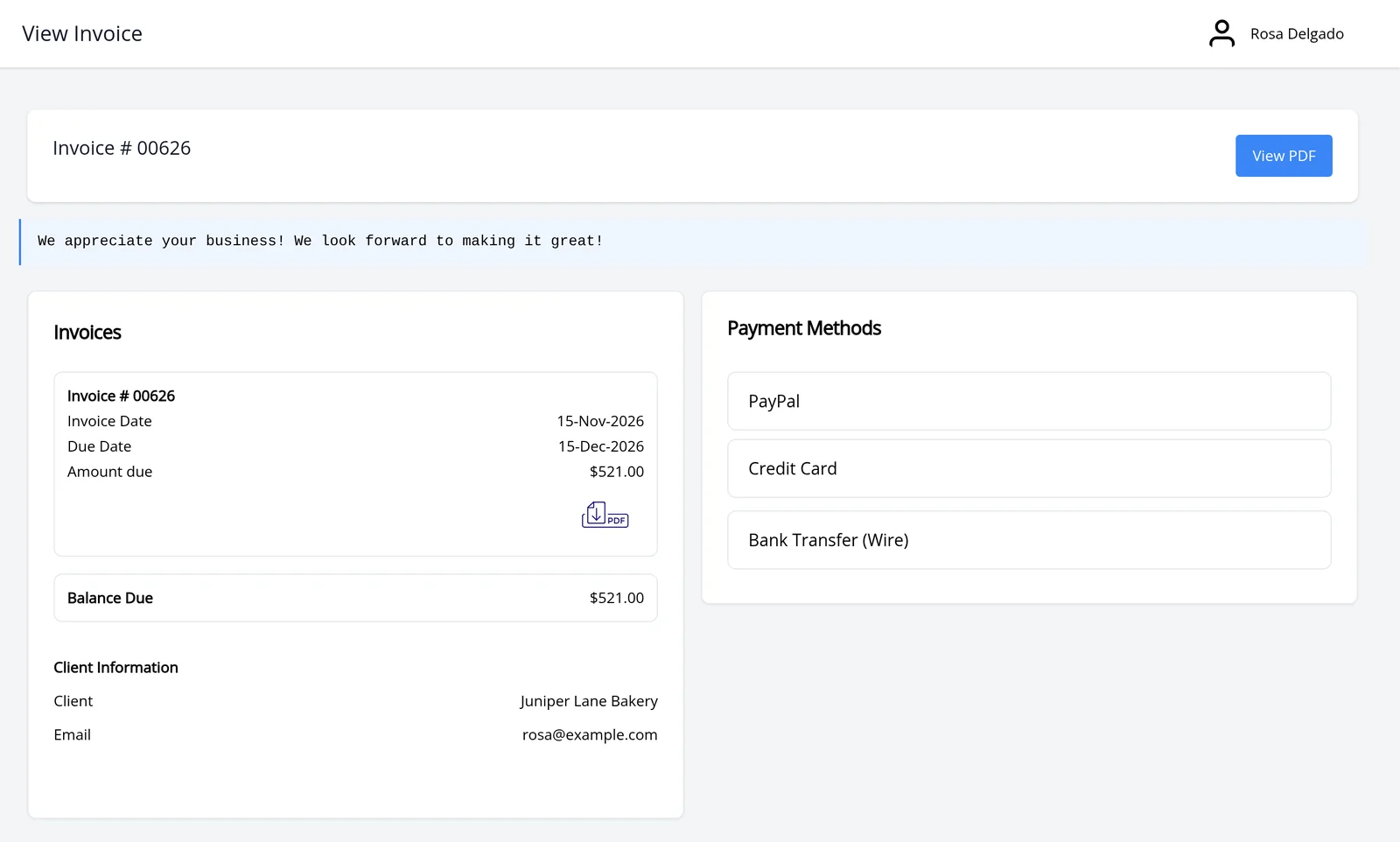
  3. Client portal invoice for Juniper Lane Bakery, with PayPal, Credit Card and Bank Transfer (Wire) as payment methods

    Clients choose bank pay at checkout

    When they click Pay Now, they can pay by ACH or bank transfer instead of a card, where you have enabled it.

Get paid by ACH or bank transfer, with 0% Invoice Ninja fees

Cards are convenient, but larger invoices are often cheaper for you to collect by bank debit. Invoice Ninja does not process the payment itself. You connect your own gateway, enable the bank payment types it supports, and your client chooses ACH or a bank transfer when they click Pay Now. Online payments, including these methods, are included on every plan, including Free.

Invoice Ninja takes 0% on every payment, on every plan. Only the gateway’s fees apply, at the rate in your agreement with them. A typical published Stripe ACH Direct Debit rate (checked 15 November 2026 on Stripe’s pricing page) is 0.8%, capped at $5.00. On a $5,000 invoice that example is $5.00, because 0.8% would be $40 and the cap applies. Invoice Ninja still takes $0. Your actual rate is the one in your agreement with Stripe, or with whichever gateway you use. See Invoice Ninja’s 0% processing fees and payment gateways.

Depending on the gateway, bank options can include US ACH, European SEPA, and other bank debit or bank transfer methods. Stripe, GoCardless, Authorize.net and Mollie are examples; the payment types you can offer depend on the gateway and on your account with them.

This page is about clients paying your invoices. It is not the same as Bank Account Sync, which imports your own bank transactions (Yodlee or GoCardless) on Enterprise. GoCardless can be used as a payment gateway here, and separately for that bank-import feature.

What you can do

  • Offer ACH or bank debit on invoices, on every plan including Free
  • Take 0% Invoice Ninja fees on every bank payment, just as you do on cards
  • Enable the bank payment types your gateway supports, such as ACH, SEPA or bank transfer
  • Steer larger invoices toward ACH when you want a lower typical gateway rate
  • Keep bank-account import (Bank Account Sync) as a separate Enterprise feature

Who it’s for

Businesses that want a bank-debit option next to cards, especially on larger invoices, without paying Invoice Ninja a percentage of the payment.

What you can do

  • ACH and bank debit

    Let clients pay by bank where your gateway supports it.

  • More than US ACH

    Depending on the gateway, offer SEPA, bank transfer and other bank debit methods.

  • 0% Invoice Ninja fees

    You connect your own gateway. Invoice Ninja takes 0% on every payment.

  • Often lower on large invoices

    A typical published Stripe ACH example is 0.8%, capped at $5.00. Your rate is your agreement with the gateway.

  • Pay Now on the invoice

    Clients choose bank pay at checkout, next to cards and other methods.

Tip: After you connect a gateway, open Available Payment Types and enable ACH or bank debit only for the methods your gateway account actually supports.

Common questions

Is this the same as Bank Account Sync?

No. This page is about clients paying your invoices by ACH or bank transfer. Bank Account Sync imports your own bank transactions, on Enterprise, and is a separate feature. GoCardless can be used as a payment gateway here, and separately for bank import.

Is ACH included on the free plan?

Yes. Online payments, including ACH or bank debit where your gateway supports them, are included on every plan, including Free.

Does Invoice Ninja charge a fee on ACH payments?

No. Invoice Ninja takes 0% on every gateway, on every plan, including Free. Only the gateway’s fees apply, at the rate in your agreement with them.

What does a typical ACH rate look like?

A typical published Stripe ACH Direct Debit rate (checked 15 November 2026 on Stripe’s pricing page) is 0.8%, capped at $5.00. On a $5,000 invoice that example is $5.00. That is an illustration only. Your actual rate is the one in your agreement with the gateway.

Which gateways support ACH or bank transfers?

It depends on the gateway and on your account with them. Examples include Stripe (ACH and other bank methods such as SEPA), GoCardless, Authorize.net for ACH, and Mollie Bank Transfer. See the payment gateways page for supported providers.

Ready to send your first invoice?

Join 200,000+ businesses invoicing with Invoice Ninja. Free to start, no credit card required.