
Keep every supplier in one place
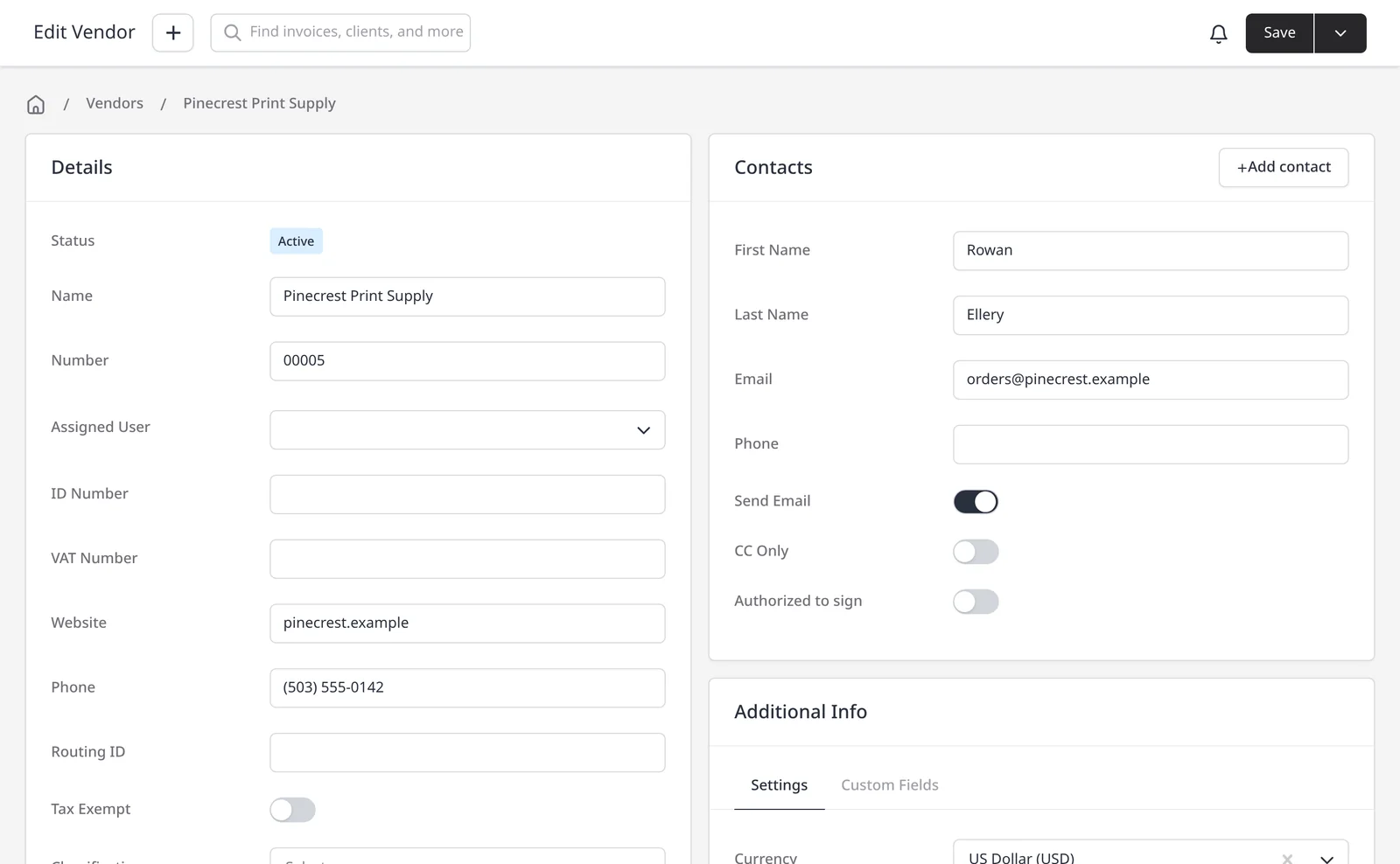
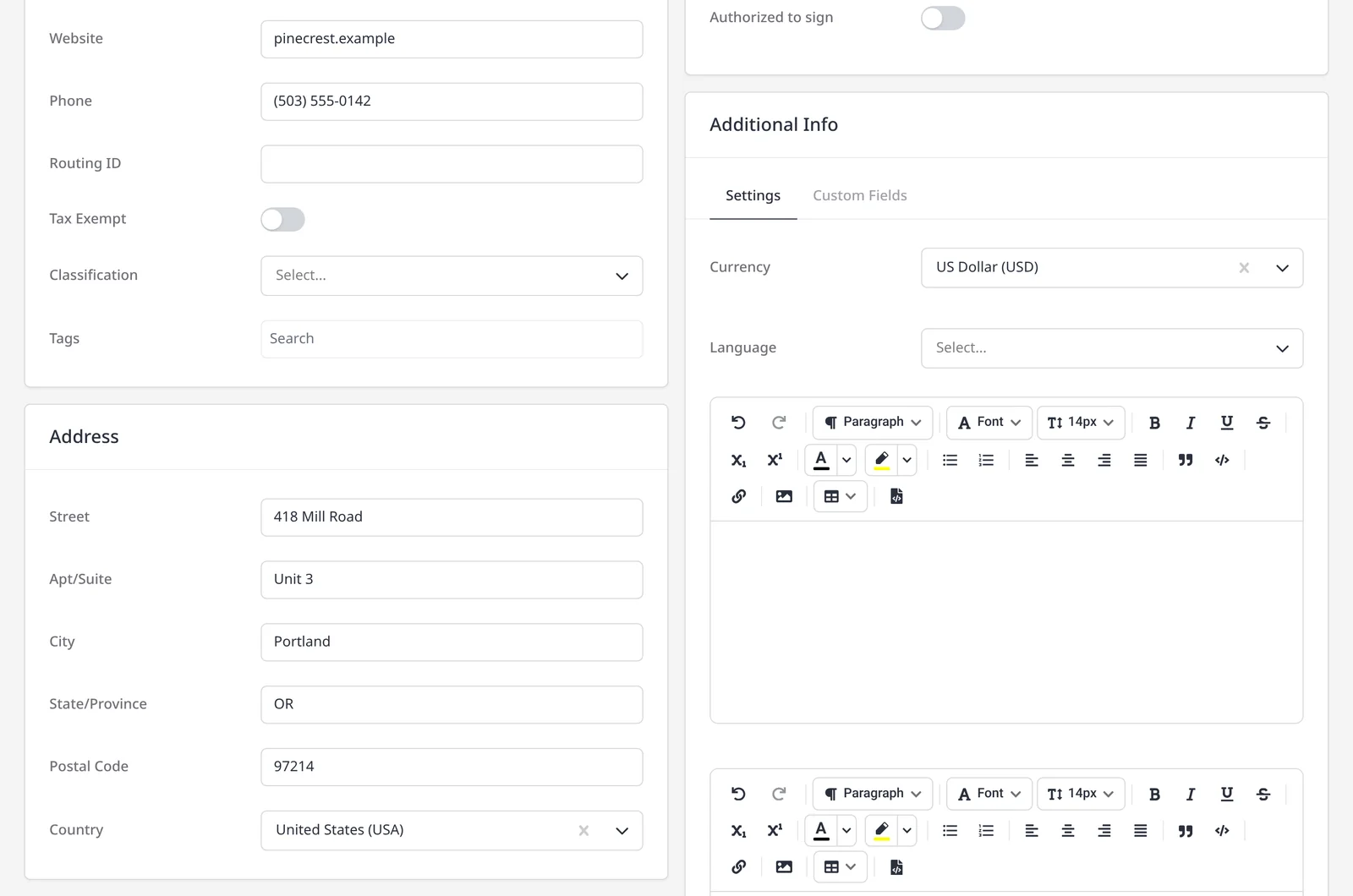
A vendor is the supplier you buy from, not a client you invoice. Add the business once (name, contacts, currency and address) and reuse it whenever you raise a purchase order or log an expense. Vendor records, purchase orders and expenses are included on every plan, including Free.
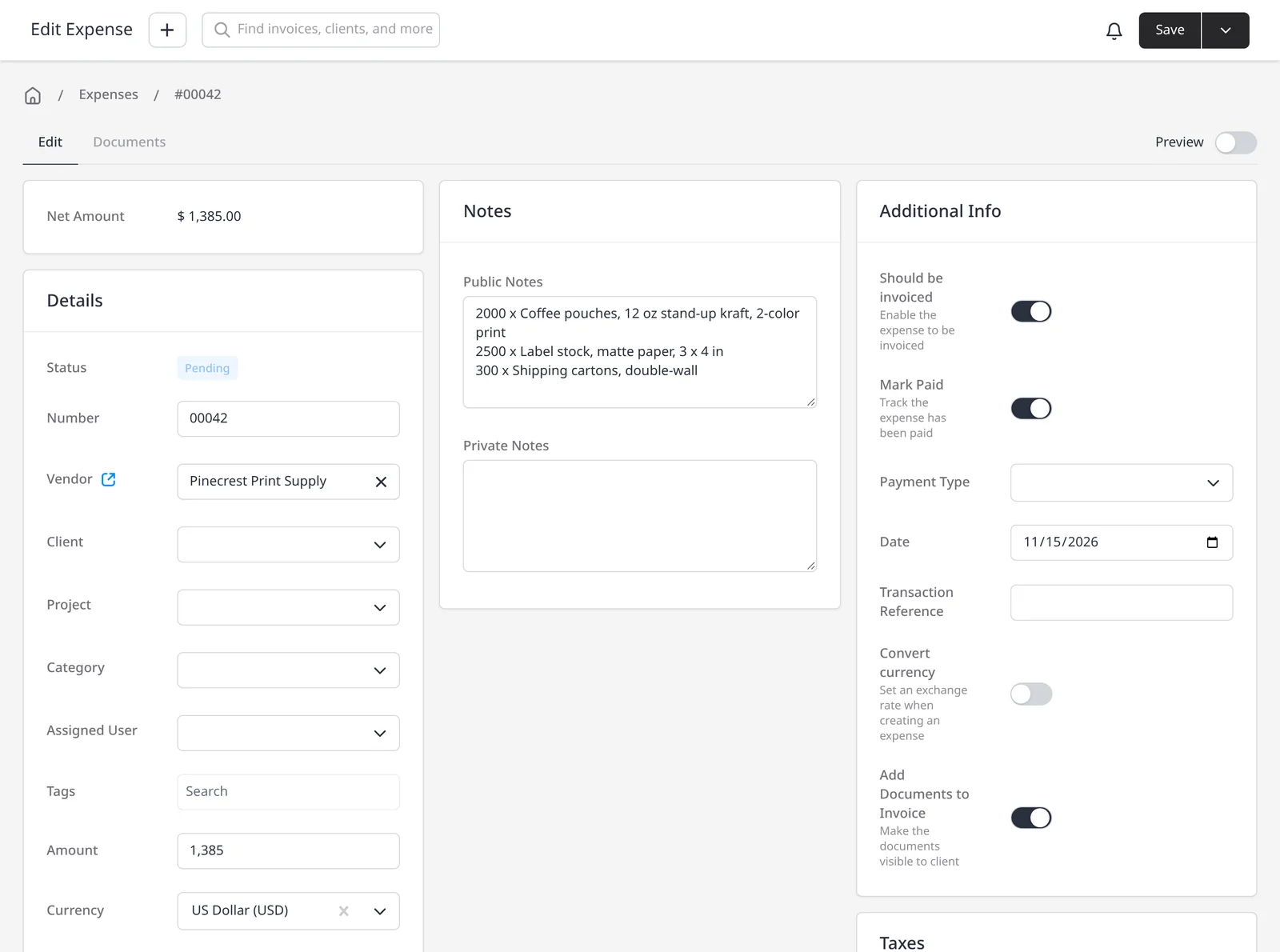
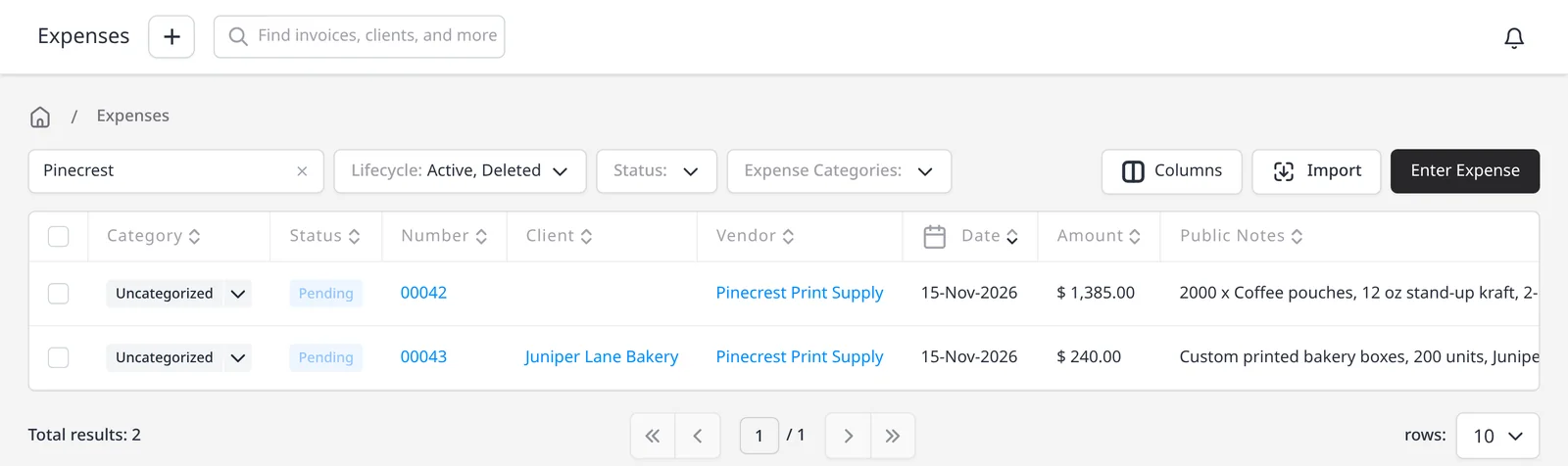
A purchase order needs a vendor on file. You can add one first, or create one while you raise the PO. The vendor can accept the order in the vendor portal, including optional terms and a signature. When you log an expense, the vendor is optional, but tagging it makes it much easier to see what you spent with each supplier later. The same is true for recurring expenses.
If an approved purchase order auto-converts to an expense, the expense inherits the vendor, so you do not retype it. When a cost is billable, you can then add it to a client invoice. Reports can group expenses by vendor once those records are tagged.
What you can do
- Store each supplier’s name, contacts, currency and address, on every plan including Free
- Create a purchase order that needs a vendor, and let the vendor accept it in the vendor portal
- Optionally tag expenses and recurring expenses with a vendor
- Keep the vendor when an approved PO auto-converts to an expense
- Review spend by supplier once expenses are tagged
Who it’s for
Businesses that buy from regular suppliers and want purchase orders, expenses and supplier contacts in the same place they invoice clients.