

Bill a cost back to the client, when you are ready
Some expenses are yours to keep on the books. Others should go back on a client invoice: a travel cost, a pass-through purchase, or a billable disbursement. In Invoice Ninja you log the expense once, mark it billable, and add it to a new or existing invoice when you choose. You can add a markup so the invoice includes more than the raw cost. Expense tracking and this billing-back step are included on every plan, including Free.
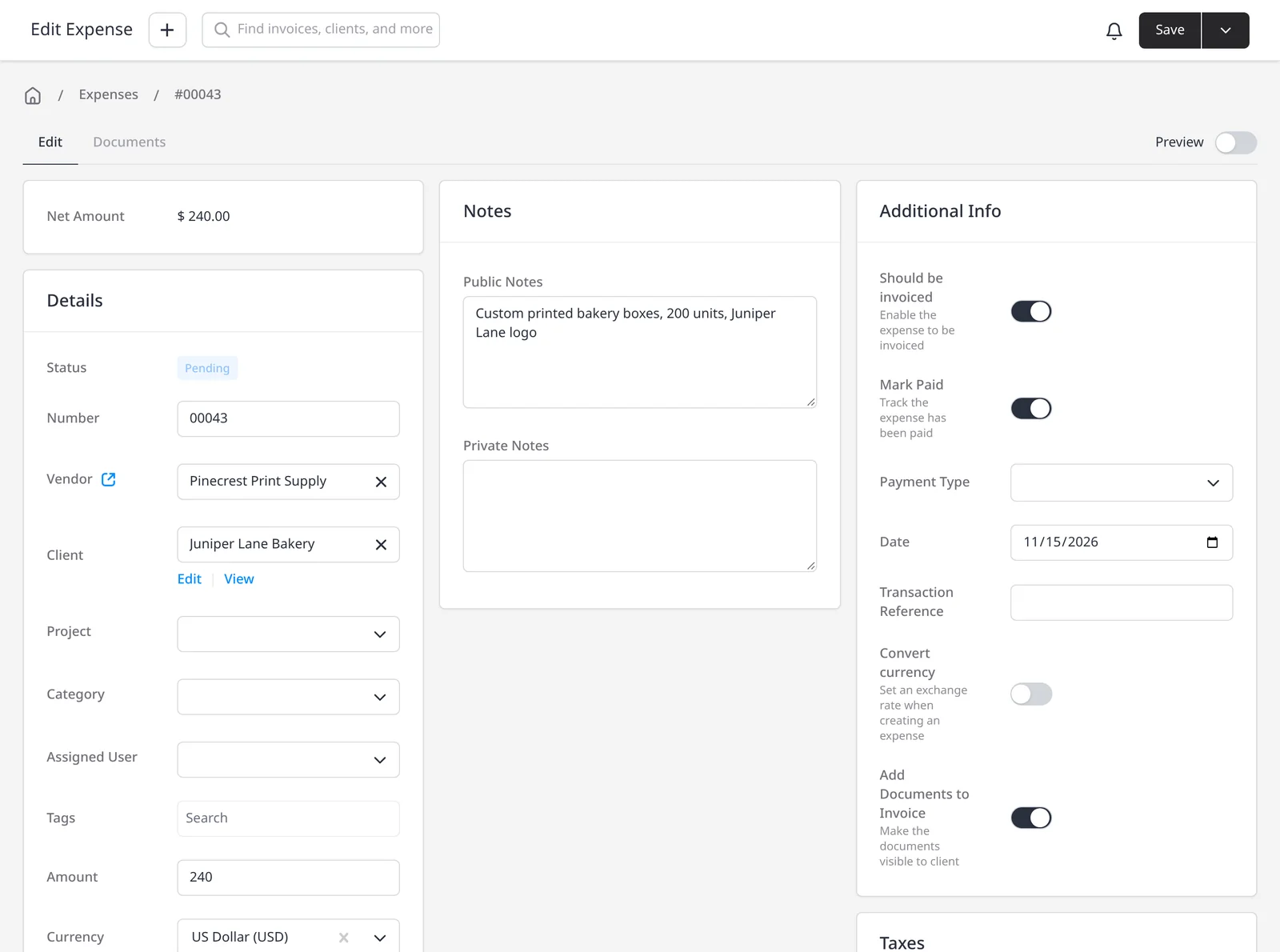
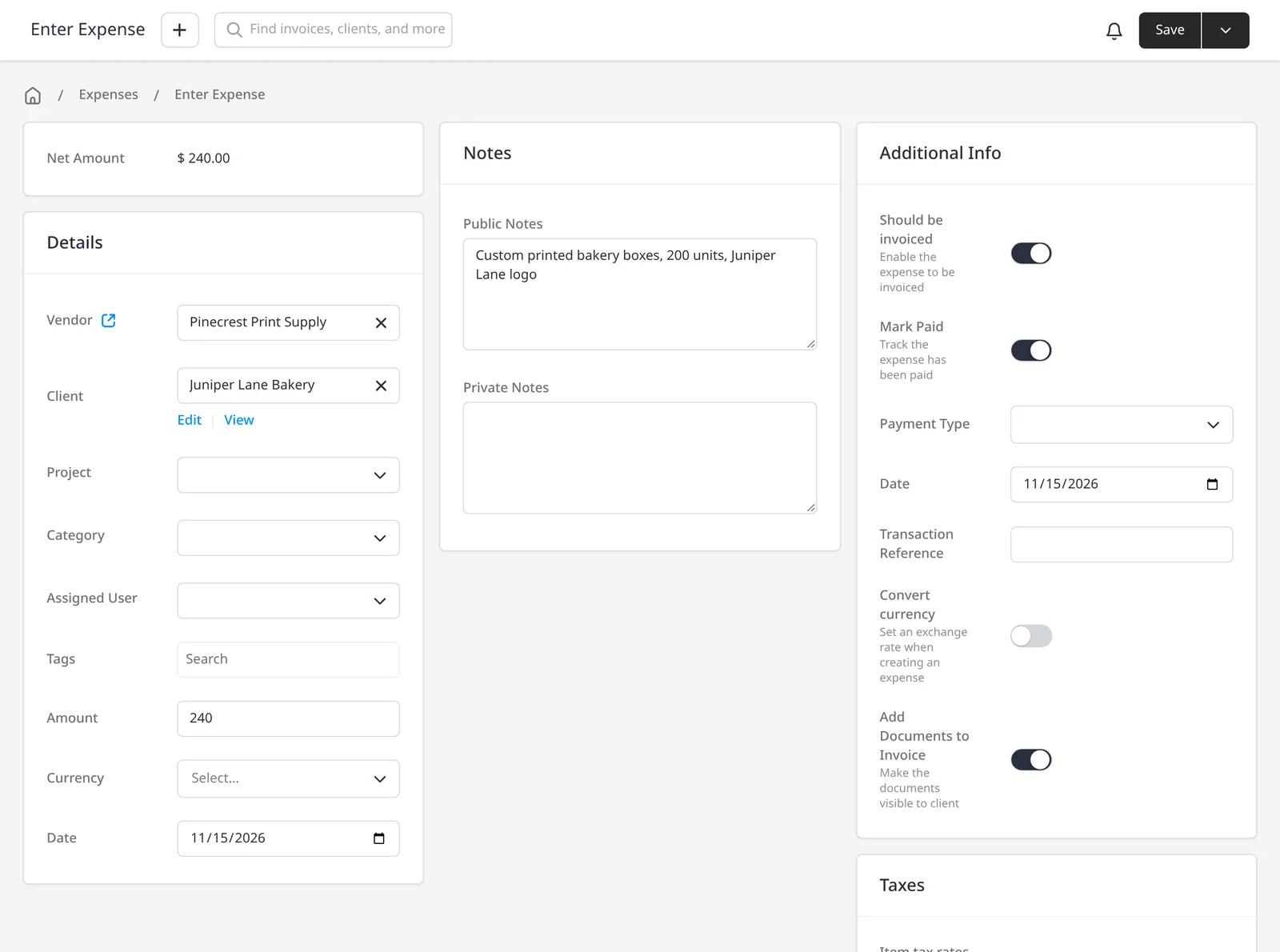
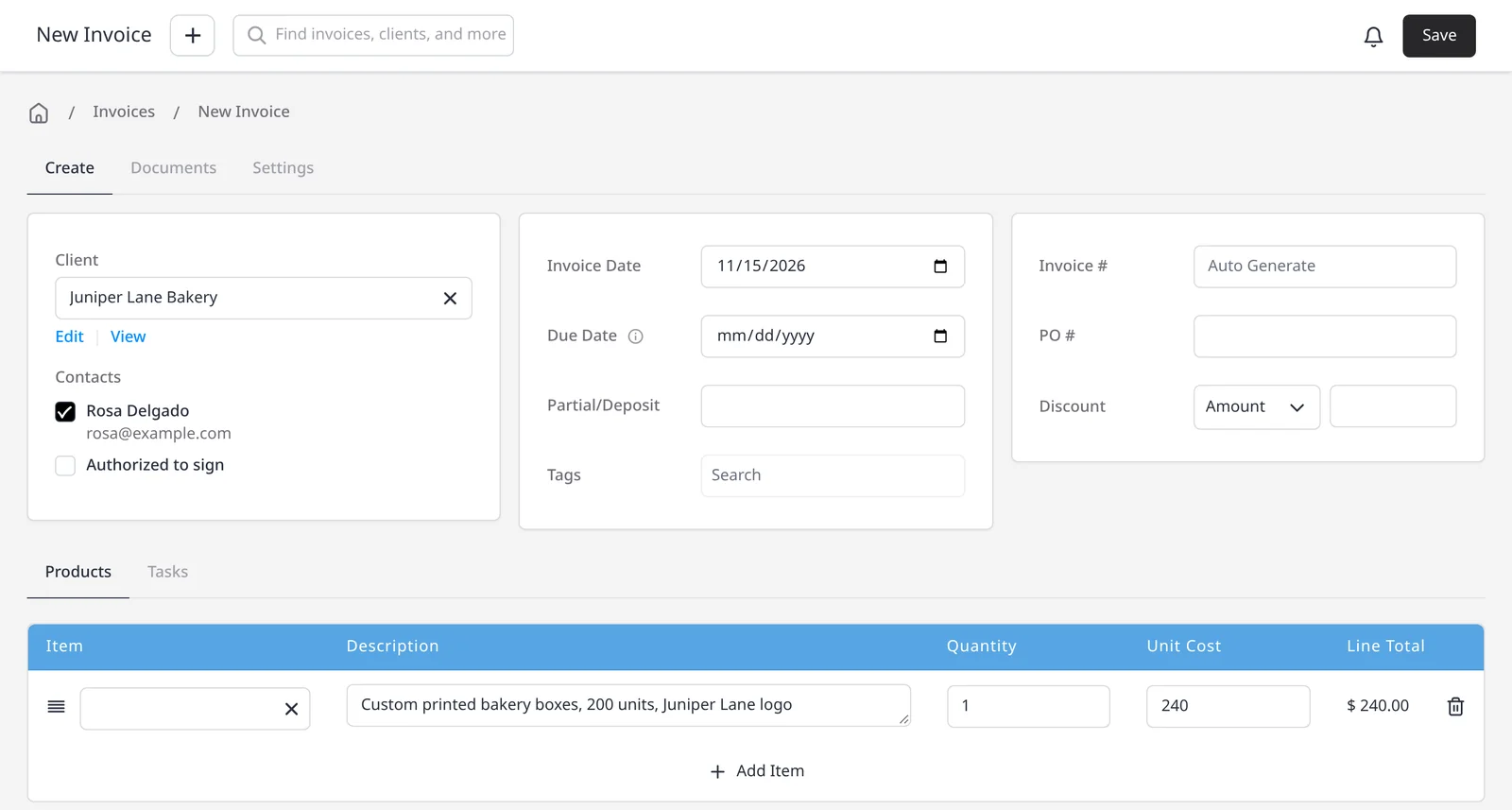
Should be invoiced is the billable flag. The expense moves to Pending and waits. It does not email the client or create an invoice on its own. That two-step design is deliberate: you can collect several costs on a project, then invoice them together. If you already set a client or project on the expense, those fields pre-fill when you invoice. Use Invoice Expense for a new invoice, or Add to Invoice to place the cost on an invoice you already started. When you invoice the expense, you can add a markup so the client invoice includes more than the raw cost. See expense tracking for logging, categories and marking an expense paid.
If the cost started as a purchase order, an approved PO can auto-convert to an expense and inherit the vendor, amount, line detail, and any client or project link. You can then mark that expense billable, add a markup if you want, and put it on the client invoice, without retyping. Link a vendor when you want to remember who you paid.
What you can do
- Mark an expense billable with Should be invoiced, on every plan including Free
- Wait until you are ready: the flag does not bill the client by itself
- Create a new invoice from the expense, or add it to an existing invoice
- Add a markup so the client invoice can include more than the raw cost
- Pre-fill the client and project from the expense
- Bill back costs that started as an approved purchase order
Who it’s for
Freelancers and agencies who pay costs on a client’s behalf, and want those costs on the invoice, with an optional markup, without retyping them.