
A running record your clients can use
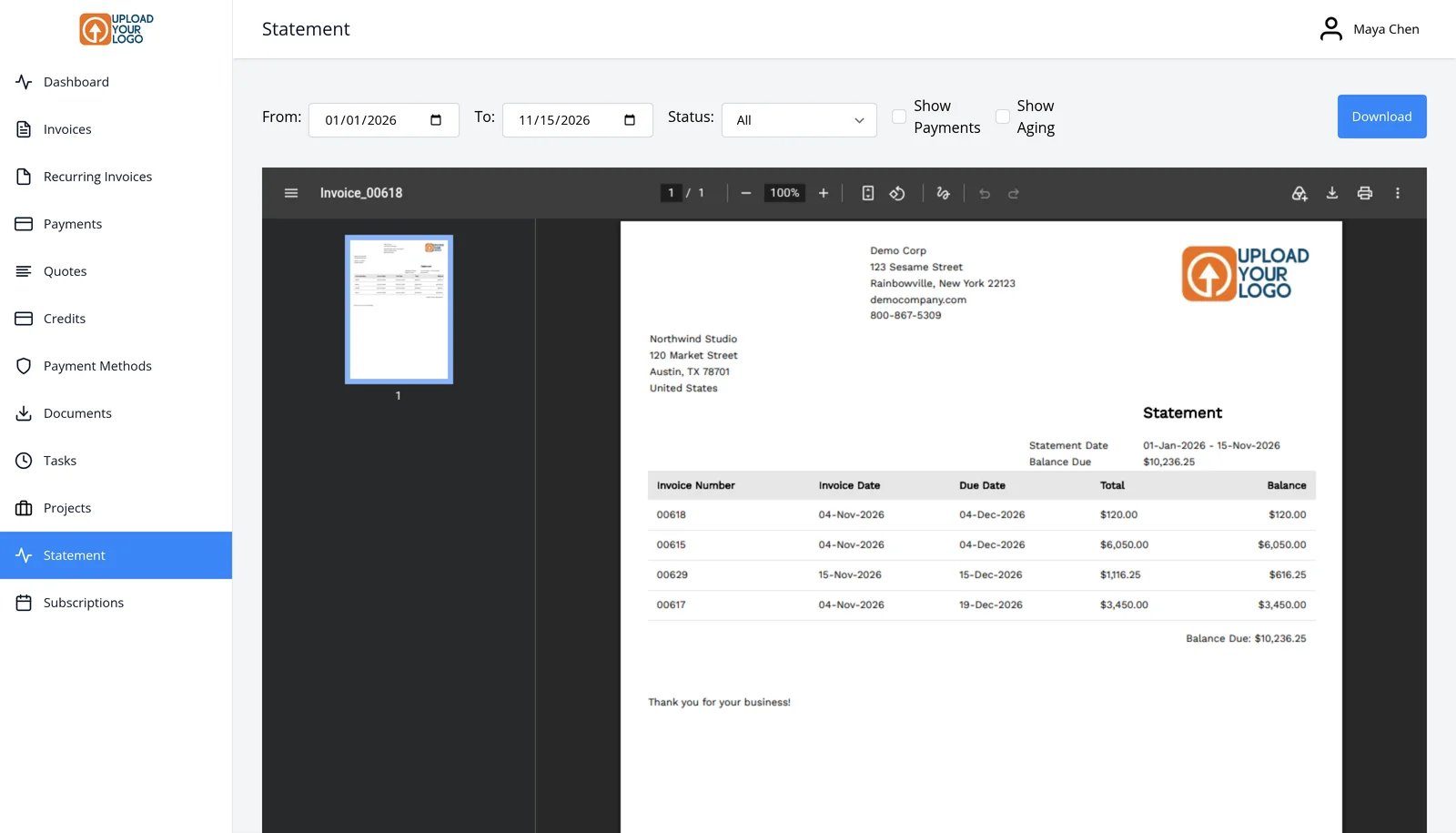
A client statement sums up invoices and payments, so someone can see the current balance, recent activity and payment history without asking you to pull it together by hand. Clients can generate a PDF statement for any date range in the client portal. Portal download, emailing a statement and scheduling statements are included on every plan, including Free.
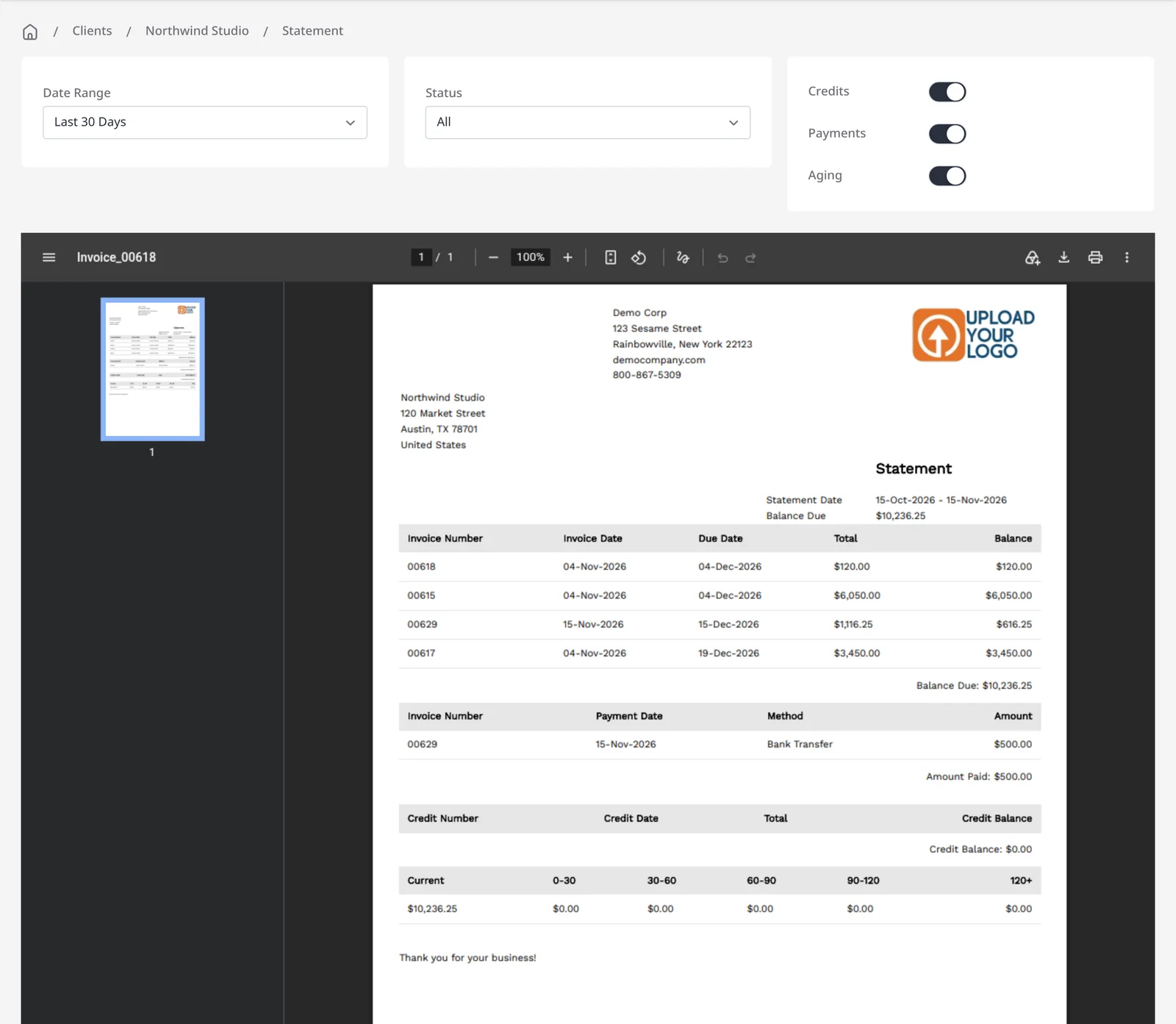
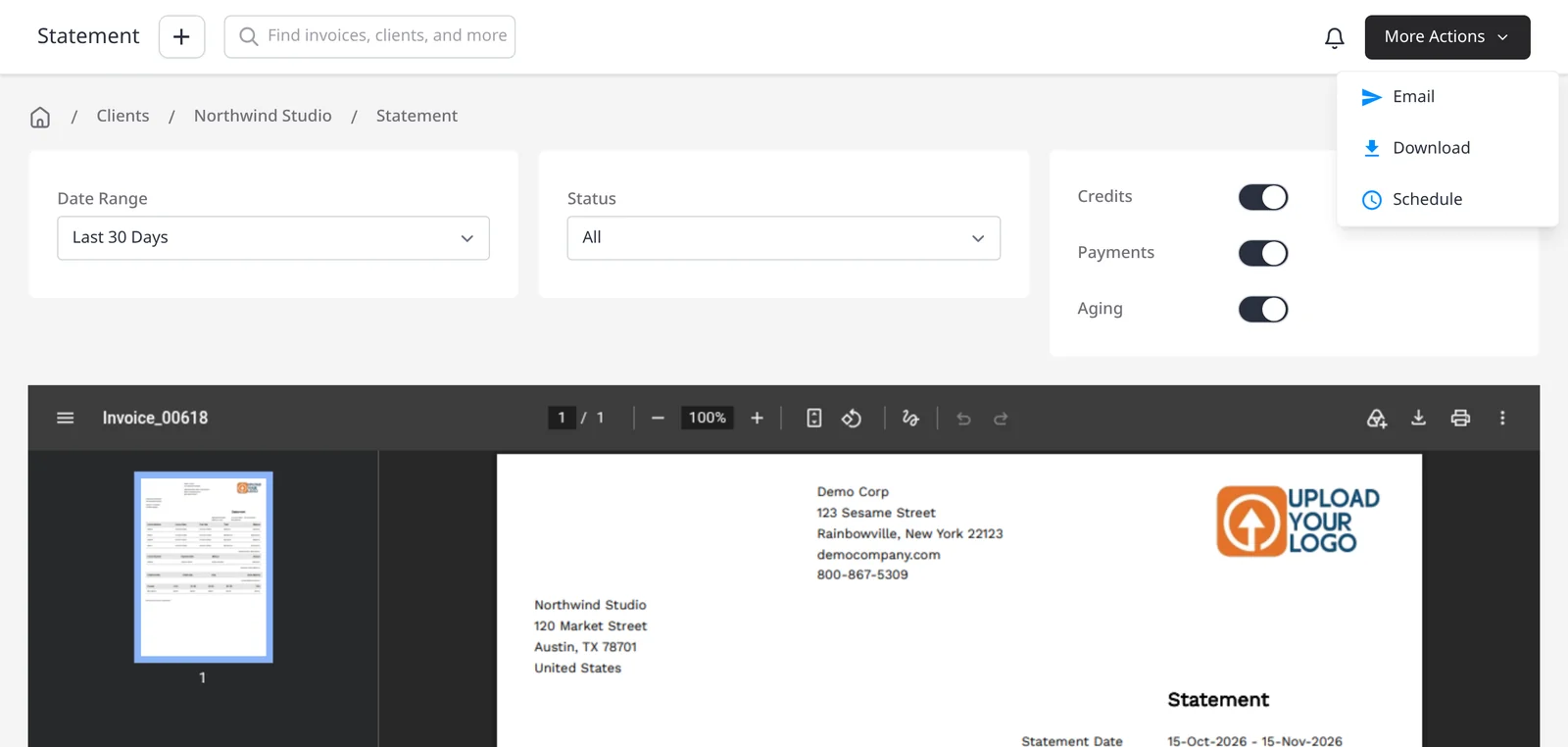
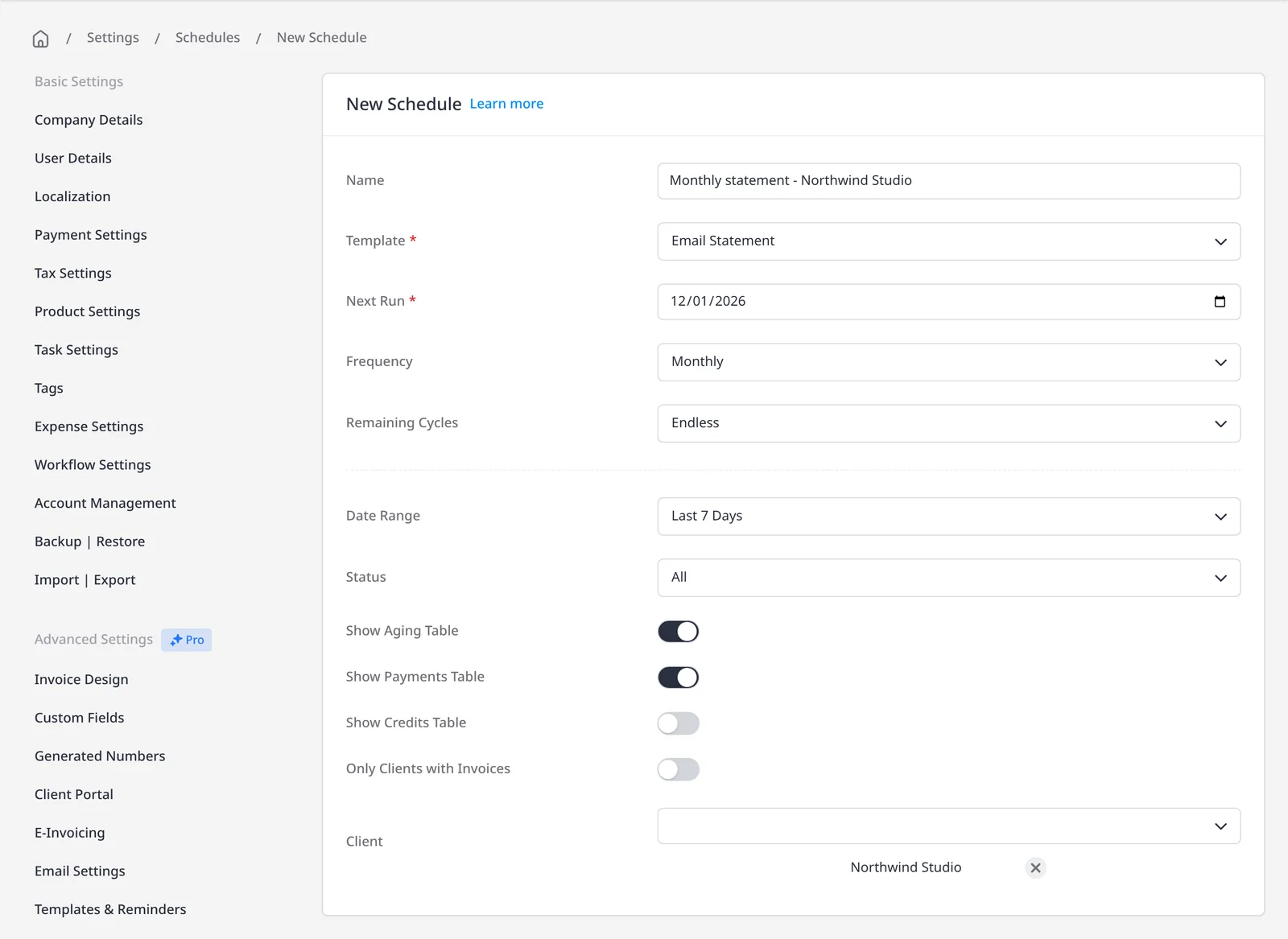
When you want to send the statement yourself, open the client, choose Edit, then View Statement, and use More Actions to Email or Download it. You can include credits, payments and an aging table. If you would rather it go out on a regular cadence, open Settings, then Schedules, and choose New Schedule with the Email Statement template. Set the frequency (Monthly is the default), remaining cycles and date range, and choose which clients should receive it. The statement is a client-facing summary, not the same thing as the Reports module, which is included on Pro and Enterprise.
What you can do
- Let clients download a statement PDF in the portal for any date range, on every plan including Free
- Generate a statement from the client page (Edit, then View Statement) and email or download it, on every plan including Free
- Schedule Email Statement from Settings, then Schedules, on every plan including Free, and choose the frequency and which clients receive it
- Give clients a clear view of balances, payments, credits and aging
Who it’s for
Owners who get asked for a year-end or month-end statement, and anyone who wants clients to pull that summary themselves in the portal, or receive it on a schedule.