
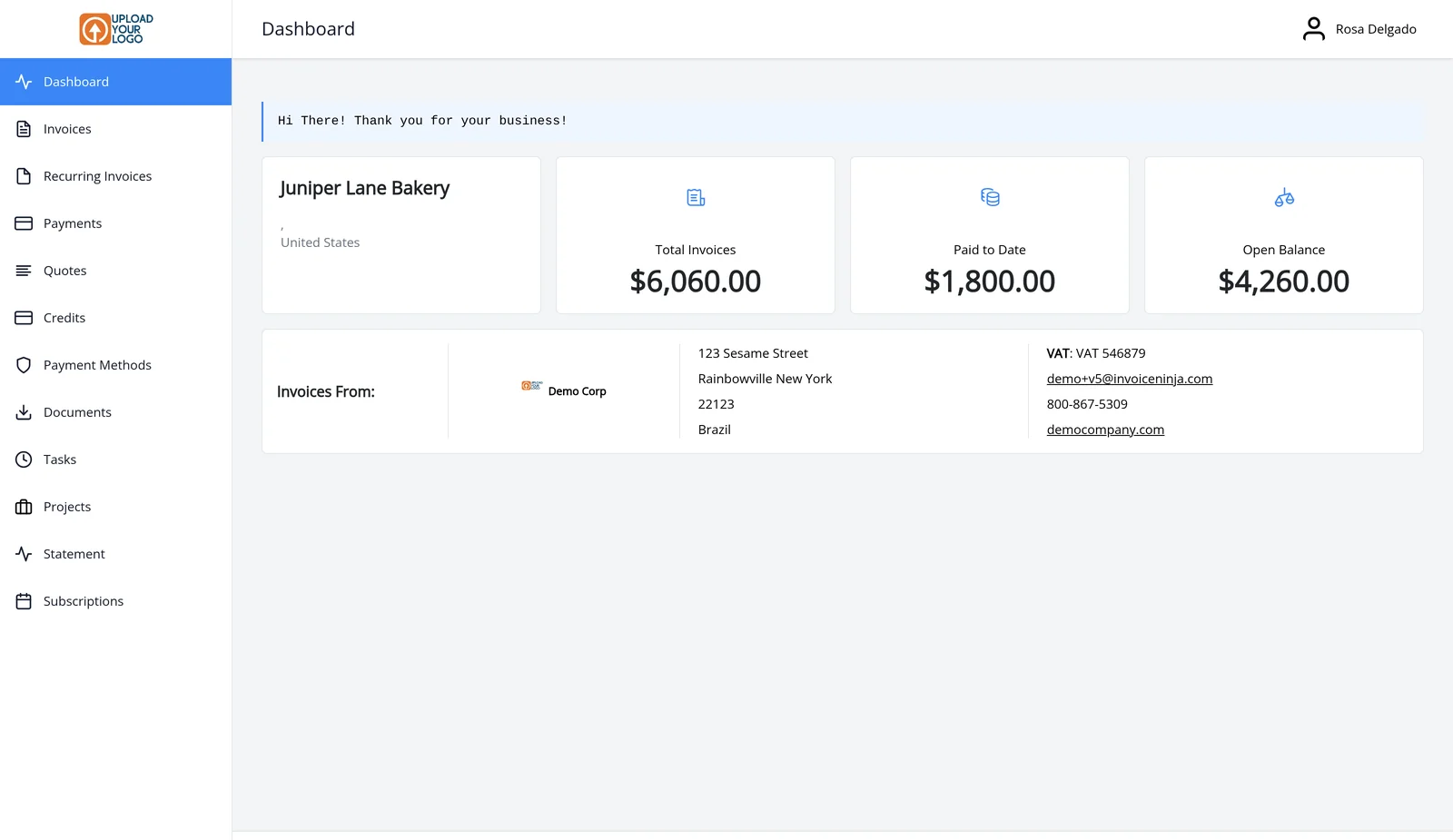
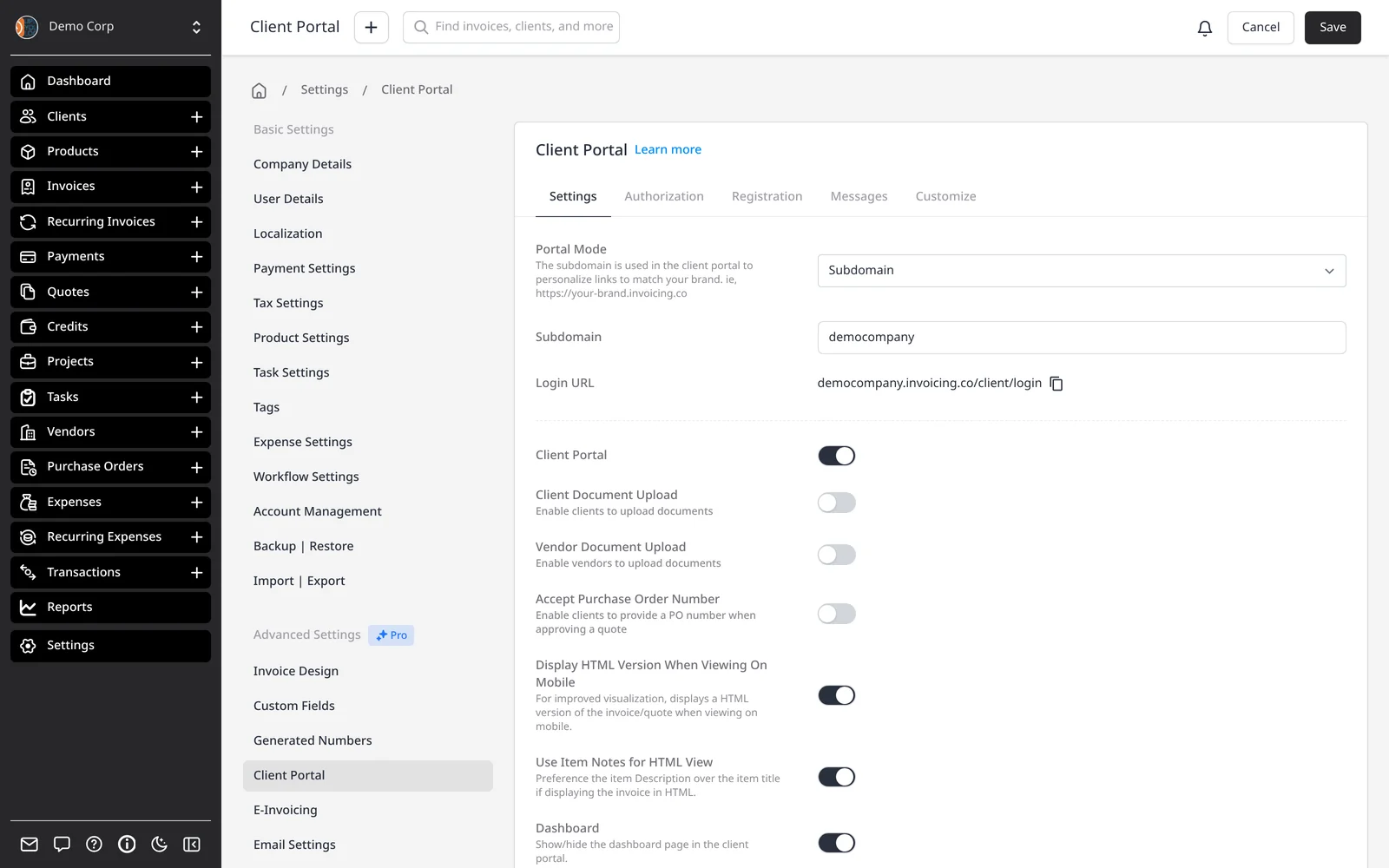
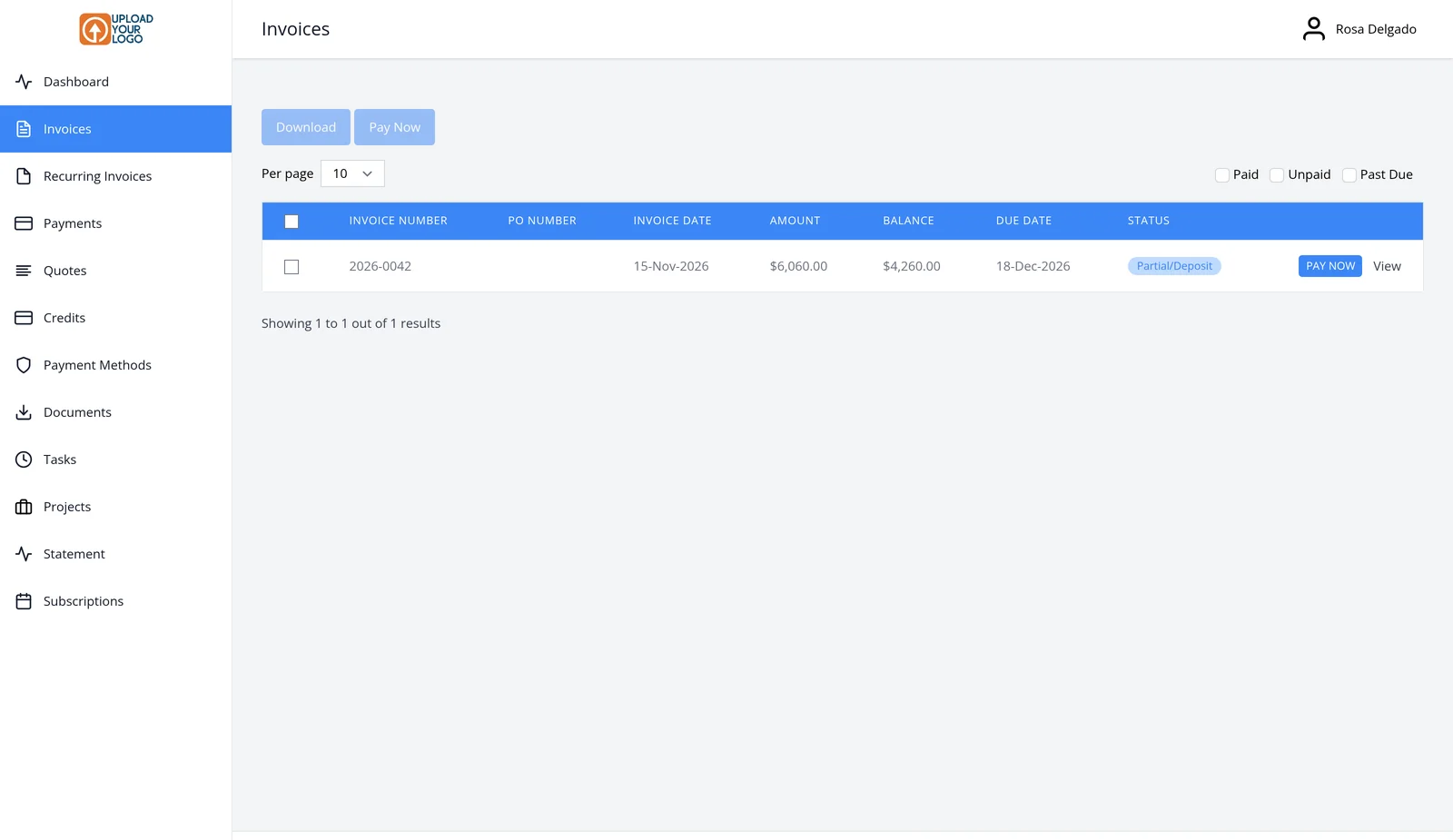
Your logo, your URL, your client’s dashboard
The client portal is included on every plan, including Free. When you email an invoice or quote, the link opens the portal, so most clients arrive there without a separate sign-up. Each contact on a client record gets their own access. They sign in from a secure link in the email — no password to remember, unless you turn password protection on.
Your company logo appears in the portal. Every plan, including Free, includes a portal address such as YourSite.invoicing.co, set when you create your account. On Enterprise (from $18/mo) you can use your own domain, such as Billing.YourCompany.com, by pointing a DNS A record at Invoice Ninja — SSL is included. If you run more than one company, each one has its own portal address.
Pro and above also remove Invoice Ninja branding, so the portal reads as yours. Clients can view invoices (drafts stay hidden), pay online, review recurring invoices and payments, approve quotes, download a statement for a date range, and manage saved payment methods.
This page is about branding and the portal URL. For a full tour of every portal tab, see the client portal page.
What you can do
- Give every client a portal on every plan, including Free
- Show your logo in the portal
- YourSite.invoicing.co on every plan, set when you create your account
- Use your own domain, such as Billing.YourCompany.com, on Enterprise
- Let clients view, pay, approve quotes and download statements
Who it’s for
Businesses that want clients to view and pay invoices in a portal that looks like their company, not like a generic billing page.