
Your account homepage, at a glance
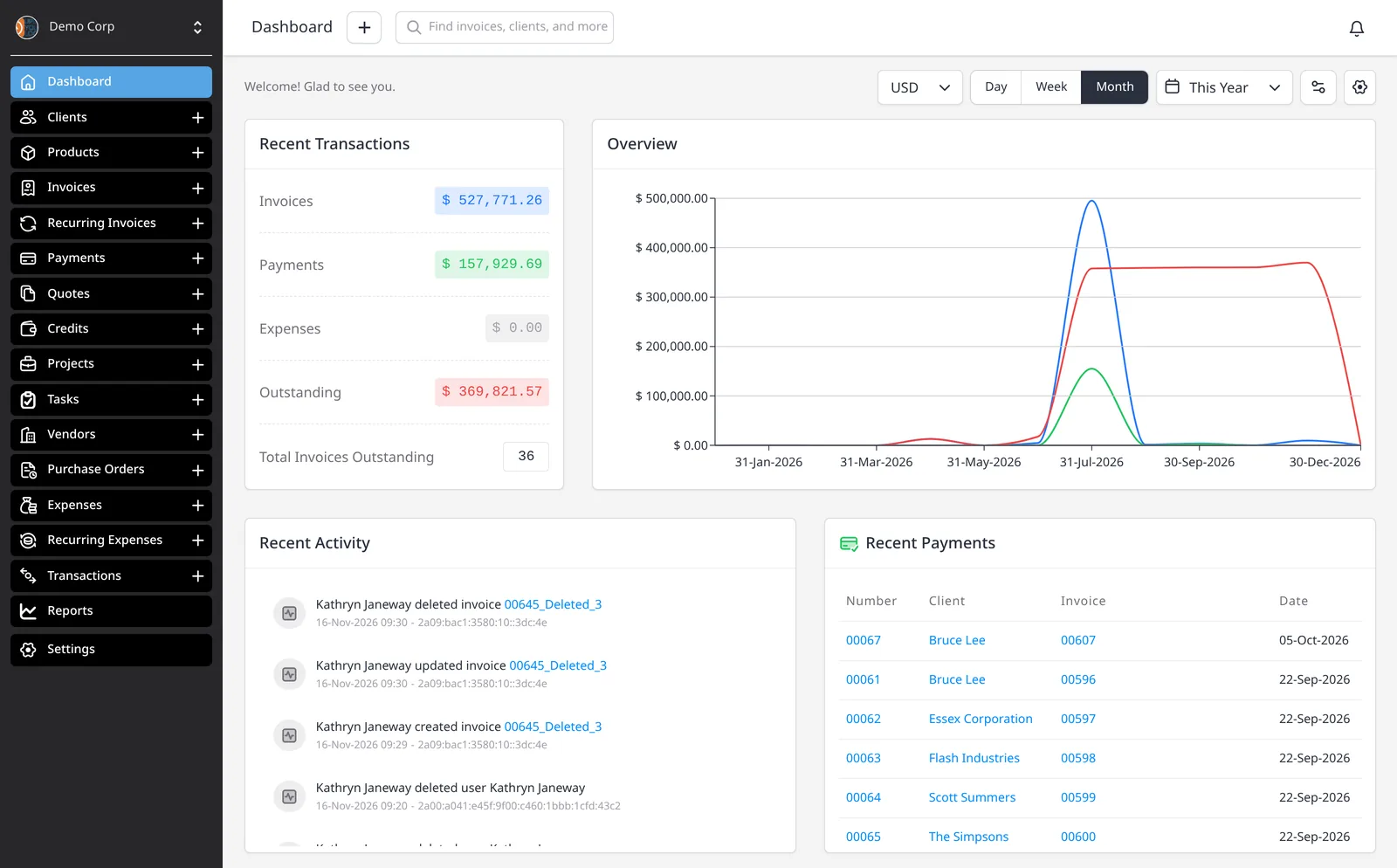
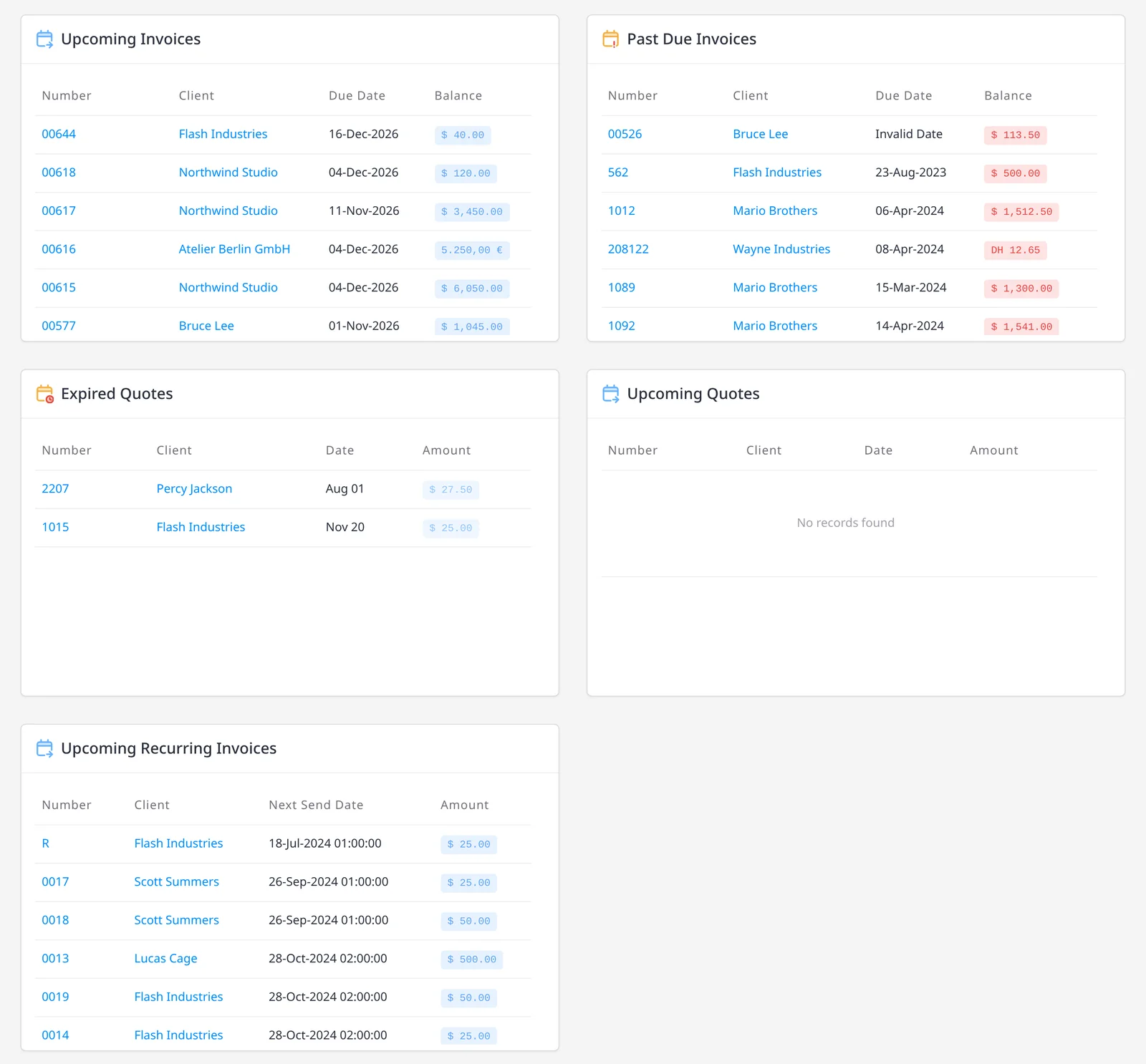
The dashboard is the first screen you see when you sign in. It brings Recent Activity, Recent Payments, Upcoming Invoices, Past Due Invoices, Expired Quotes, Upcoming Quotes and Upcoming Recurring Invoices onto one homepage, with an Overview chart of the period you choose, plus Recent Transactions. The dashboard is included on every plan, including Free.
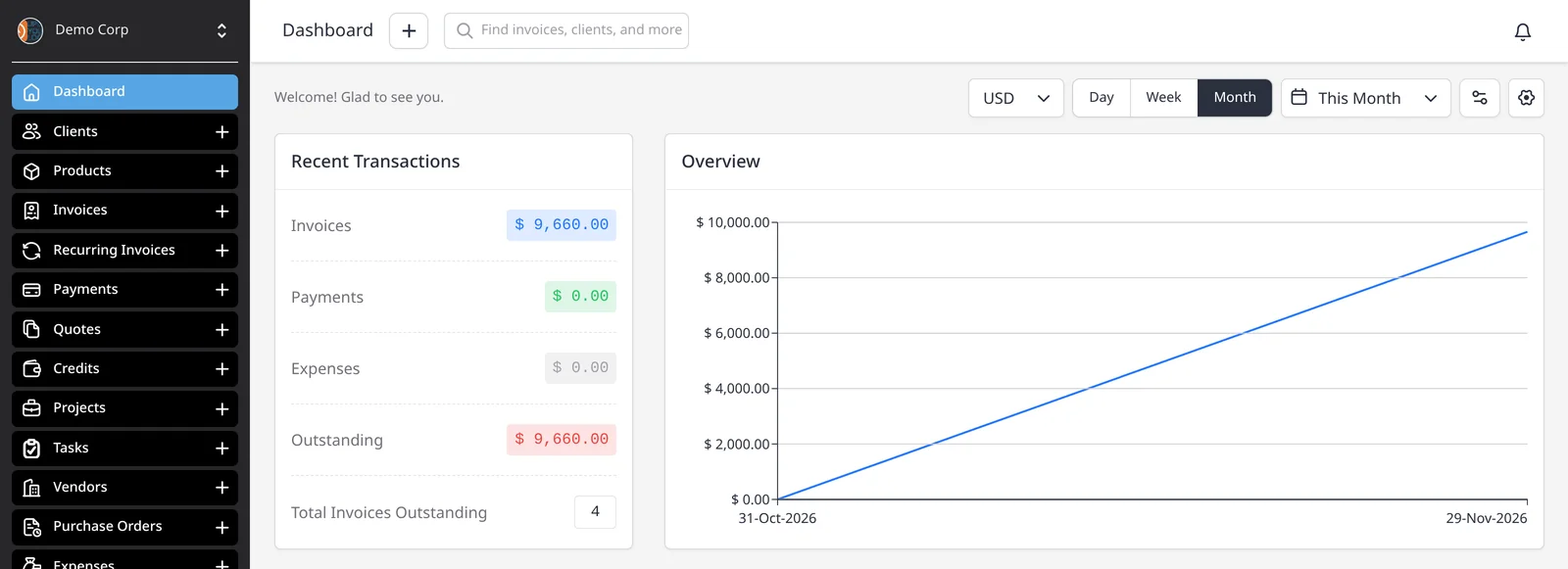
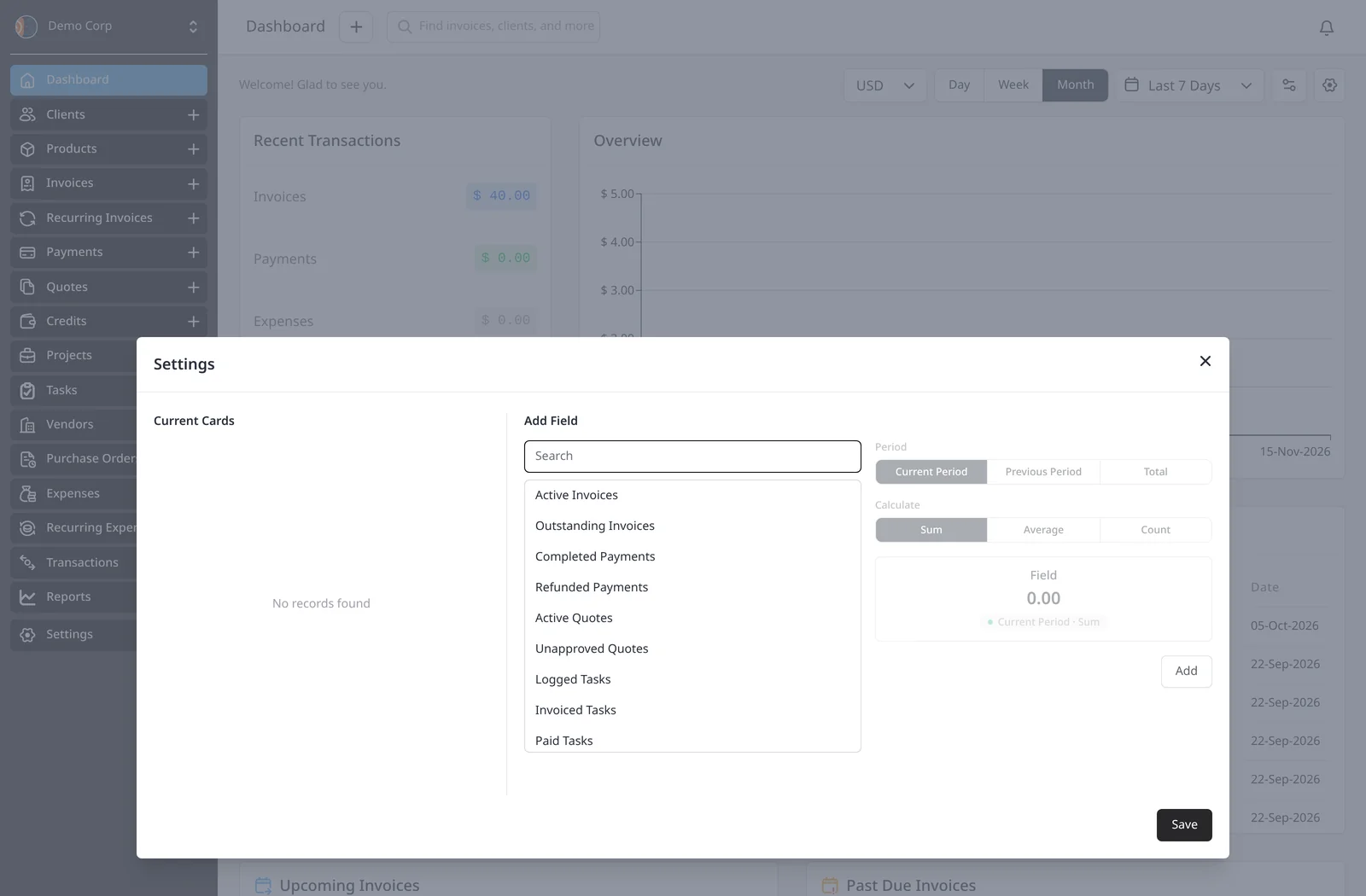
The Overview chart and the Recent Transactions box both follow the filters you set. Switch the currency, choose Day, Week or Month, or pick a date range such as Last 7 Days or This Month, and those figures update. Open Settings from the sliders icon in the toolbar (to the left of the gear) to add fields, such as Active Invoices or Outstanding Invoices. The Settings dialog has Current Cards and Add Field.
For a filtered list you can export, email or schedule, see Reports, which are included on Pro and Enterprise.
What you can do
- Land on your dashboard every time you sign in, on every plan including Free
- See Recent Activity, Recent Payments, Upcoming Invoices, Past Due Invoices, Expired Quotes, Upcoming Quotes, Upcoming Recurring Invoices and Recent Transactions
- Filter the Overview chart and Recent Transactions by currency, by Day, Week or Month, and by a date range such as Last 7 Days or This Month
- Open Settings from the sliders icon to add fields, using Current Cards and Add Field
Who it’s for
Anyone who wants a quick view of what’s due and what just happened, without running a report first.