
The reports behind your invoices, payments and expenses
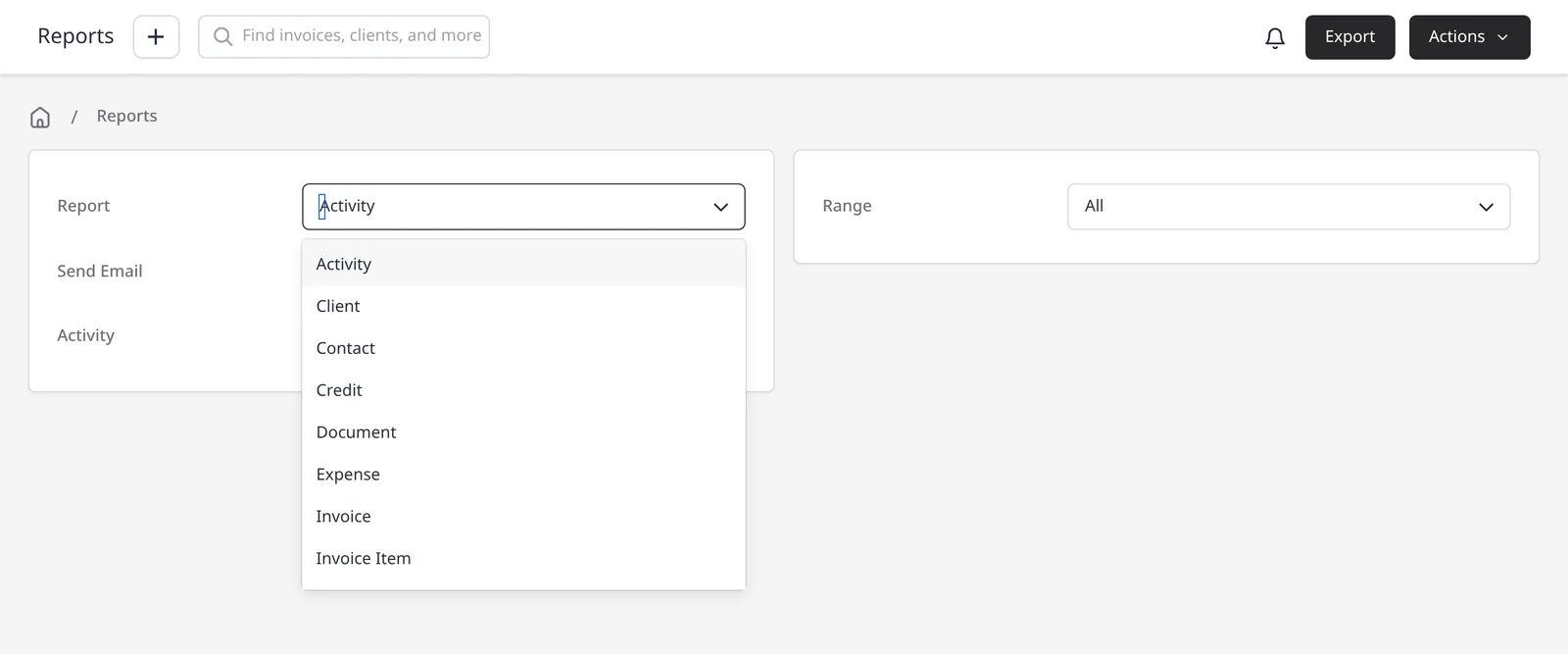
The Reports module turns the invoices, payments and expenses you already have into a list you can filter, export, email or schedule. There are 28 report types. Reports are included on Pro ($14/mo) and Enterprise (from $18/mo). Free plans do not have access to the reporting module. Your dashboard stays available on every plan, including Free, as the homepage of your admin account.
The 28 types include Invoice, Payment, Invoice Item, Expense, Profit and Loss, Quote, Recurring Invoice, Tax Summary, Aged Receivable Detailed, Aged Receivable Summary, Customer Balance, Customer Sales, Product Sales, Task, Project and more. For invoices and payments, and the full type list, see invoice and payment reports. For a profit figure, see profit and loss. For a filtered list of costs, see expense reports.
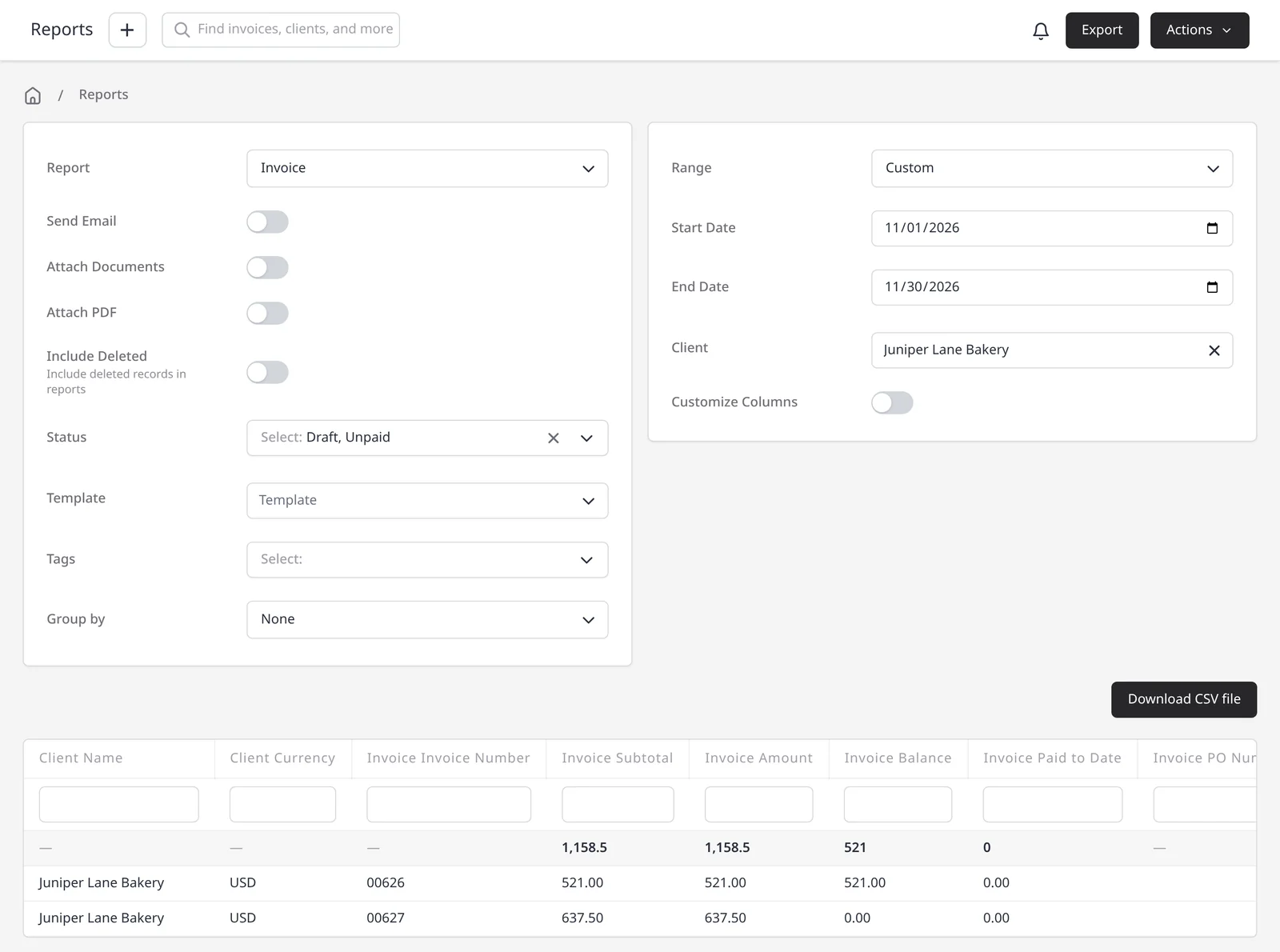
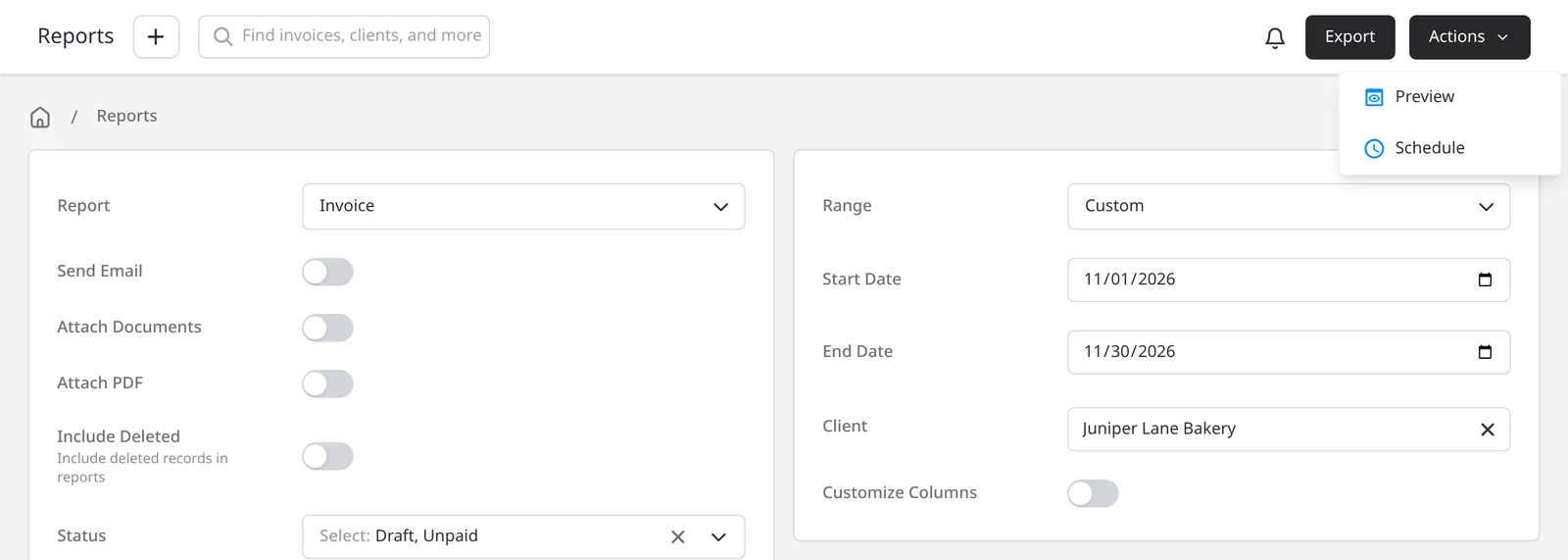
Every report exports as a CSV, and each one has a Send Email switch so you can email it to yourself when you run it. Reports are not exported as a PDF. When a report supports it, use Actions, then Preview to see the results on screen. To send a report on a repeating basis, use Actions, then Schedule. That opens a New Schedule with the Email Report template, from daily to every 3 years. You can also start a schedule from Settings → Schedules.
Client statements are separate. A client statement is a client-facing summary, and it is included on every plan, including Free.
What you can do
- Run any of 28 report types on Pro and Enterprise
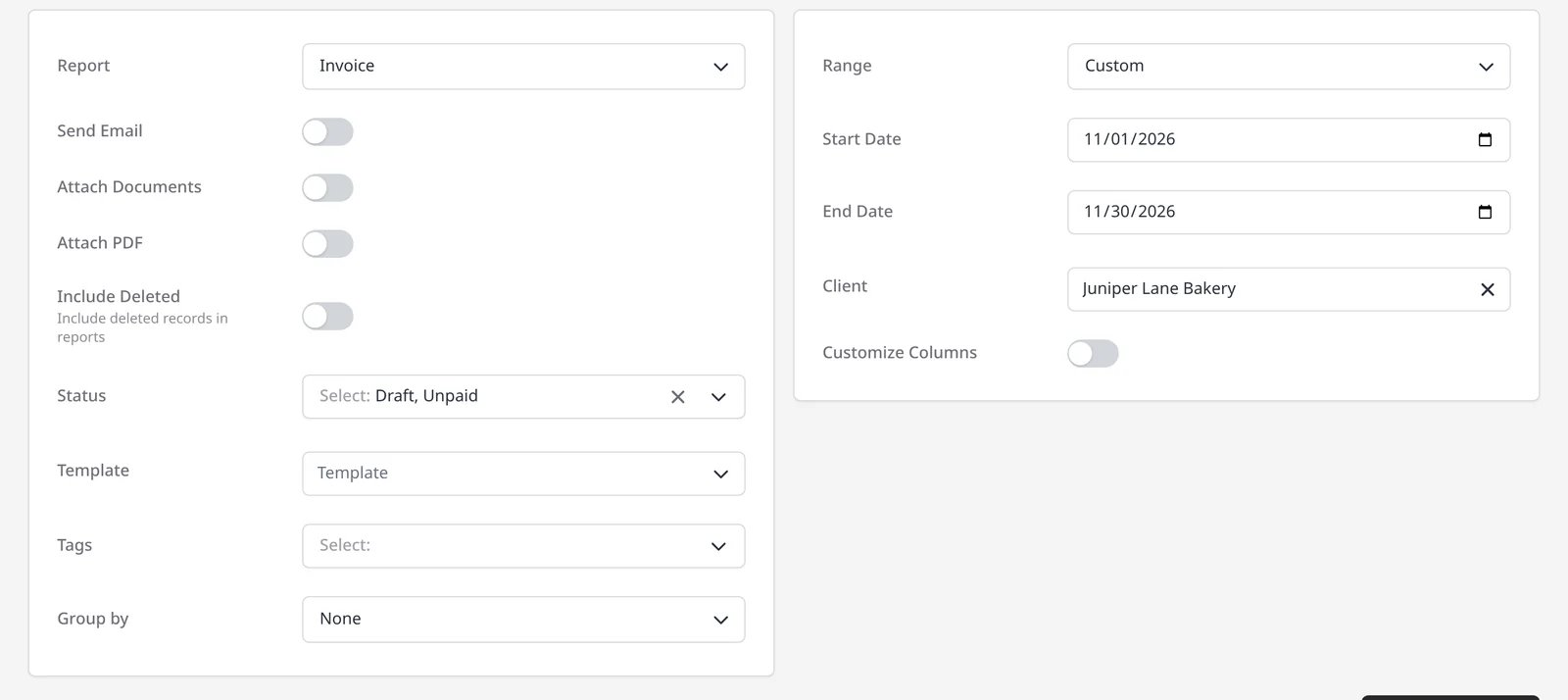
- Filter by date range, status, client and other fields, depending on the report
- Export a CSV, or email the report to yourself when you run it
- Schedule an Email Report to send on a repeating basis, from daily to every 3 years
- Use the dedicated pages for invoice and payment reports, profit and loss, expense reports, and client statements
Who it’s for
Owners and bookkeepers who want a CSV for themselves or their accountant, or a report that arrives on a schedule.