
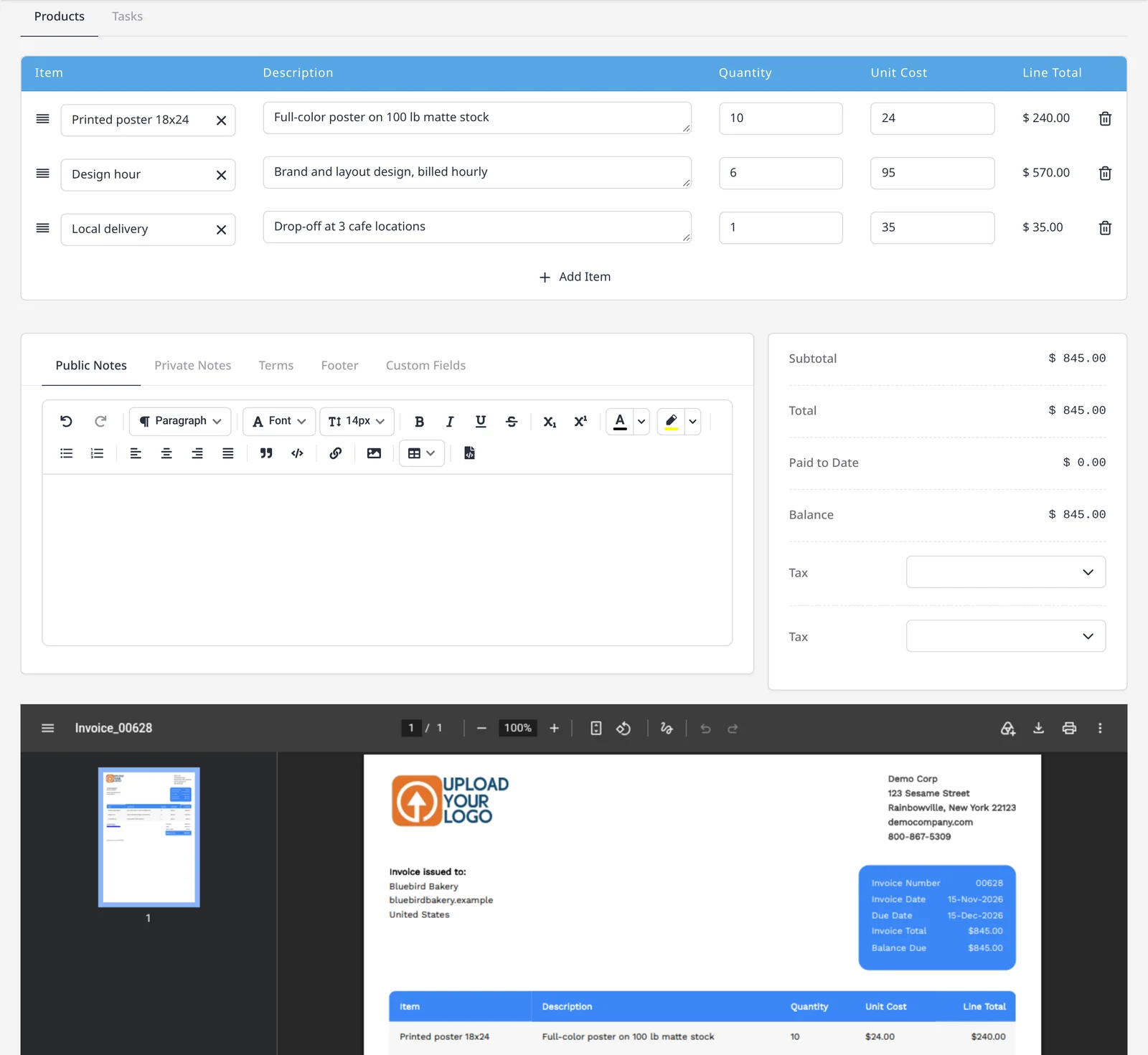
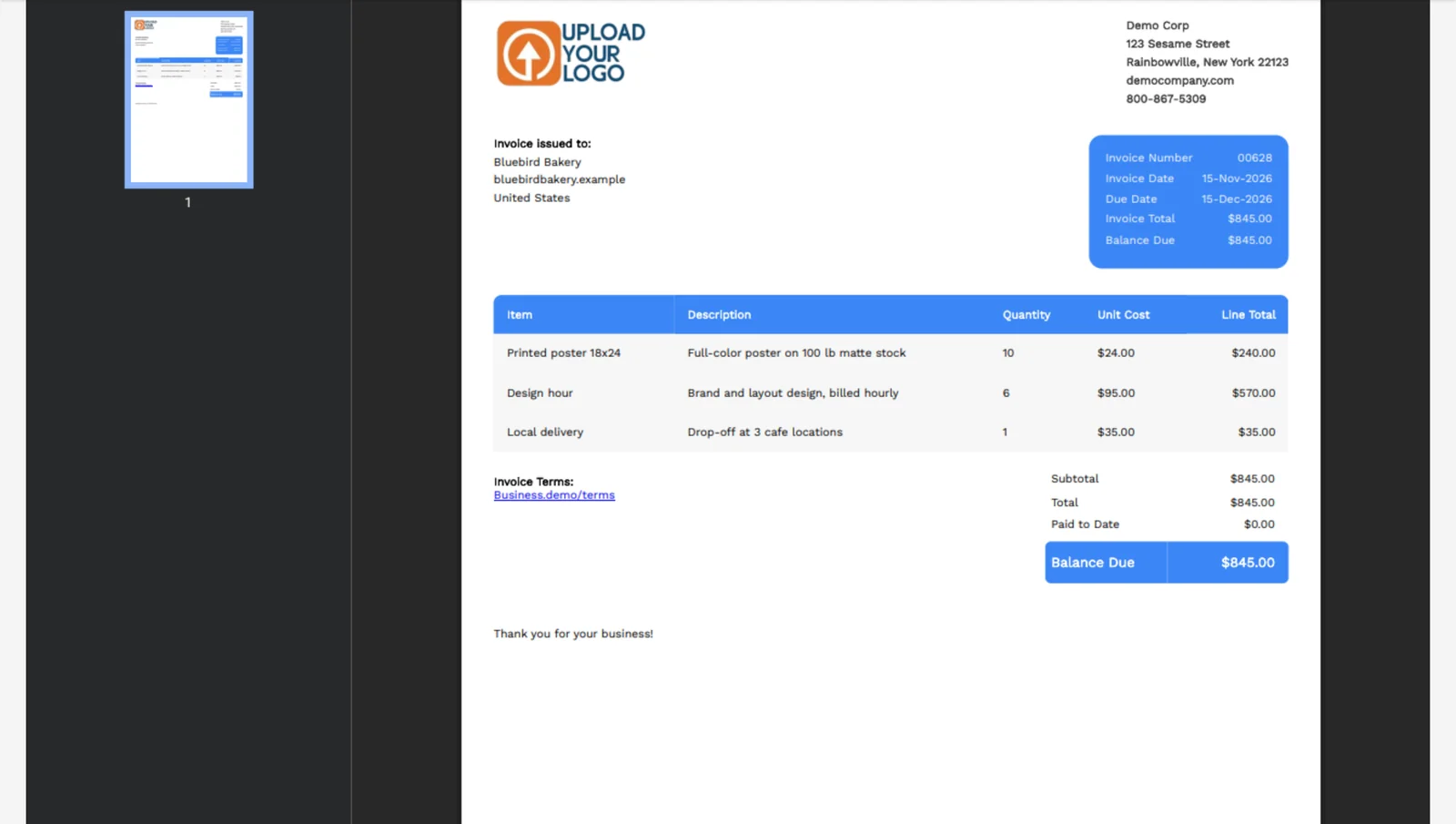
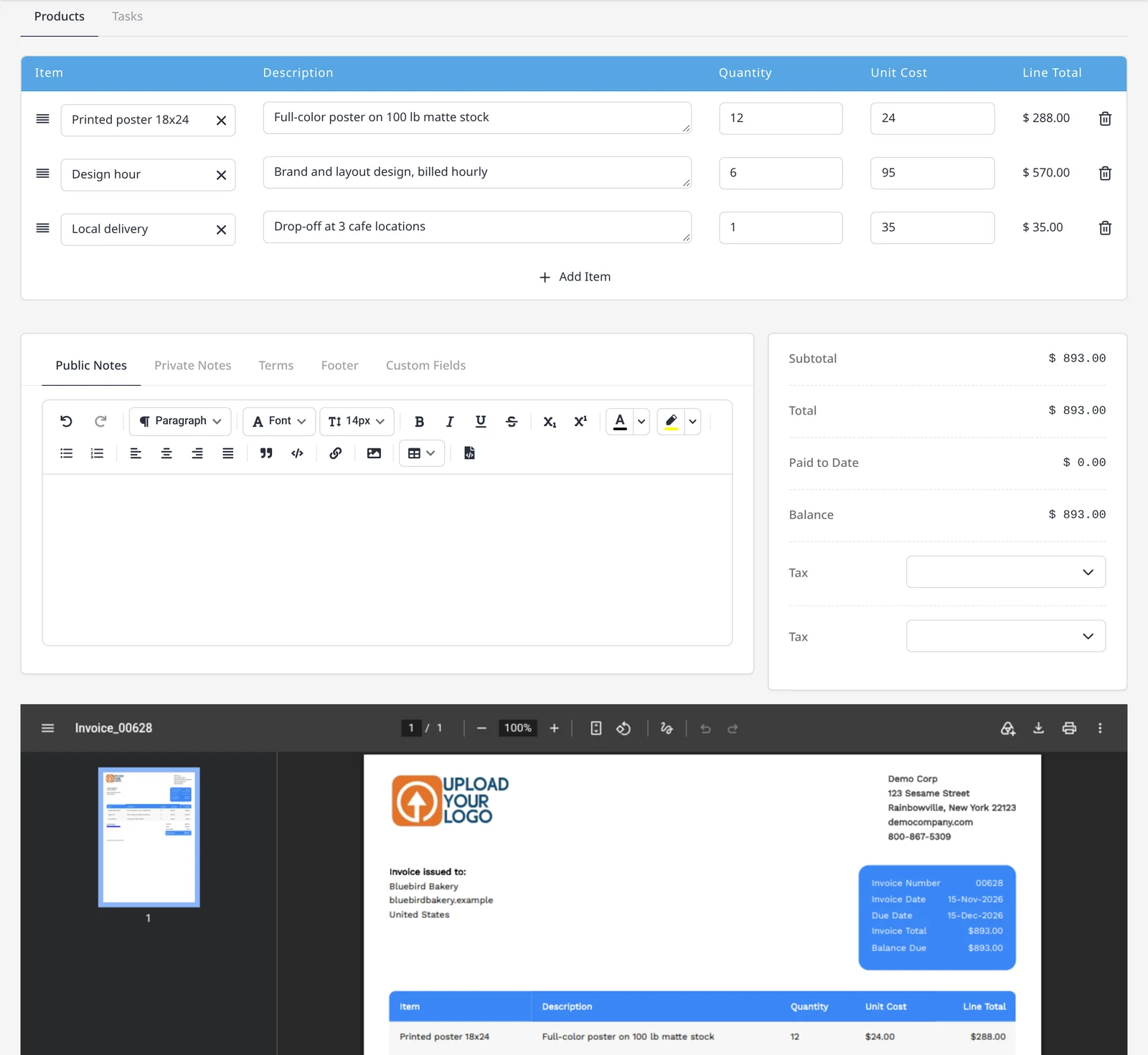
See what the client will see, before you send it
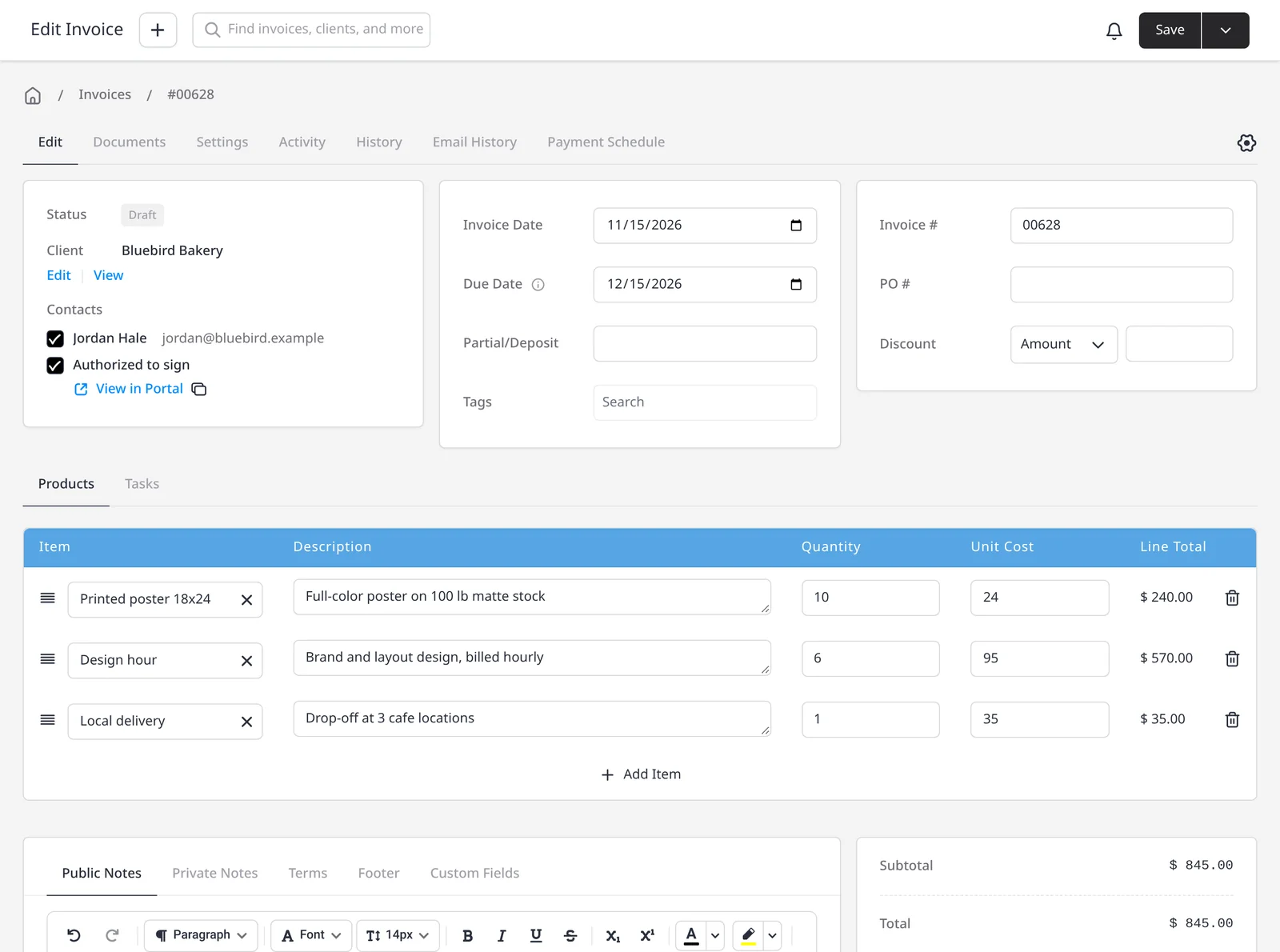
The PDF is what your client receives, so it helps to look at that preview while you still have the invoice open. A preview sits below the invoice editor, so you can check the wording, the totals and the layout, then send when it looks right. You can also open Actions, then View PDF. PDF preview is included on every plan, including Free.
All 11 designs, and your logo, are included on every plan. If you want to match colors and fonts to your brand, that is included on Pro.
What you can do
- See the client-facing PDF below the invoice editor, on every plan including Free
- Catch wording, totals and layout before you email the invoice
- Open the same PDF from Actions, then View PDF
- Use any of the 11 designs, with your logo, on every plan
Who it’s for
Anyone who wants to check the invoice the client will actually receive, before it goes out, without guessing from the edit form alone.