
A library you can reuse on every invoice
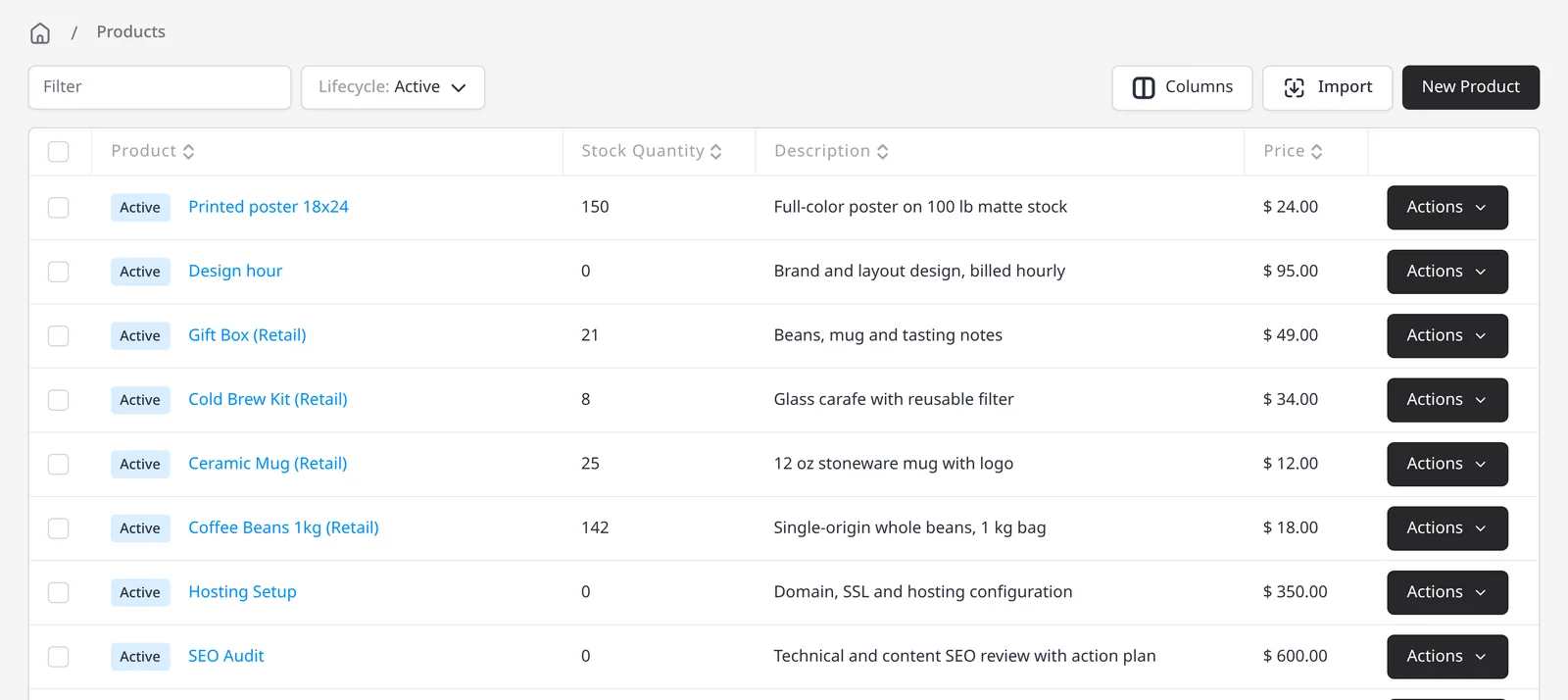
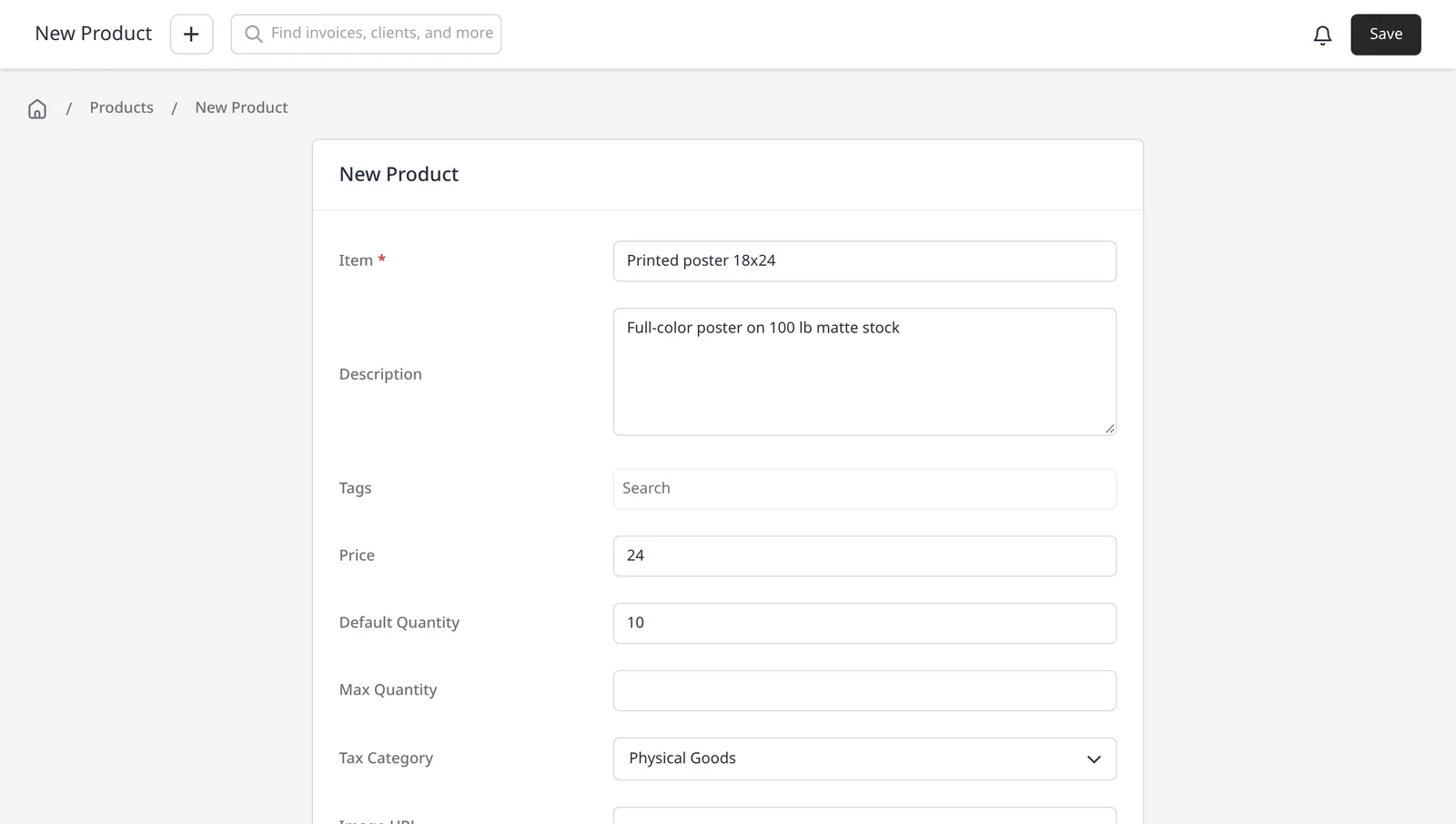
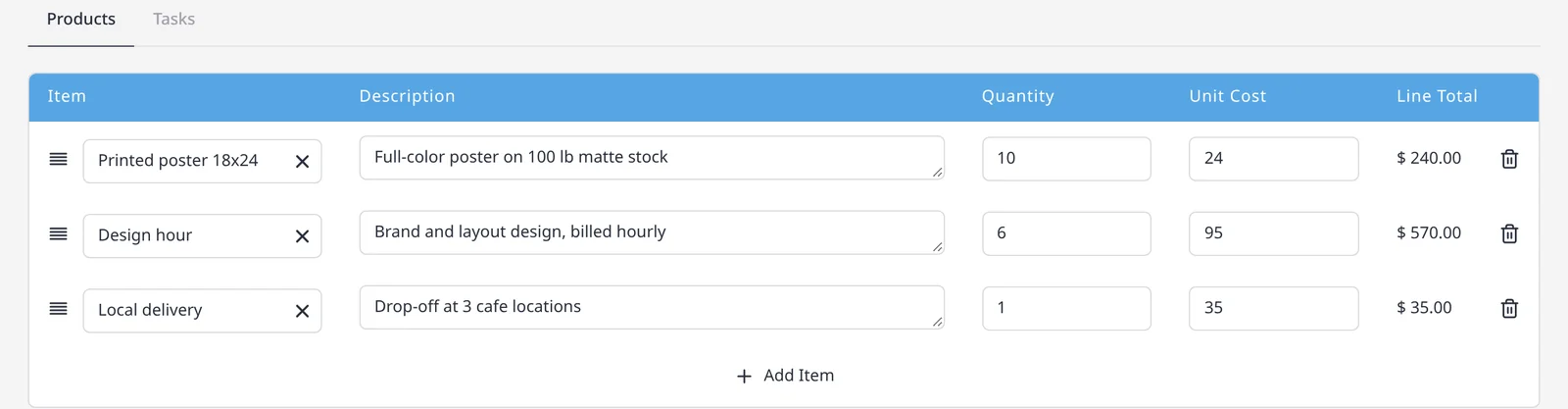
If you bill the same work more than once (a service hour, a fixed package, a product you sell), save it in the product library. Each item stores a name, description, price and optional tax, so you can drop it onto an invoice, quote or purchase order instead of retyping it. The product library is included on every plan, including Free.
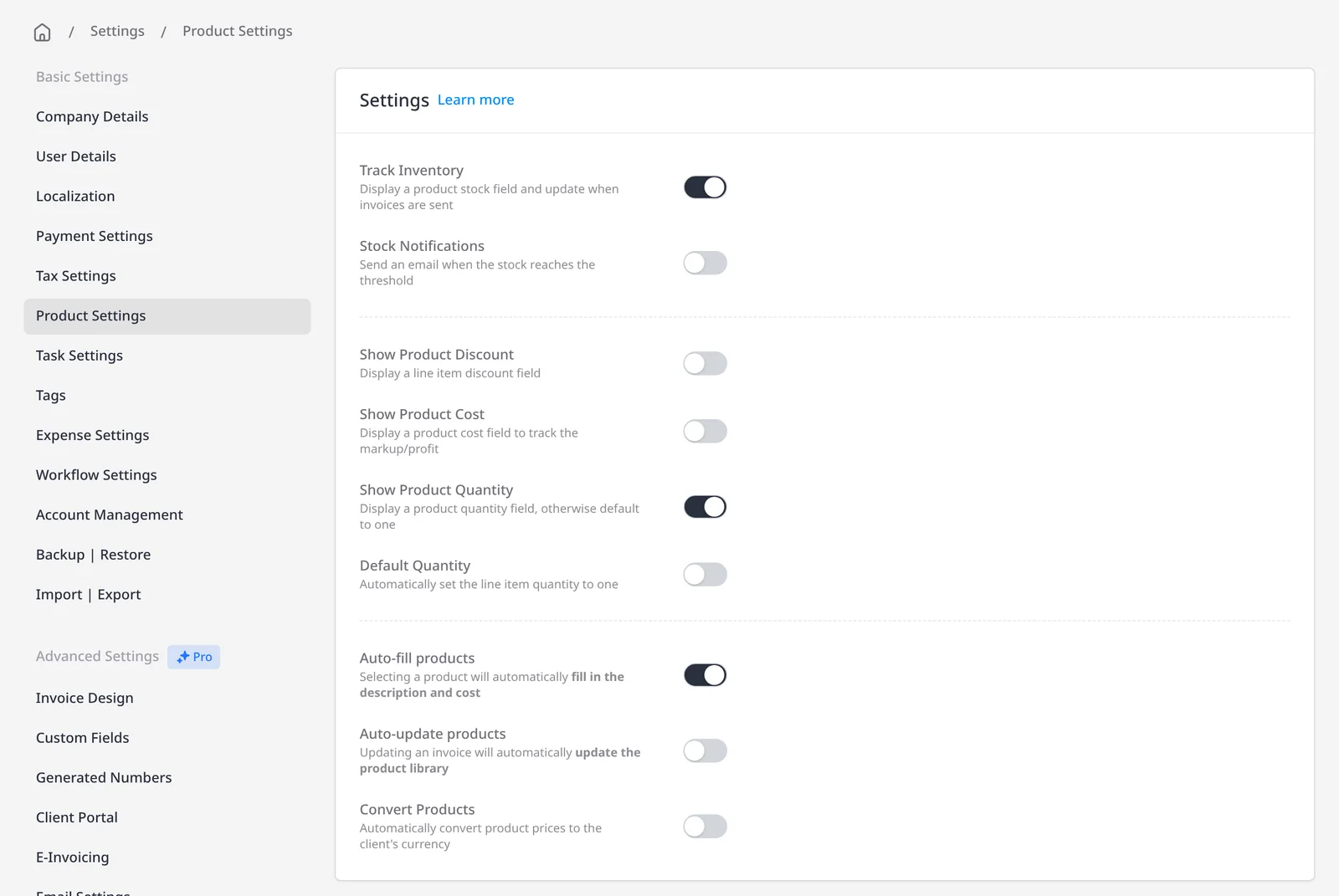
Add products from the Products module, import a catalog from a CSV, or type a new item on an invoice or quote and save it for next time. You can also start a new invoice or purchase order from a product, already filled in at the default quantity. If you sell physical goods and need a stock count, turn on inventory tracking in Product Settings; that is optional, and it lives on top of the same library.
What you can do
- Save products and services with a name, description, price, default quantity and tax category, on every plan including Free
- Add a saved item to an invoice, quote or purchase order and let the details fill in
- Import a catalog from a CSV, or save a new line item from an invoice or quote
- Clone a product when you need a close variant, and start a new invoice or PO from an item
- Optionally turn on inventory tracking in the same library if you need a stock count
Who it’s for
Freelancers with a standard rate card, agencies with a service menu, and product businesses that want consistent wording, pricing and tax on every document.