
A working board for the tasks you still need to finish
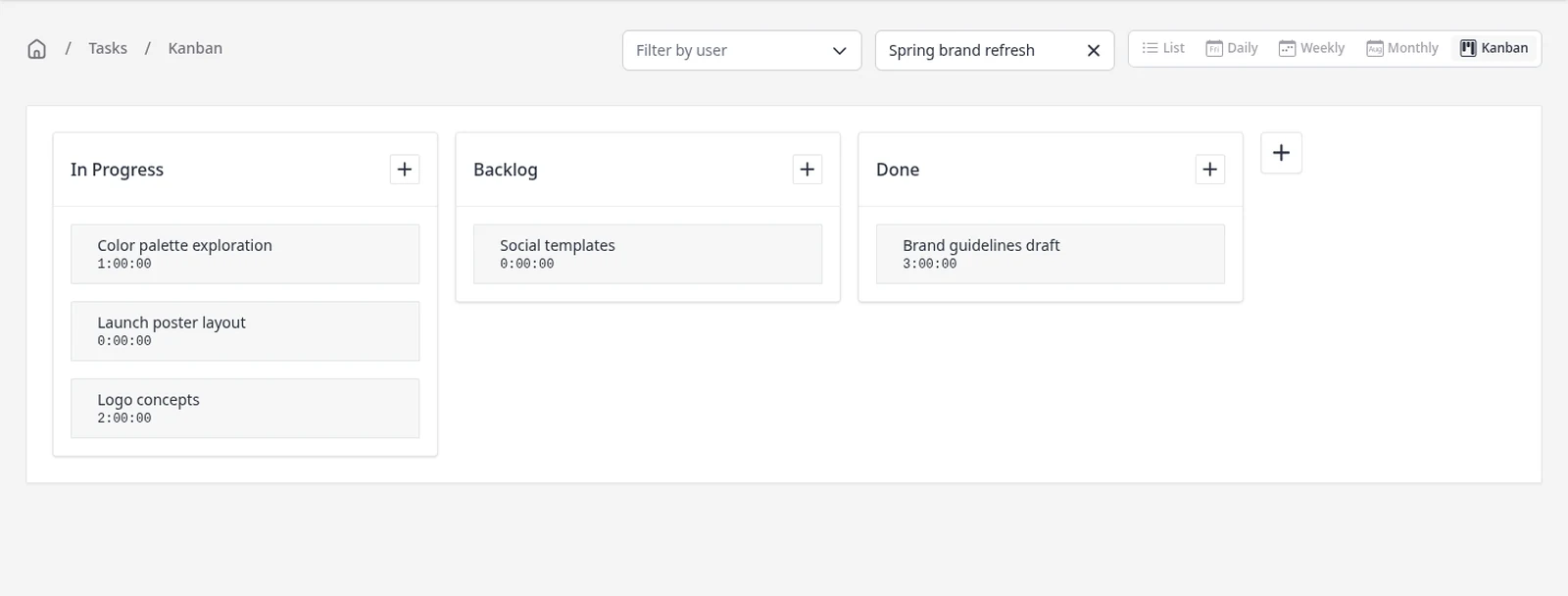
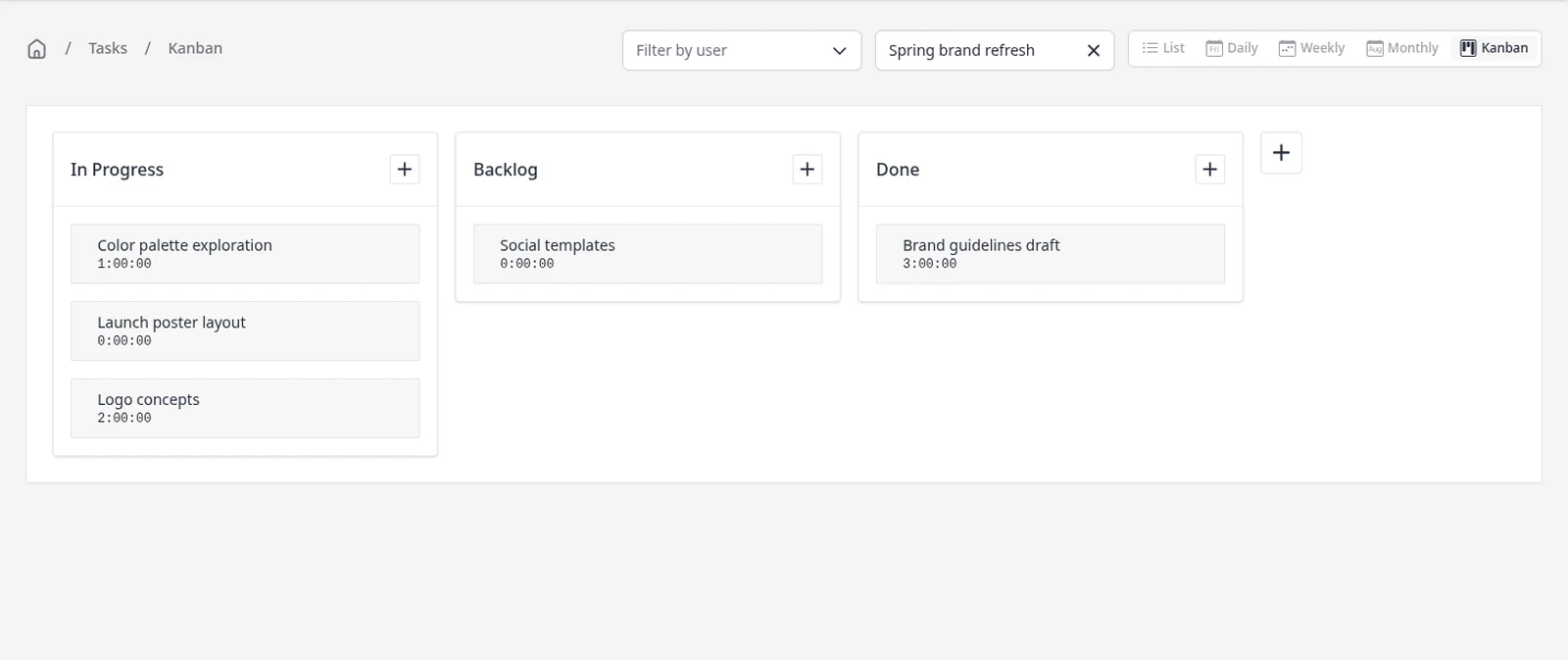
The Kanban view is the same tasks you already track, arranged as cards in columns by status. You can see what is in progress, what is in the backlog, and what is done, then drag a card to a new column when the work moves on. Tasks, projects and the Kanban view are included on every plan, including Free. The same Kanban board works on mobile too, in the iPhone and Android apps, as well as in your browser and on desktop.
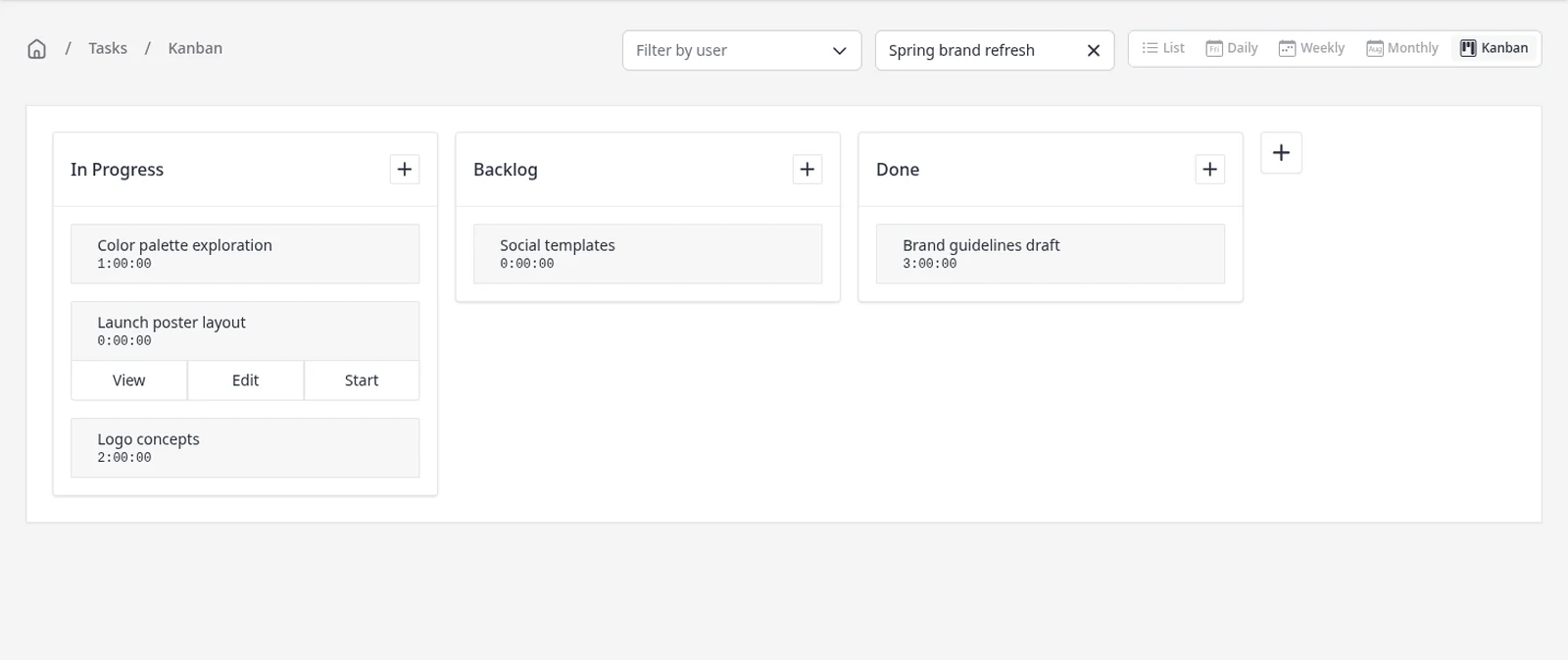
Hover a card to view it, edit it, or start its timer. Filter the board to one project, and press + beside a column to add a task already in that status. If the built-in statuses are not enough, you can add your own from the board or under Settings → Task Settings.
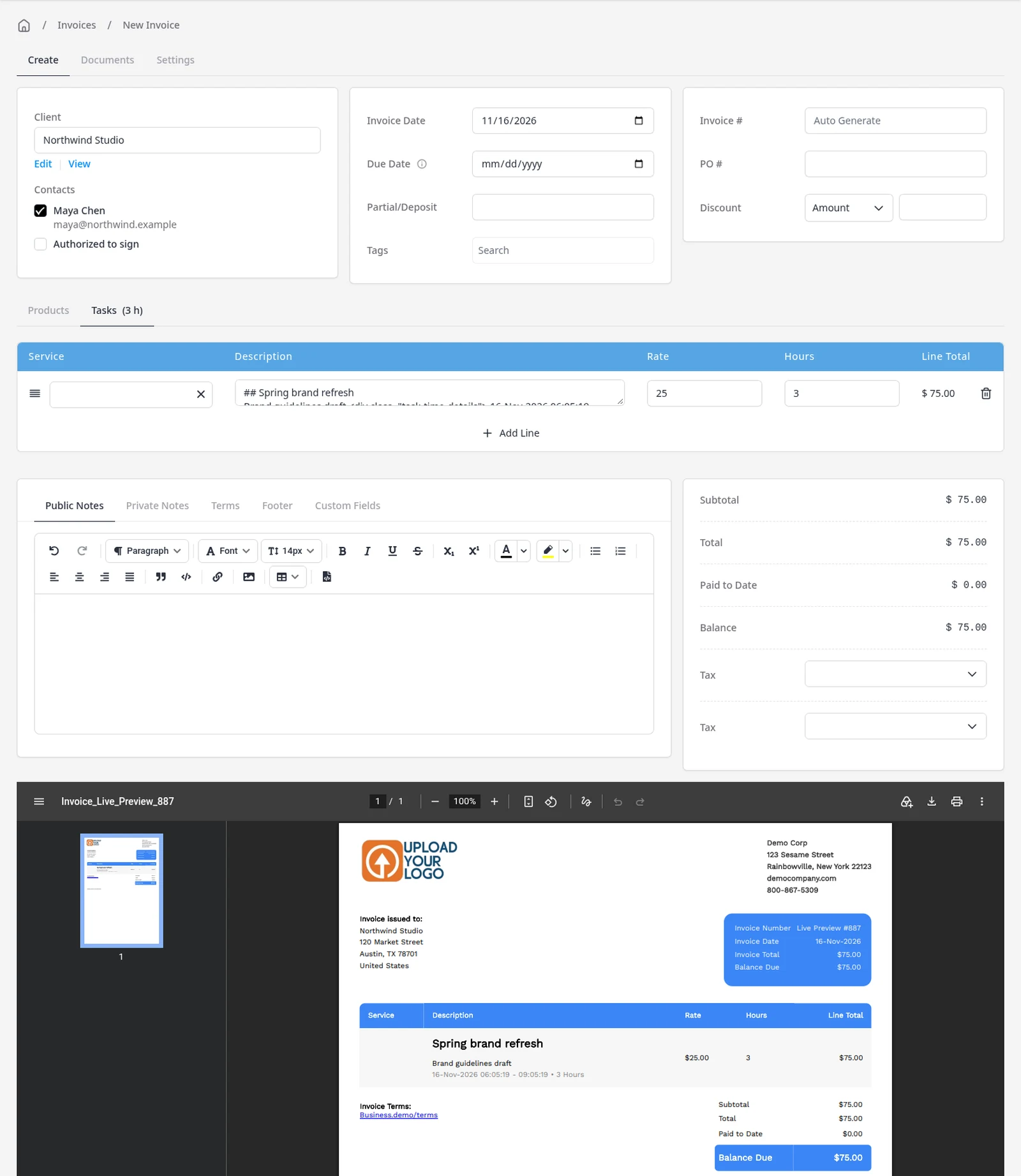
The Kanban board is for active work. Invoiced and paid tasks are hidden, so the board stays focused on what is still in progress. When you want the full history, use the List view. When the work is ready to bill, invoice the task or the project, without retyping the hours. For a broader look at project work, see projects.
What you can do
- View tasks as cards in status columns, on every plan including Free
- Use the same board on iPhone and Android, as well as in the browser
- Drag a card to another column to change its status
- View, edit or start a task from its card
- Filter the board to one project, or add a task straight into a column
- Invoice a finished task, and use the List view when you need history
Who it’s for
Freelancers and agencies who already track time in Invoice Ninja and want a visual board for work that is still in progress.